Build a home for your videos, related articles, and audience relationships, with clear paths to explore a topic, subscribe to your channel, or join your email list. The Video Creator is the main recommendation for video-led presentation. Its demo shows a prominent featured-video layout and subscription prompts.
Your choice depends on what surrounds your videos. Consider The Video Creator for a focused channel website, The Entertainer for a broader creator brand, Creativity Hub for mixed media, then Astra and Neve as alternatives. Each theme controls your site’s presentation; none supplies video hosting.
The Video Creator puts your videos first
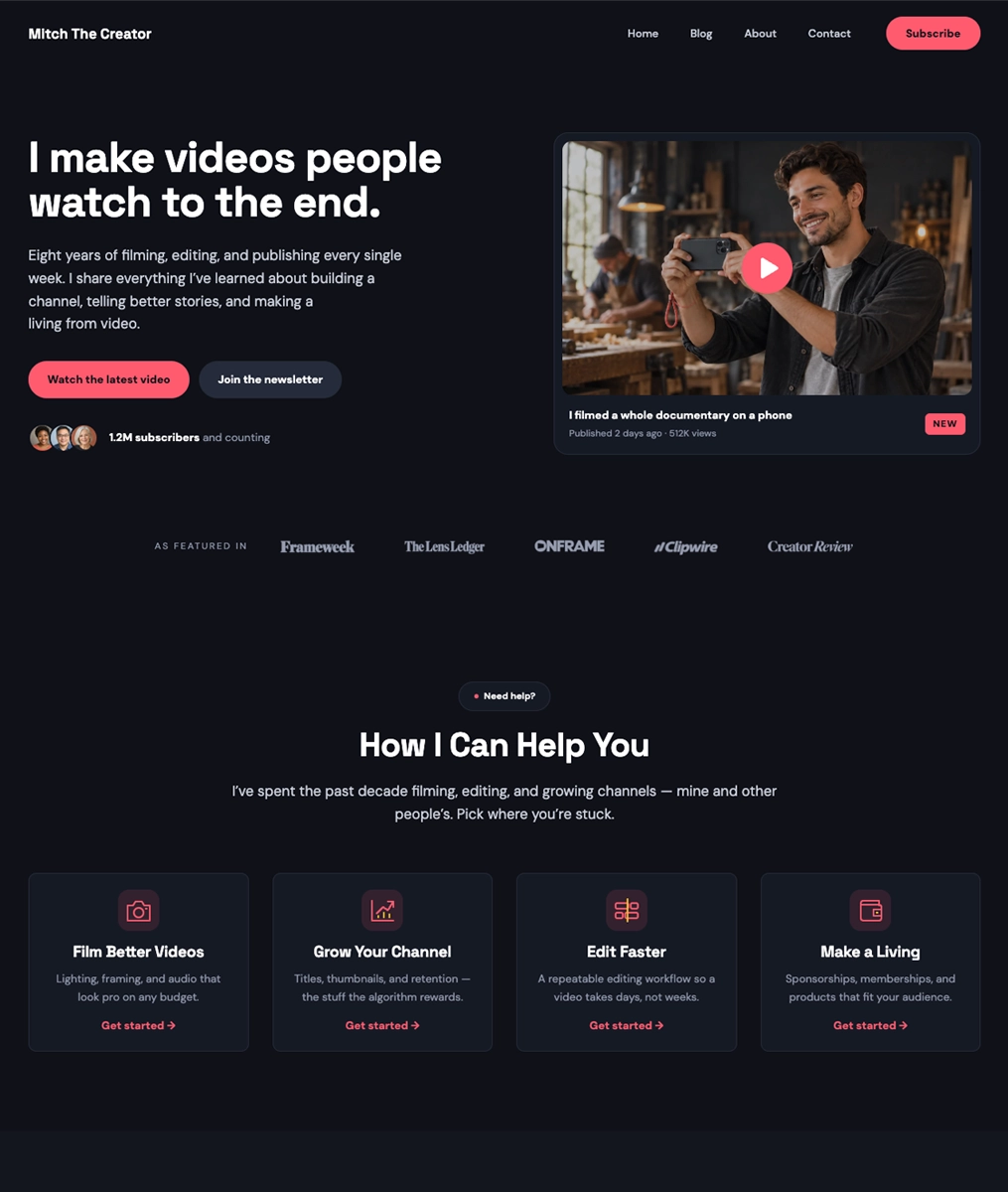
When a video should lead your homepage, The Video Creator WordPress theme gives you a useful starting point. Its dark demo puts a large featured-video thumbnail in a prominent position, while topic/service cards suggest ways to guide visitors toward related subjects. That layout gives a tutorial series or review category a clear place alongside your latest upload.
The dark layout puts a featured video near the top, followed by topic or service cards. Use those cards to connect your latest upload with related videos, written guides or the services you offer.
Point the subscription button to your channel and connect newsletter forms to your email service. Host your videos on your chosen platform, then embed them in WordPress so viewers can watch from your site.
The Video Creator is a free child theme for The Entertainer. Install the free parent theme first, then activate the child theme. For premium designs and one-click setup, explore The Entertainer Premium, which includes all six child themes.
The Entertainer suits your broader creator brand
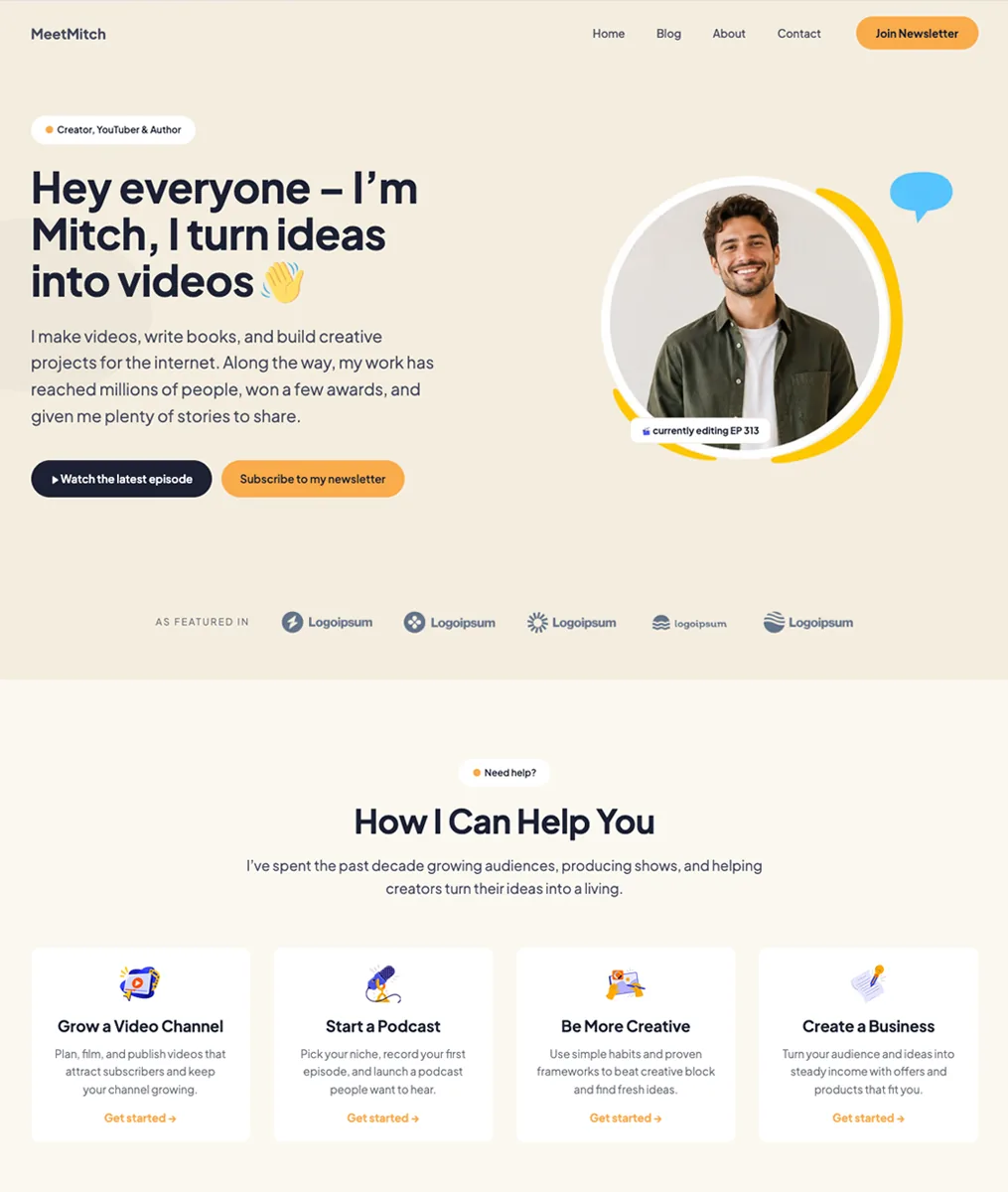
For a website that represents more than your channel, The Entertainer WordPress theme is a flexible option. If you also publish books, teach courses, or host a podcast, give those projects their own space without making every page revolve around a video.
Our free parent theme includes templates, patterns and seven style variations, with updates and support. Use the WordPress Site Editor to adjust headers, footers and page layouts around your content.
The Entertainer Premium adds one-click starter-content import and includes its six child themes. For forms, popups and other plugin tools, choose the SuperbThemes package that includes the Superb Addons features you need.
You can add YouTube, Spotify and other supported media with WordPress embeds. Use your podcast host’s embed code in a Custom HTML block when needed, and connect newsletter or booking areas to the services you use.
Creativity Hub brings your videos, words, and visuals together
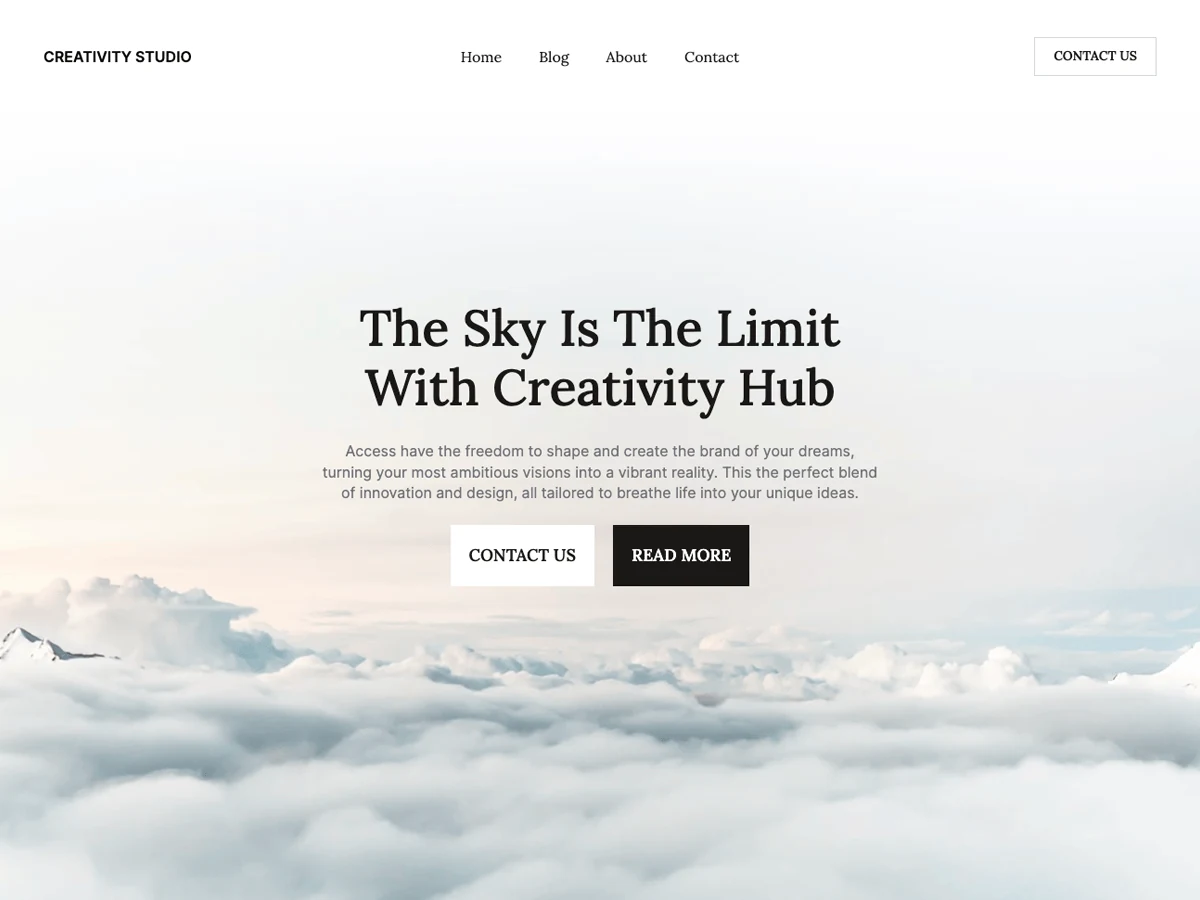
If you publish videos, supporting articles, and visual work, the Creativity Hub WordPress theme gives those formats room together. Topic-led navigation lets you connect a tutorial to its written guide and related image gallery, so visitors can explore the subject across formats. You create that organization by arranging your content; it isn’t a dedicated video-management feature.
Creativity Hub supports the block editor and Full Site Editing, with responsive layouts, color customization and a dark mode option. Use those controls to give videos, images and written pieces a consistent presentation.
Start with the free theme, or choose Creativity Hub Premium for additional design options and starter-content import. Forms, popups and other Superb Addons tools are available through the relevant SuperbThemes package.
Astra gives you flexible design choices
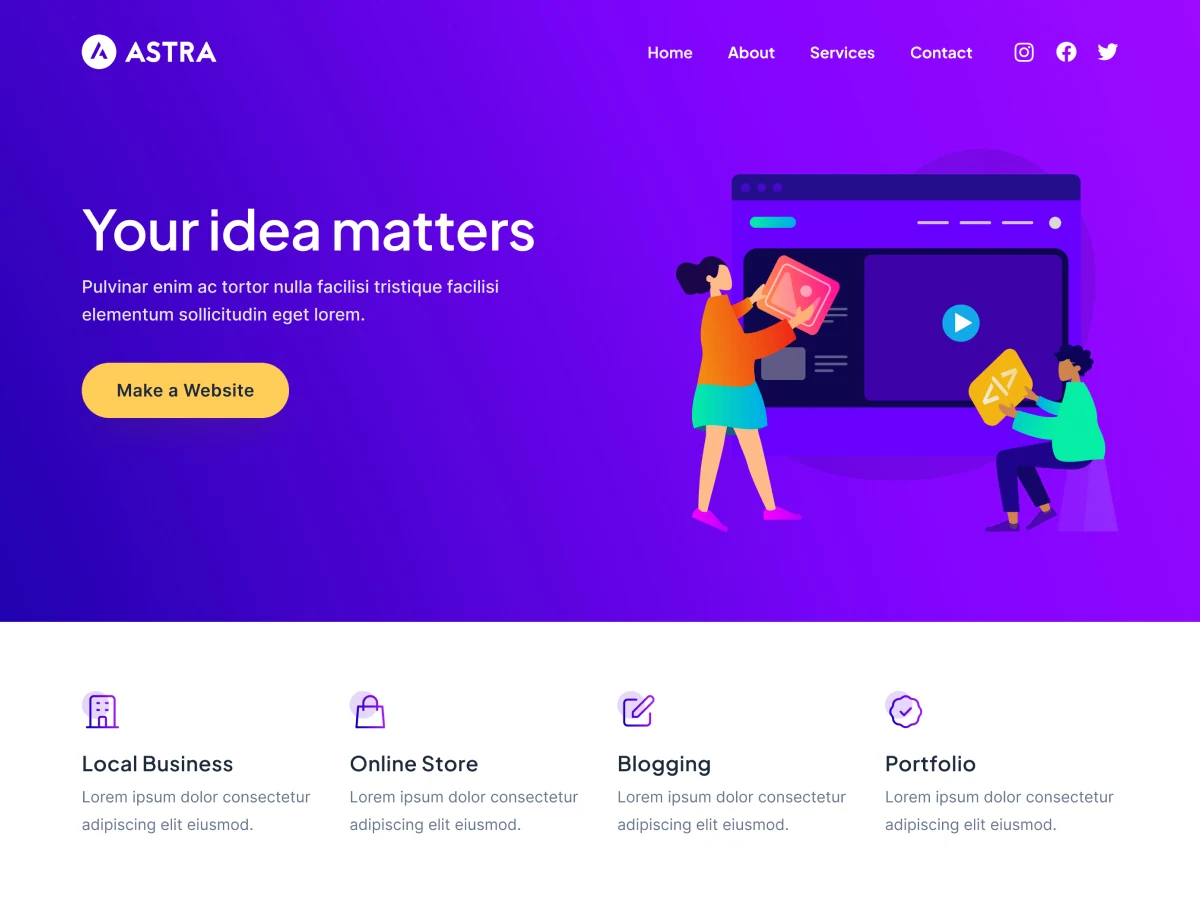
Astra suits your video creator website if you want flexibility in how you build its pages. Start with the free theme and consider paid upgrades as your design needs grow. Astra works with Spectra, Elementor, and Beaver Builder, giving you supported editing choices. A builder isn’t required.
The free-versus-paid distinction matters when you customize your header. According to the Astra free-versus-Pro comparison, free global colors and typography apply to the primary header, while header-specific color and typography controls require Astra Pro Addon. Astra Pro is a separate plugin that extends the free theme with advanced layouts and fuller header/footer controls. Premium Starter Templates and extra plugins depend on the package you purchase.
That flexibility means more design decisions during setup. Start with the page layout and header controls you need, then assess whether the free options cover them before choosing an upgrade.
Neve supports your channel and related articles
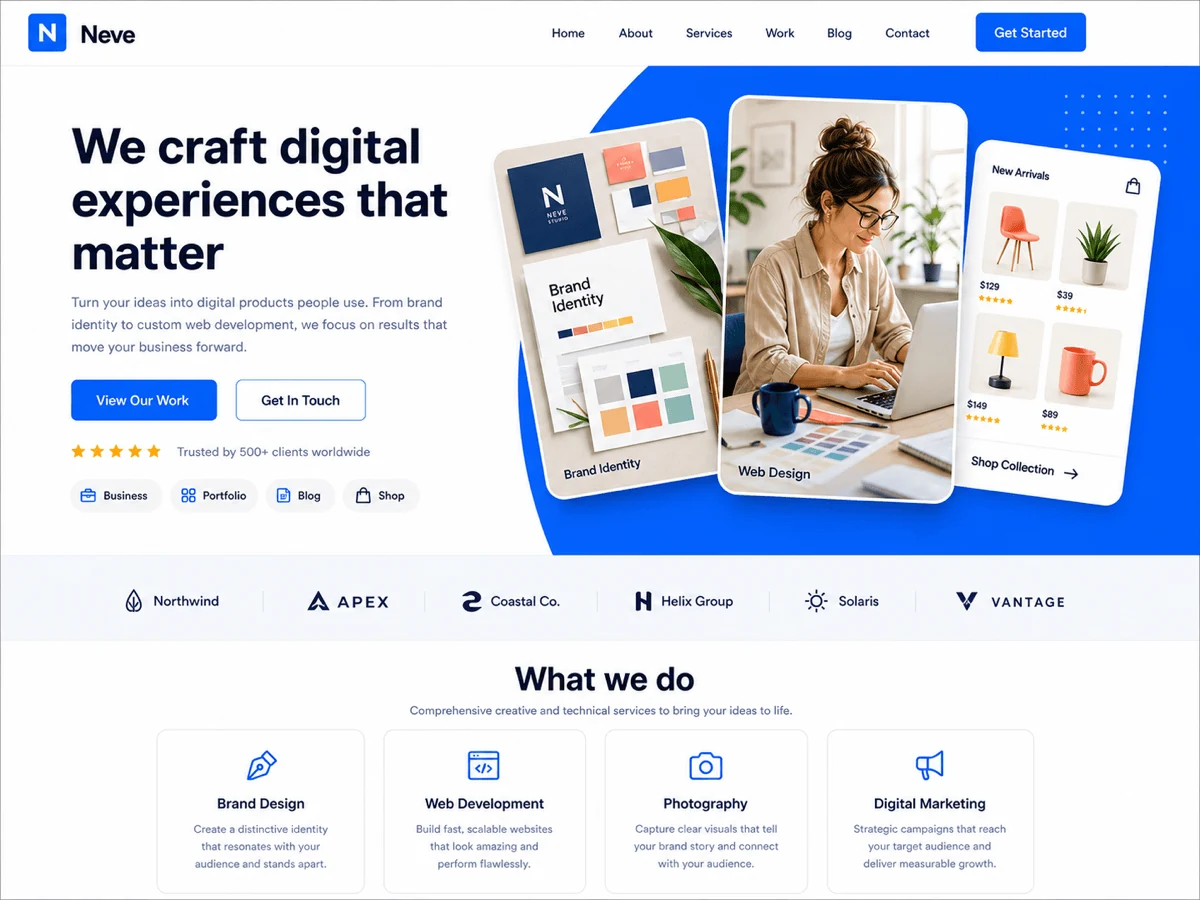
Neve is worth considering if your channel website pairs videos with written guides or reviews. Among WordPress themes for YouTubers, its free version supports responsive layouts and the block editor.
The free theme gives you basic header/footer builders, header presets, and a header background image or color. Global palette switching and blog layouts let you adjust how your site and supporting articles look. These controls are covered in the Neve settings reference.
If written material becomes a substantial part of your site, Pro adds advanced blog styling, related posts, and post sharing icons. Related posts give readers another relevant article to explore after a guide. Pro also adds sticky, transparent, and conditional headers if you need more control over navigation across different pages.
Both editions work with Elementor, while extra widgets and Elementor Booster require Pro. You don’t need those paid extensions to build a basic channel website. These edition differences are described in the free-versus-Pro comparison.
How do the free and premium theme options compare?
To narrow down free WordPress themes for video creators, match your content to the setup each option needs.
| Theme | Best fit | Availability | Setup |
|---|---|---|---|
| The Video Creator | Video-led presentation | Free child theme; premium through The Entertainer Premium | Install The Entertainer parent |
| The Entertainer | Broader creator brand | Free parent theme; optional Premium upgrade | Block-based editing |
| Creativity Hub | Mixed video, written, and visual content | Free theme; optional Premium upgrade | Full-site editing; features vary by edition |
| Astra | Flexible layout and editing choices | Free theme; optional Astra Pro addon | Choose your editing approach |
| Neve | Channel site with supporting articles | Free theme; optional Pro features | Begin with basic header/footer and blog controls |
Choose between Astra and Neve based on your preferred editor, the layouts you want and the paid controls your site needs.
Build a homepage that helps viewers explore and subscribe
Your homepage should help visitors find something to watch and decide where to go next. WordPress video portfolio themes give you a way to arrange that journey.
- Introduce your channel and feature a video that gives visitors a clear sense of what you cover.
- Show topic-based video collections so viewers can find subjects that interest them.
- Link supporting articles that add detail to the videos you feature.
- Offer an email signup and a separate channel subscription action, with clear wording for each.
- Provide a clear sponsor-inquiry route so potential partners know how to reach you.
Choose collection names your viewers recognize. If you publish camera reviews, for example, connect each video to a written review and sample images. For educational content, link lessons to relevant notes or explanations. This gives visitors a way to keep exploring the same subject across formats.
An externally hosted embed displays a player on your page while the video file remains with the external host. If you self-host video files, you use storage and delivery resources that you arrange separately from the theme. No theme supplies video hosting.
Keep your audience actions distinct when you configure them. A channel subscription link should lead to your channel. Your email signup needs a configured form and mailing service, while sponsor inquiries need a working contact route. A demo layout alone doesn’t establish that these connections work. Check each destination and submit your forms before publishing.
Choose a video creator theme you can keep current
Before committing to a video creator theme, try maintaining the layout with content that reflects your channel. A short trial helps you judge how it will fit your publishing routine.
- Inspect the layout on a phone, checking the featured-video thumbnail or player, navigation, text readability, and subscription controls.
- Replace the featured video with another upload to see how a different title and thumbnail fit.
- Publish a representative supporting article using the formatting you expect to use regularly.
- Check that the article’s topic links and homepage placement make it easy to find alongside related videos.
- Test the configured email signup, channel subscription, and sponsor contact journeys so every invitation reaches a working destination.
These checks help you judge the work involved in keeping your site useful between uploads. The layout should accommodate your next tutorial or review without requiring you to rethink the page each time.
For video-led presentation, The Video Creator remains your main choice. If your priority is a prominent featured video with links to supporting content, choose The Video Creator.