If you’ve moved a WooCommerce store over to the Cart and Checkout blocks, you’ve probably had that moment where a plugin you’ve relied on for years quietly stopped working.
The shipping notice vanishes, a custom field never shows up, or a discount message only appears on the old shortcode cart.
A lot of WooCommerce extensions were built for the classic checkout, and plenty of them are still catching up. It’s one of the more frustrating WooCommerce challenges store owners run into, because you often don’t find out until something breaks or a customer reports an issue.
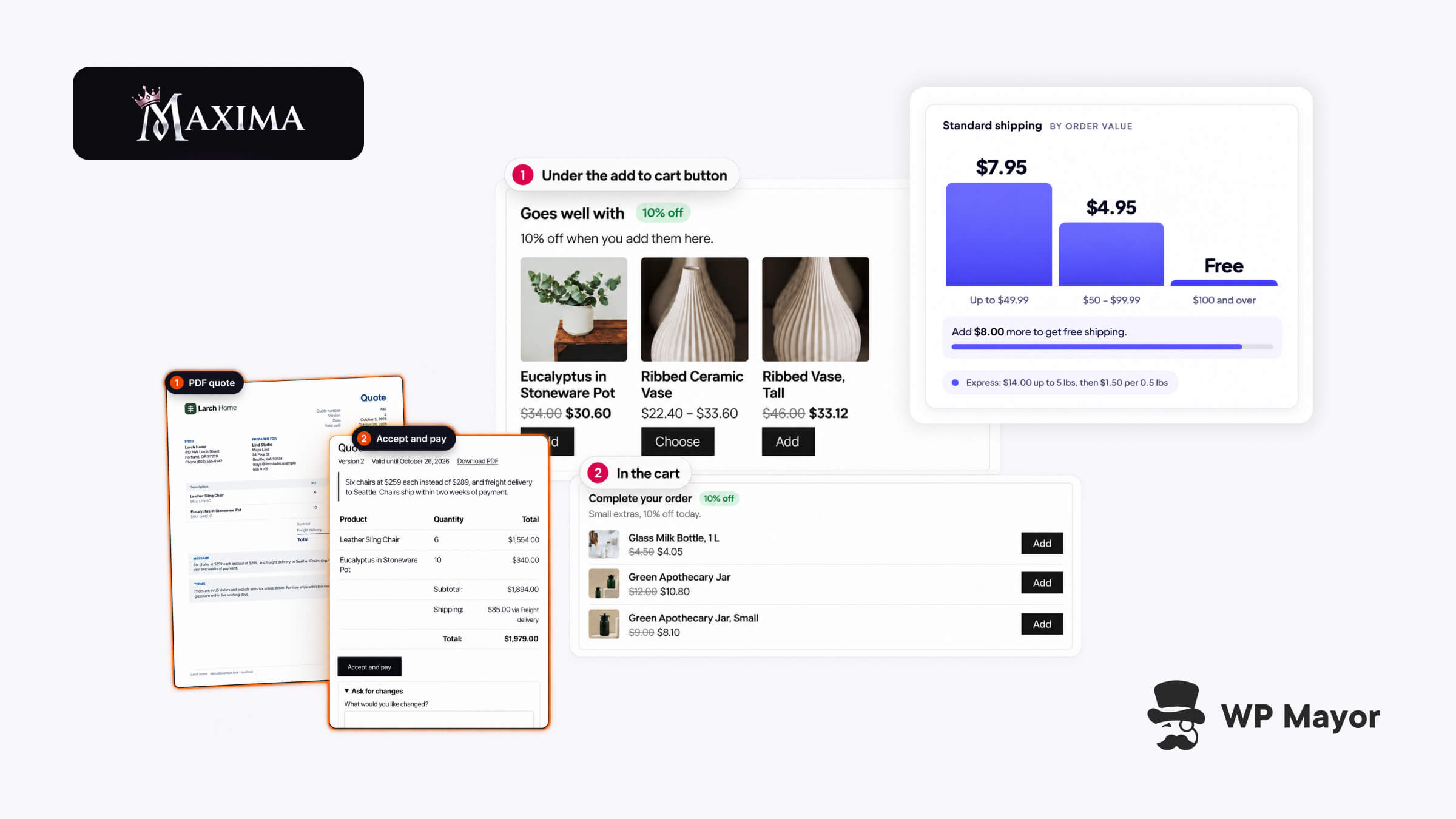
Maxima Plugins is working on fixing this with WooCommerce extensions that support the Cart and Checkout blocks, as well as High-Performance Order Storage (HPOS), while still working with the classic shortcode pages.
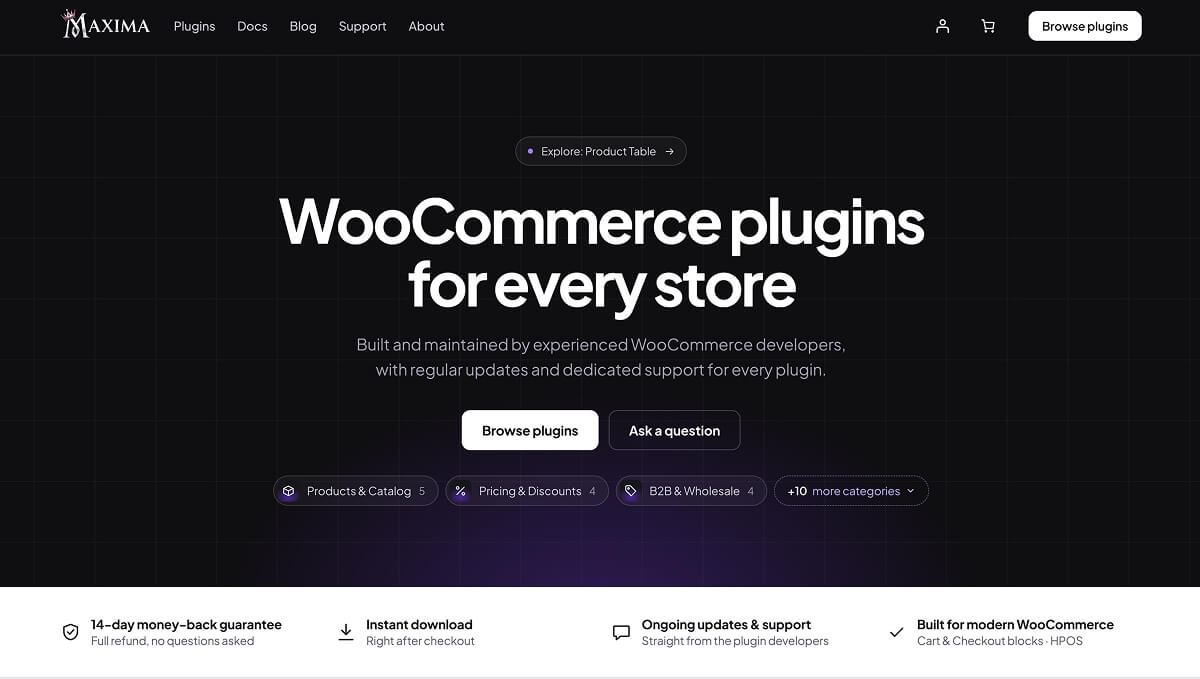
What Is Maxima Plugins?
Maxima Plugins is a developer of premium WooCommerce extensions, with every plugin in the catalogue built and supported by the same team.
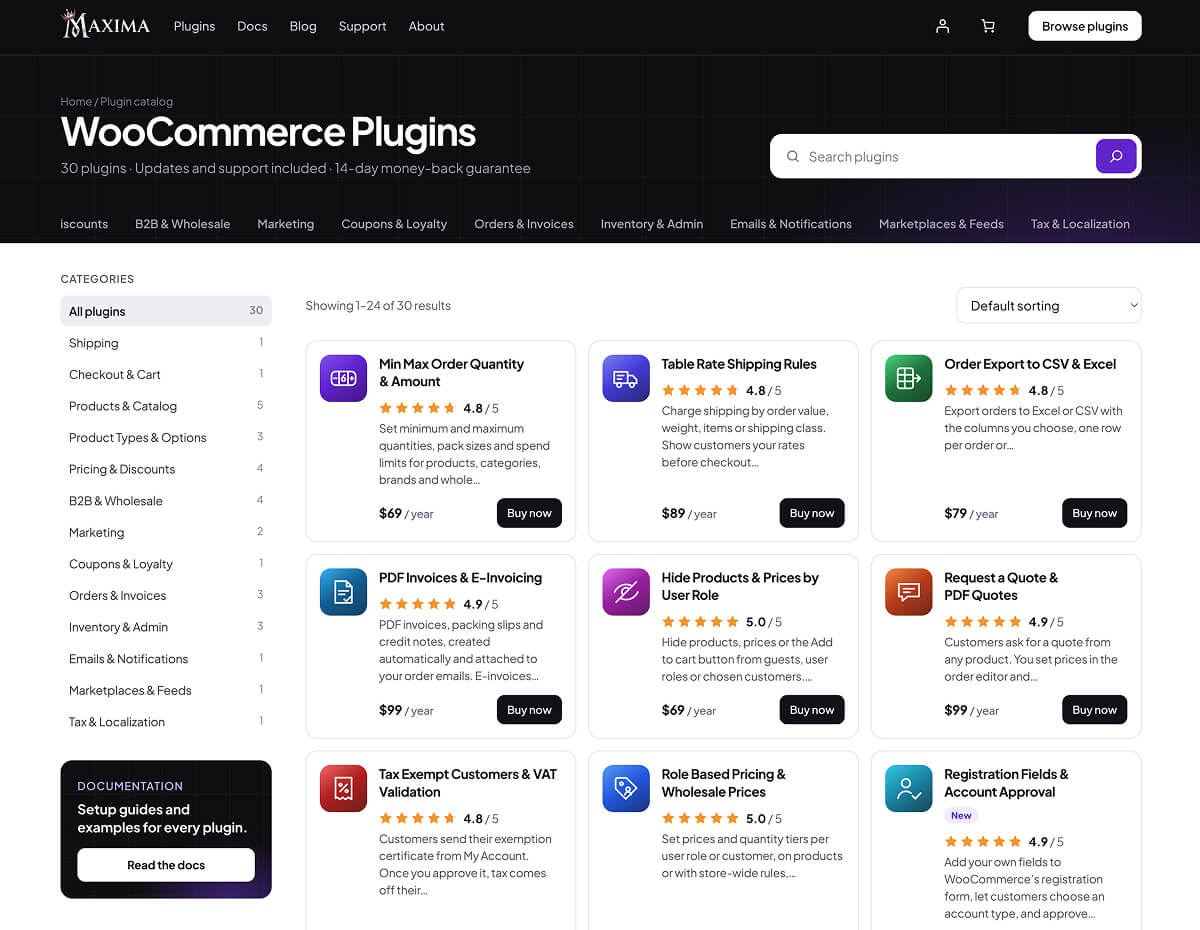
Most stores end up with a dozen extensions from as many developers, each with its own settings layout, update process, and support desk. Maxima’s 30 WooCommerce plugins all come from the same team.
Shipping rules, discount rules, and quote rules are all shown as one-line summaries, something like “Weight 0 to 5 kg → $4.95”. You can read a whole setup at a glance instead of clicking into each rule to remember what it does.
They’ve also kept things light. Scripts and styles only load on the pages that need them, and you won’t find ads or upsell banners cluttering wp-admin. Support comes straight from the developers who build the plugins, with setup help included.
Can You Try Maxima Plugins Before You Buy?
This is the bit I like most. Every product page has a “Try live demo” button that spins up your own private WooCommerce store, with sample products and the plugin already set up, and no sign-up involved.
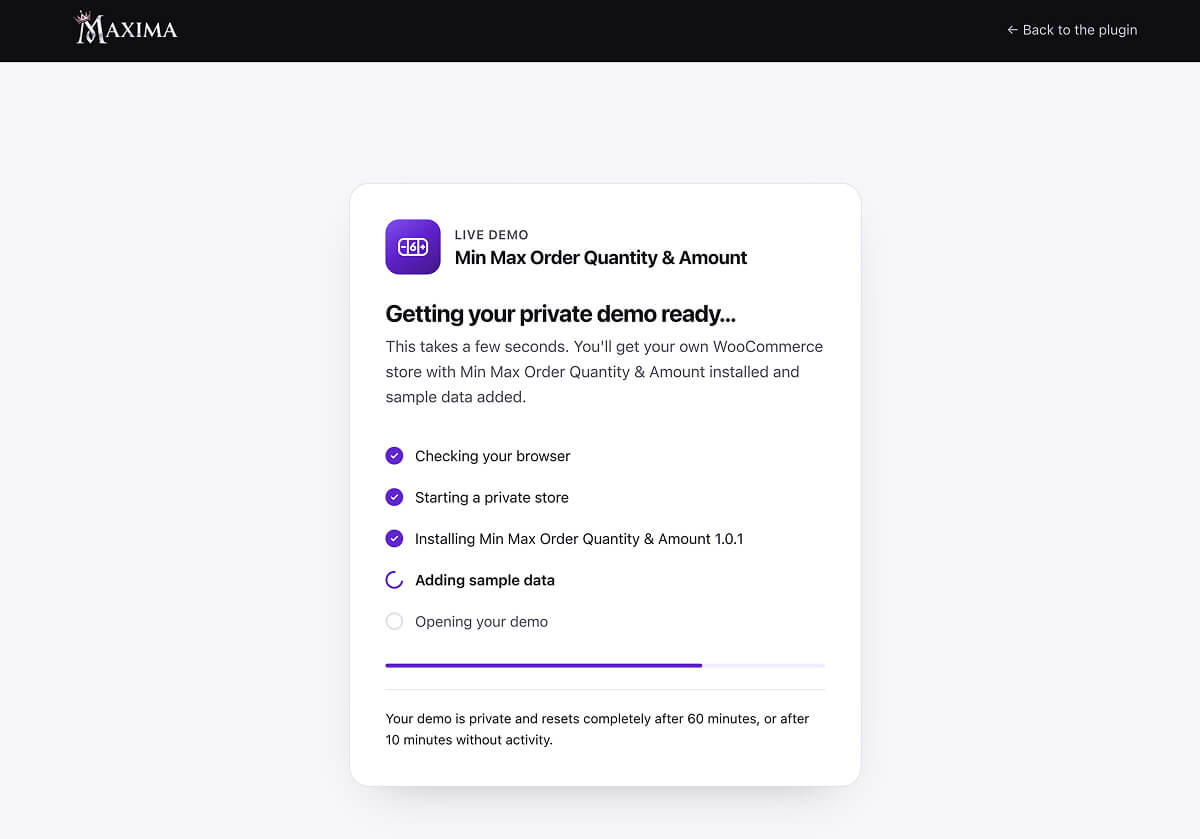
You get to poke around the settings and see how things look on the front end, which is far more useful than a video walkthrough or a shared demo that a hundred other people have already broken.
The Best Maxima Plugins for WooCommerce Stores
Table Rate Shipping Rules: Shipping by Weight, Order Value and Shipping Class
Flat rate shipping becomes a problem the moment you’re selling a small candle and a heavy planter from the same store.
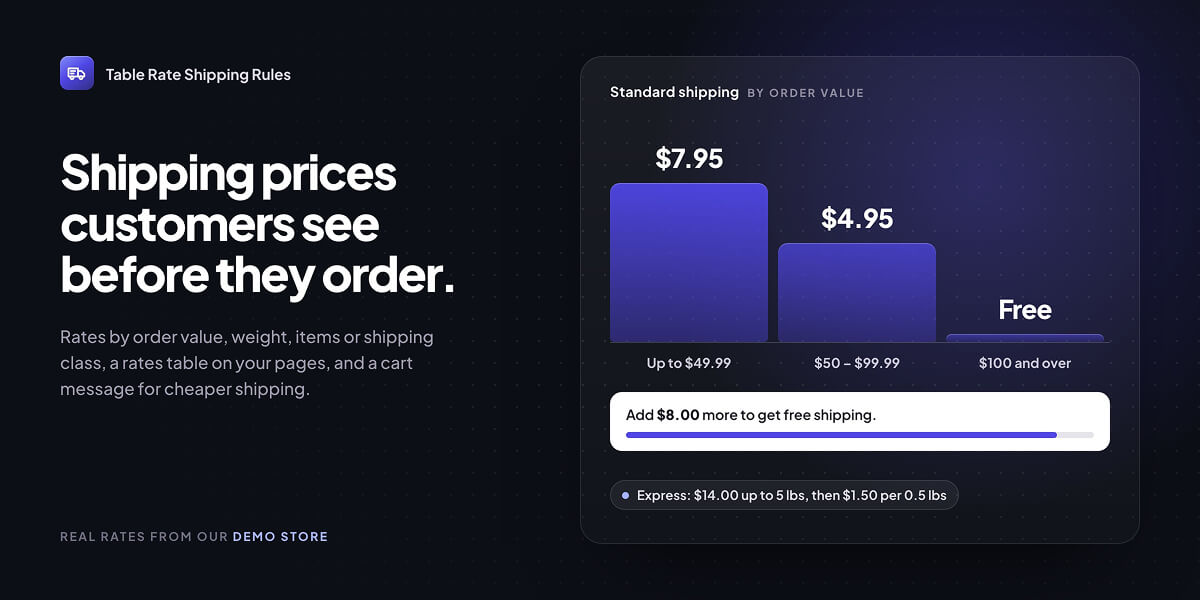
Table Rate Shipping Rules works out shipping from things like order value, weight, volume, item count, or shipping class, with up to four conditions per rule.
What I like here is that customers see the cost before checkout. There’s a Shipping rates block you can drop onto any page, and a cart message along the lines of “add $16.00 more and shipping drops to $4.95”, complete with a progress bar.
Product Options & Add-ons: Custom Fields and Paid Extras on WooCommerce Product Pages
Engraving, gift wrapping, photo uploads, and paid extras are all things WooCommerce doesn’t really handle out of the box. If you’re new to this side of WooCommerce, our guide to using WooCommerce product options plugins covers the basics.
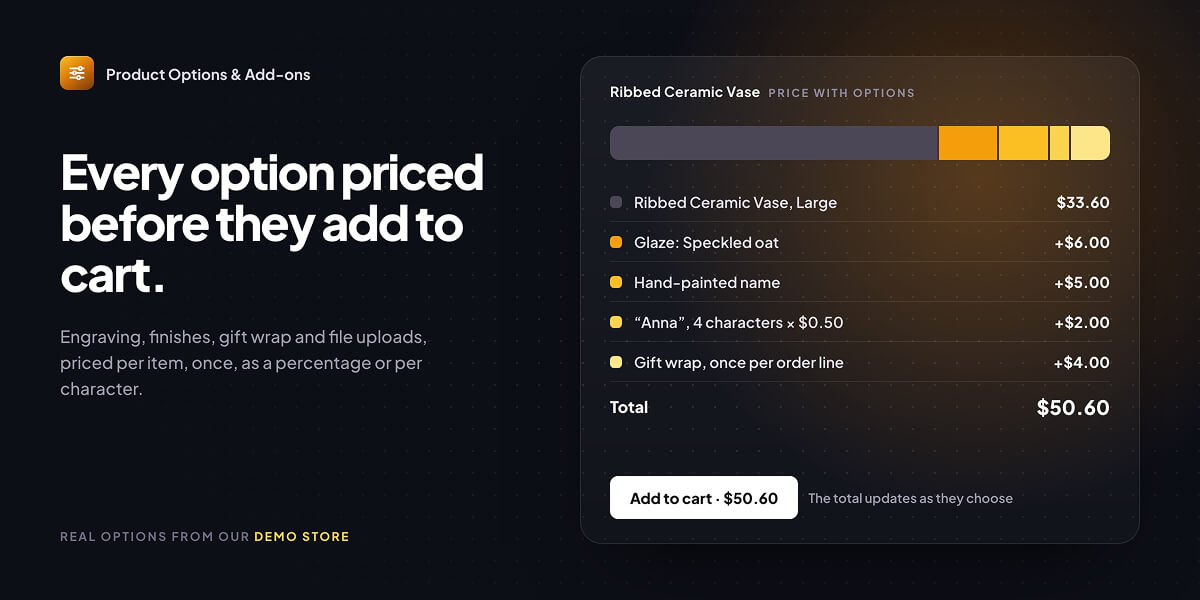
Product Options & Add-ons from Maxima Plugins gives you more than 20 field types on product pages, file uploads included. Conditional logic means a text box only appears once someone ticks “Add engraving”, so the page stays clean for everyone else.
Prices can be per item, once per order line, a percentage or per character, and the total on the add to cart button updates as customers make their choices.
Pre-Orders & Release Dates: Take WooCommerce Orders Before a Product Launches
Pre-Orders & Release Dates lets customers order a product before it’s available. They can pay upfront, or pay on release through a link that’s emailed to them when the product comes out.
Orders move on automatically on the release date, or you can hit Release now if stock lands early. There’s also a cap on pre-orders for limited runs.
PDF Invoices & E-Invoicing: WooCommerce Invoices, Packing Slips and Peppol E-Invoices
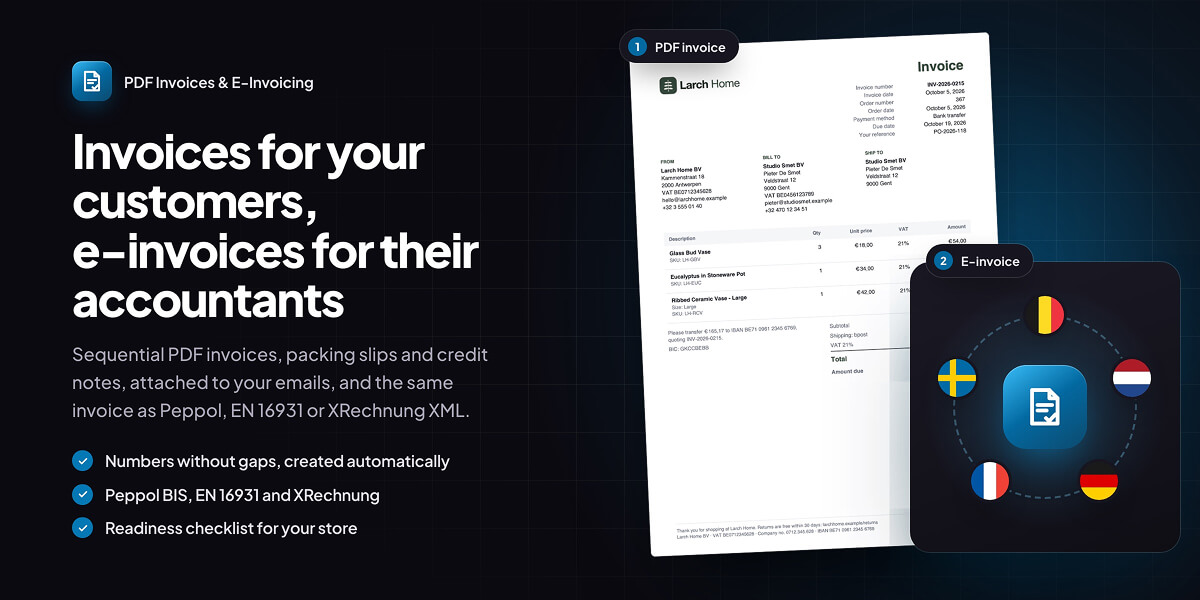
PDF Invoices & E-Invoicing creates a numbered PDF invoice for every order, with no gaps or duplicates, and attaches it to whichever WooCommerce emails you pick. You also get packing slips, credit notes and proforma invoices.
If you sell to businesses in Europe, this one’s worth a closer look. It produces e-invoices in Peppol BIS Billing 3.0, EN 16931, XRechnung 3.0, and Factur-X from the same order data, with a checklist showing what your store still needs to get sorted. If you’re comparing options, we’ve also rounded up the best invoicing plugins for WooCommerce.
Custom Order Status & Workflows: Custom WooCommerce Order Statuses and Automations
WooCommerce’s default statuses mean “Processing” ends up covering everything from “just paid” to “on the van”.
Custom Order Status & Workflows lets you add the steps your store actually goes through, like Preparing, Shipped or Ready for pickup, each with its own colour and emails. You can also set up automations that move orders along on their own, either straight away or after a wait.
Other Maxima Plugins for Quotes, Minimum Orders and Wholesale Pricing
Request a Quote & PDF Quotes handles the whole quoting process inside the WooCommerce order editor, with branded PDFs and one-click acceptance and payment. Min Max Order Quantity & Amount takes care of pack sizes and spend limits, with cart messages that tell customers exactly what to change.
There’s plenty more besides these, including wholesale pricing, discount rules, product filters, and abandoned cart recovery. The full catalogue is easy to browse by category, and if you’re still building out your store, our list of the best WooCommerce plugins is a good place to fill any other gaps.
How To Install and Update Maxima Plugins
Premium plugins usually mean downloading zip files and pasting license keys into a settings screen. Maxima does it differently with a small free plugin called Maxima Connect.
You install it once per store and connect it to your Maxima account. From there, you can install the plugins you’ve bought without leaving WordPress, and updates show up in your dashboard like any other plugin.
Agencies get a nice touch here. If you’d rather not log into your own account on a client’s site, you can paste a license key instead, and that store only gets updates for that plugin.
How Much Do Maxima Plugins Cost?
The Maxima Plugins WooCommerce extensions cost between $69 and $99 per year for a single store, with 5 store and 25 store tiers on each one. Table Rate Shipping Rules, for example, is $89 for one store, $129 for five and $219 for 25.
If you cancel, the plugin keeps working and you only lose updates and support at the end of the paid period. Every purchase even comes with a 14-day money-back guarantee.
Is Maxima Plugins Worth It for Your WooCommerce Store?
For those of you running WooCommerce on the block checkout and tired of finding out which extensions don’t support it (the hard way), Maxima is worth checking before you go shopping elsewhere.
If you run a WooCommerce store of your own, the main draw with Maxima Plugins is that the plugins won’t fall over when you switch to the block checkout. The live demos also let you see exactly how something works before spending a cent, which is important when you’re spending your own money.
For developers, the plugins are built on WooCommerce’s own APIs, and every product page lists its requirements and changelog.
Lastly, it’s an especially good match for agencies that want to standardise on one plugin vendor across client stores. Plus, the licensing is going to work in your favour with the 5 and 25 store tiers bringing the cost per site right down, staging and local copies not counting towards your limit, and you can move a license to another store whenever you need to.
Either way, the live demos make it easy to see whether a plugin fits before you commit, so visit their catalogue and take a look around.