WordPress still powers a significant share of the web, though its reach has gradually eased from its peak. As of 2026, it powers 40.2% of all websites, down from a high of around 43–44% a couple of years ago, as competitors like Wix and Shopify continue to gain ground.
Within WordPress, the page-builder market has come together around one leading name rather than splitting further. Elementor now powers roughly a third of WordPress sites, while WPBakery and Divi are losing ground. Elementor currently ranks #1 among all WordPress.org plugins, a position it has consistently held through 2026. That popularity helps explain why “just pick the most popular builder” is such common advice, and why it doesn’t tell the whole story: market share can indicate which tools are less likely to be abandoned, but it can’t tell you which one is right for your specific build. There are plenty of WordPress alternatives, too. For example, the Joomla page builder, which is based on Joomla CMS, offers a similar range of features and is just as straightforward to learn and use as WordPress.
How to Choose a WordPress Page Builder?
The table below might help you answer this question. Market share can help you see which builder is least likely to be abandoned, but it doesn’t tell you which one is right for your project. In the table below, we’ve organized every builder mentioned in this guide into four groups:
- stay native if you don’t want anything fancy;
- developer/agency builders for dynamic, data-heavy sites;
- DIY builders for a simple, quick start;
- tools that get mistaken for page builders but solve a different problem.
Find your column, then jump to that builder’s full description below.
| Stay Native | Best for Developer/AgencyDynamic Sites | Best for DIYSimple, Quick Start | Not Page Builders |
|---|---|---|---|
| Gutenberg (Free) | CrocoBuilder (Paid) | Colibri (Freemium) | JetThemeCore (Paid) |
| Spectra (Freemium) | Elementor (Freemium) | Visual Composer (Freemium) | TemplateToaster (Paid) |
| Divi (Paid) | Thrive Architect (Paid) | ||
| Beaver Builder (Freemium) | Themify Builder (Freemium) | ||
| WPBakery (Paid) | LiveCanvas (Paid) | ||
| Bricks (Paid) | |||
| Oxygen (Paid) | |||
| Brizy (Freemium) | |||
| SiteOrigin (Freemium) |
Why “Best Page Builder” Is the Wrong Question
Search for “best WordPress page builder,” and you’ll find a dozen listicles, topped by whichever tool the author has an affiliate deal with. It’s understandable to look for a single winner, but the best choice really depends on your project needs.
A landing-page builder like Thrive Architect can feel a little limiting if you need a filterable product catalog, since it isn’t built for repeating dynamic content. You might end up hardcoding content that a query loop could handle more easily. On the other hand, choosing Bricks or CrocoBuilder for a five-page brochure site for a local business might mean paying for features you won’t use.
The mismatch may not become clear right away. A builder that feels like a great fit in the editor could mean rebuilding the site six months later if a client needs functionality it doesn’t support. Before choosing a name from a list, take a moment to think about what the site needs to do and who will maintain it. In the table above, we’ve grouped builders around those needs.
Stay Native with Gutenberg and Alike
Some sites may not need a page builder at all. If your design consists of just a few pages made with standard blocks (text, images, columns, or a gallery), the native editor can handle it. And every plugin you skip means one less thing to update, secure, and pay for.
Gutenberg (Free)
🏆 Best for static sites where you want zero plugin overhead.
The native WordPress editor, built into core since WordPress 5.0. WordPress 7.0 (May 2026) brought a refreshed admin UI, better pattern handling, and new AI-assisted infrastructure in the editor. It’s not a page builder in the drag-and-drop sense; it’s a block editor, and the distinction matters for what you can and can’t do without extending it.
Main features:
- native block library;
- full site editing via the Site Editor;
- block patterns for reusable layouts;
- no separate plugin, no separate update cycle.
Pricing: free, built into WordPress core.
Pros:
- content stored as clean block markup;
- backed by WordPress core;
- good starting point for Core Web Vitals.
Cons:
- weak for pixel-level custom design;
- no visual controls for things like sticky headers or advanced responsive rules without extra blocks;
- may seem confusing for users used to visual builders.
Spectra (Freemium)
🏆 Best for extending Gutenberg without leaving the block editor.
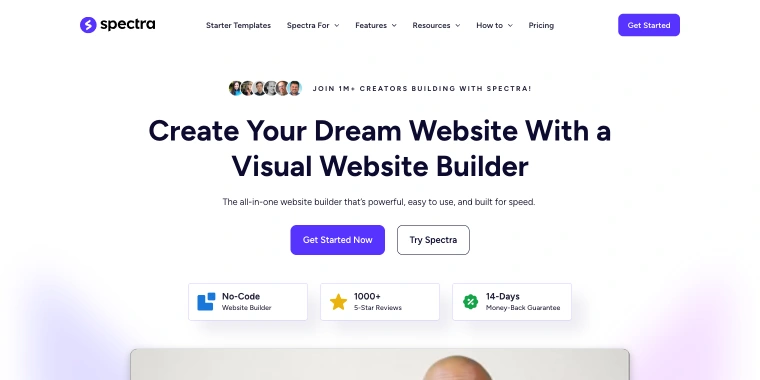
Spectra is a visual, beginner-friendly website builder for the WordPress Block Editor, created by Brainstorm Force, the team behind the Astra theme. It reports that 12,496,717 websites are powered by Spectra and that more than 1 million creators are building with it, alongside over 1,000 five-star reviews. Its headline feature is Zip AI, an AI-powered site-building assistant built into WordPress. Simply describe the site, page, or fresh look you have in mind, and Zip AI generates editable Spectra Blocks.
Main features:
- Zip AI can build a complete site as editable Spectra Blocks and can run a site health check or clean up unused assets on request;
- Advanced Loop Builder for dynamic, filterable post displays;
- Popup Builder with trigger/display rules;
- Dynamic Content elements for data-driven pages;
- Global Styles for keeping blocks, classes, and components in sync site-wide.
Pricing: Spectra has a free version and three premium plans for 3/10/1000 websites:
- Spectra Pro is priced at $69 per year;
- Essential Toolkit + AI for $199 annually (renews at $299/year);
- Business Toolkit + AI for $279 (renews at $429/year).
Pros:
- large, active install base and reviewer trust signal;
- full-site AI generation inside Gutenberg;
- clean-code performance focus;
- easy for beginners.
Cons:
- dynamic content and AI features sit behind the paywall;
- smaller scope than a full page builder.
Developer- or Agency-Oriented Page Builders for Dynamic Sites
Whether you’re building listings, filters, Custom Post Types, or anything else centered on a query rather than a static layout, these builders make it easy to work with dynamic content natively.
CrocoBuilder (Premium)
🏆 Best for Crocoblock-stack teams building AI-assisted, data-heavy WordPress sites.
Crocoblock’s own visual builder is built around Atomic DOM. In CrocoBuilder, each page is organized as a tree of reusable components that you can edit visually or through code. AI-assisted workflows are thoughtfully integrated into the editing process, rather than added as an afterthought.

Main features:
- pages and layouts built from reusable components;
- visual and code-level editing of the same component;
- AI-assisted editing workflow;
- dynamic data handling built for CPTs, listings, and relations.
Pricing: from $79/year.
Pros:
- built for dynamic, data-heavy WordPress projects;
- reusable components reduce duplicate work across a site;
- 100% integration with the rest of the Crocoblock/JetEngine stack;
- MCP is available out of the box;
- best for devs.
Cons:
- no free version;
- steeper learning curve;
- smaller third-party ecosystem than Elementor or Bricks.
Elementor (Freemium)
🏆 Best for freelancers who need the largest hiring pool and widget ecosystem.

Elementor is the largest page builder by install base and ecosystem size, offering a free core version on WordPress.org and tiered Pro plans. In 2026, Elementor introduced the Elementor One bundle, bringing the builder together with hosting and AI tools, while continuing to offer standalone Pro plans.
Main features:
- 90+ Pro widgets (free version has a smaller set);
- Theme Builder for headers, footers, archives, and single templates;
- dynamic content tags for pulling in custom fields and post data;
- Form, WooCommerce, and Popup builders included in Pro.
Pricing: free core plugin. Pro plans include Essential for $60/year, Advanced Solo for $84/year, Advanced for $108/year, and One for $180 (renews at $228/year).
Pros:
- easiest builder to hire a freelancer for;
- extensive third-party ecosystem;
- Theme Builder covers full-site design without extra plugins;
- frequent updates, low abandonment risk given install base;
- one plan has built-in MCP and AI assistant.
Cons:
- has a heavier markup than some other builders;
- free version is limited – most real projects require Pro;
- editor can get slower on large, complex pages.
Divi (Premium)
🏆 Best for agencies managing unlimited sites on one lifetime license.
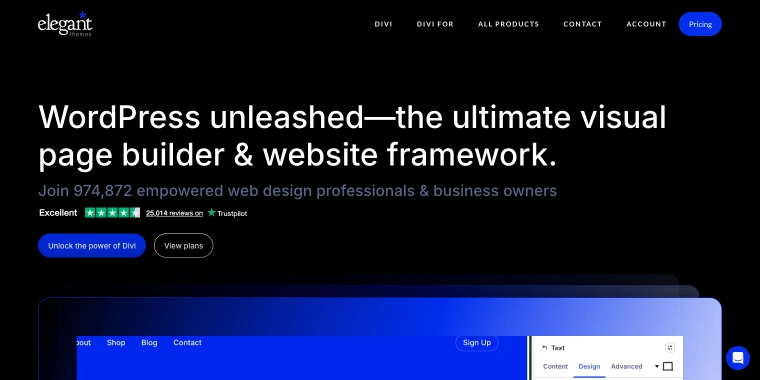
Elegant Themes rebuilt and released Divi 5 in February 2026. This update moved page data from shortcodes to a JSON-based format, a substantial architectural change, not just a UI refresh. As a result, it can affect how third-party Divi add-ons work and how migrated content behaves. Crocoblock released the Divi Integration Addon, which is available in all subscriptions starting from All-Inclusive or as individual plugins, including JetEngine and JetSmartFilters.
Main features:
- visual builder with real-time front-end editing;
- Theme Builder for site-wide templates;
- A/B split testing built in;
- bundled with the Divi theme and Extra theme;
- JSON-based layout storage replaced the shortcode system.
Pricing: Divi for $89/year or Divi PRO for $277, both for unlimited sites.
Pros:
- large layout pack and template library included;
- A/B testing without a separate plugin;
- subscription covers unlimited sites, best for agencies.
Cons:
- older third-party Divi add-ons need updates to stay compatible;
- Divi 4 is nearing end of life (around mid-to-late 2026);
- has heavier output than Bricks or SiteOrigin.
Beaver Builder (Freemium)
🏆 Best for developers who want stable, lightweight output without a steep learning curve.
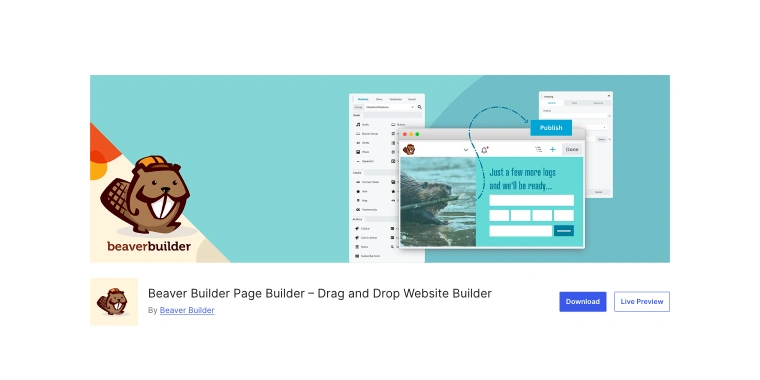
A drag-and-drop builder that’s known for producing stable, clean output while keeping its front-end footprint lighter than Elementor or Divi. It’s a popular choice for developers who want a builder that works smoothly with the rest of their tech stack.
Main features:
- drag-and-drop with a modest, well-maintained module set;
- Themer (theme-building add-on) for headers, footers, archives;
- Loop Builder for dynamic post listings;
- Beaver Builder Theme included on paid plans;
- white-label option for agencies.
Pricing: solid free version, Starter $89/year (1 site), Plus $179/year (3 sites), Professional $299/year (50 sites), Unlimited $546 (lifetime, unlimited sites).
Pros:
- cleaner, lighter markup than most competitors;
- stable release history, low breaking-change risk;
- Loop Builder covers basic dynamic listings without a separate plugin;
- free version is usable on its own for simple builds, not just a trial.
Cons:
- smaller widget library than Elementor’s ecosystem;
- Loop Builder is somewhat limited;
- design feels more “component-based” than free-form;
- unlimited lifetime tier is a meaningful upfront cost.
WPBakery Page Builder (Premium)
🏆 Best for maintaining a site that already shipped with a WPBakery-bundled theme.
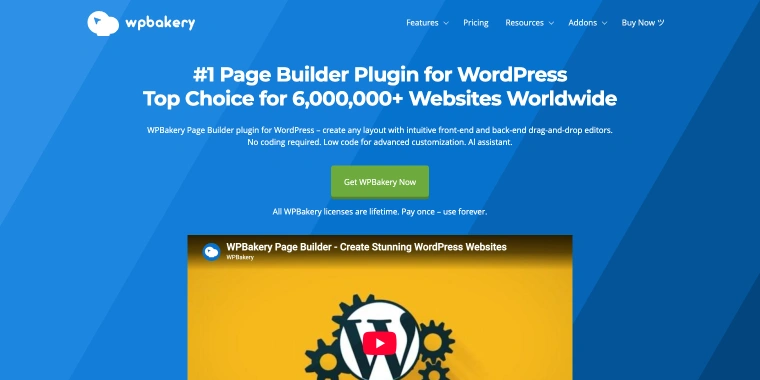
A shortcode-based page builder, rather than a full-site builder, WPBakery edits a page’s content area and works within any WordPress theme. If the theme handles headers, footers, and the overall site structure, WPBakery will leave those untouched. WPBakery pioneered drag-and-drop editing in WordPress and, thanks to that head start, still has one of the largest third-party add-on ecosystems. Just a quick note: this is a separate product from Visual Composer, although the two have a shared background.
Main features:
- backend and front-end editing modes;
- Advanced Grid Builder for post/product grids;
- Skin Builder and Template Library for pre-made layouts;
- WPBakery AI is included with every license for the first year and can be extended.
Pricing: Lifetime licenses include: Regular for $82 (1 site), 5 Sites for $299, and 10 Sites for $592, with Agency plans available for larger needs. Each license includes one year of Support Plus, featuring auto-updates, a template library, AI, and priority support. After the first year, you can renew for $59 per year, and your loyalty discount grows by 5% each year, up to 50% off.
Pros:
- genuine lifetime license;
- largest third-party add-on ecosystem;
- works inside any theme without touching site structure;
- still actively maintained.
Cons:
- editing limited to page content only – it can be paired with the theme builder like JetThemeCore;
- migrating to another builder can be painful;
- markup is heavier than current-generation builders.
Bricks (Premium)
🏆 Best for developers who need native dynamic listings without touching ACF/extra plugins.
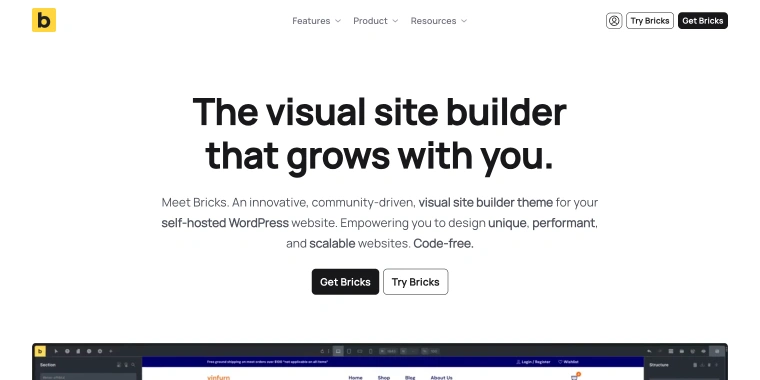
A visual site builder packaged as a WordPress theme rather than a plugin, it replaces your active theme instead of layering on top of it. It’s known for producing clean, semantic HTML and offering a developer-friendly approach. You can use class-based styling and custom CSS, JavaScript, or PHP, but they’re not required to build your site.
Main features:
- full site editing from header to footer with drag-and-drop;
- Query Loop Builder for CPT listings, filters, load-more/infinite scroll, AJAX pagination;
- Menu Builder, Popup Builder, WooCommerce Builder, Forms;
- multiple conditions and interactions;
- 110+ elements, global color palettes, global styles and typography, class-based CSS system.
Pricing: Starter $79/year (1 site), Business $149/year (3 sites), Agency $249/year (unlimited sites), or Ultimate Lifetime $599 one-time (unlimited sites, all future updates).
Pros:
- clean, semantic HTML output;
- dynamic content handling (Query Loop, Conditions, Interactions);
- full feature set on every plan, including Starter.
Cons:
- steeper learning curve than drag-and-drop builders;
- no permanent free tier;
- smaller template marketplace.
Oxygen (Premium)
🏆 Best for developers who want an AI coding agent (Claude, Cursor) building directly inside WordPress.
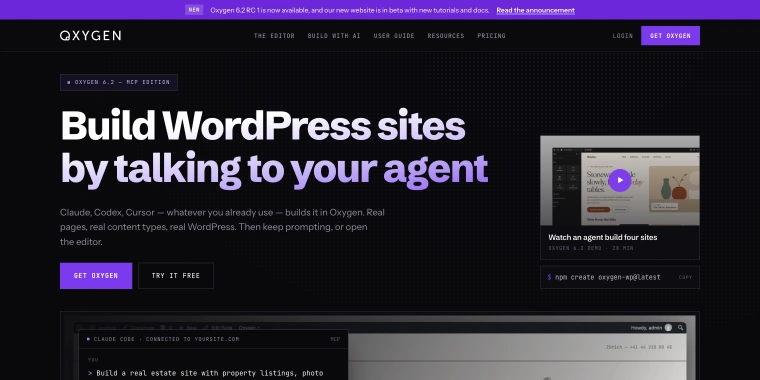
Oxygen puts an AI agent to work directly in WordPress. Just install the plugin, connect an agent (Claude, Codex, Cursor, OpenCode, or any MCP client) through Oxygen’s built-in MCP server, and prompt it to create pages, CPTs, WooCommerce stores, or meta fields using your WordPress content. The visual editor gives you complete control over CSS, so you can make changes by hand whenever you like, or skip AI altogether and build everything yourself.
Main features:
- built-in MCP server + Agent Connector for your own agent;
- full visual editor with one-to-one CSS control;
- works with dynamic WordPress content;
- native Gutenberg integration for safe content editing.
Pricing: single lifetime license $199.50 with no renewal.
Pros:
- prompting an agent to build CPTs, templates, and Woo components;
- single flat lifetime price for unlimited sites;
- visual editor is fully capable outside AI.
Cons:
- AI-agent workflow depends on agent subscription;
- positioned as a developer/technical tool at the editor level;
- $199.50 is the only way in; a trial is still available.
Brizy.io (Freemium)
🏆 Best for agencies white-labeling the builder for client resale.
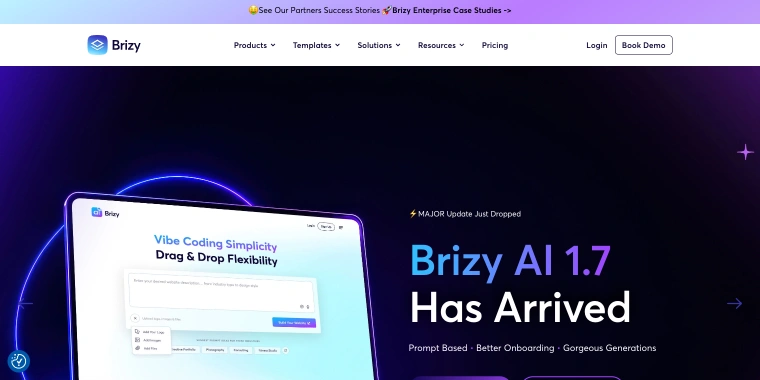
Brizy WordPress is the self-hosted plugin in Brizy’s broader product lineup, which also includes Brizy Cloud, a separate hosted SaaS platform. The company is especially focused on agencies and SaaS resellers: white-labeling the builder under your own brand and offering it to clients is a central use case. Brizy AI, an AI-assisted generation tool, now helps you get started before you move into the drag-and-drop editor.
Main features:
- 36+ elements, 180+ design templates;
- White Label for rebranding the builder as your own;
- theme and WooCommerce builders included;
- Brizy AI for generating a starting layout from a prompt.
Pricing: free plugin with basic blocks and non-premium designs. Paid: $60/year for 1 site, $108/year for 25 sites (Freelancer plan), with higher agency tiers above that.
Pros:
- white-label to brand the final product as your own;
- AI generation helps you get started faster;
- Freelancer tier offers a great per-site price;
- theme and WooCommerce builders with no extra plugins needed.
Cons:
- positioned as SaaS;
- smaller element library than Elementor or Bricks;
- smaller third-party ecosystem.
SiteOrigin Page Builder (Freemium)
🏆 Best for budget agencies that want flat, unlimited-site pricing over a flashy editor.
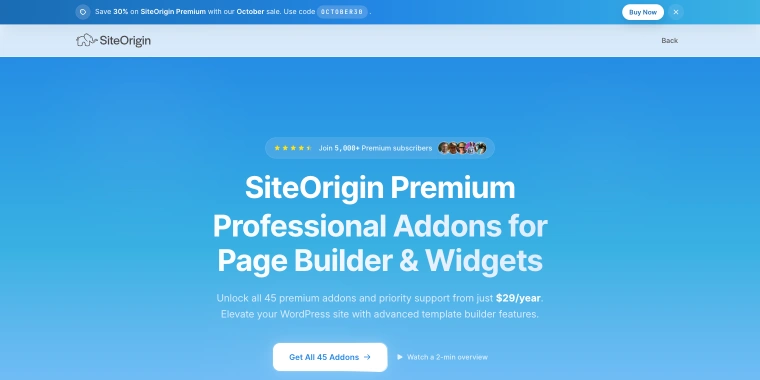
A widget-based builder that’s been free and open-source since 2012, built entirely with WordPress widgets instead of custom drag-and-drop elements. It arrived nearly a decade before today’s wave of visual builders and has stayed true to its original approach: arrange rows and columns of real widgets, then edit them in a simple panel. If you already know how WordPress widgets work, you’ll feel right at home; there’s virtually no learning curve.
Main features:
- responsive row-and-column layouts;
- integrates with the Block Editor;
- has 45 add-ons including sliders, forms, pricing tables, and more;
- has a visual, real-time CSS editor;
- reusable section-level layouts.
Pricing: free page builder plugin. Paid add-on bundles: Personal $29/year, Business $49/year, Developer $99/year.
Pros:
- 400,000+ active installs, 4.8/5 rating, actively developed for over a decade;
- works with any theme.
Cons:
- visual design controls are basic;
- no native header/footer builder;
- interface feels dated.
Page Builders for DIY Users: Simple, Quick Start
If you’re working on a single site or just a handful of client sites and don’t need dynamic listings or a query builder, these four options should be a great fit for most of your projects.
Colibri (Freemium)
🏆 Best for a fast, finished-looking single-page site with no design skills required.
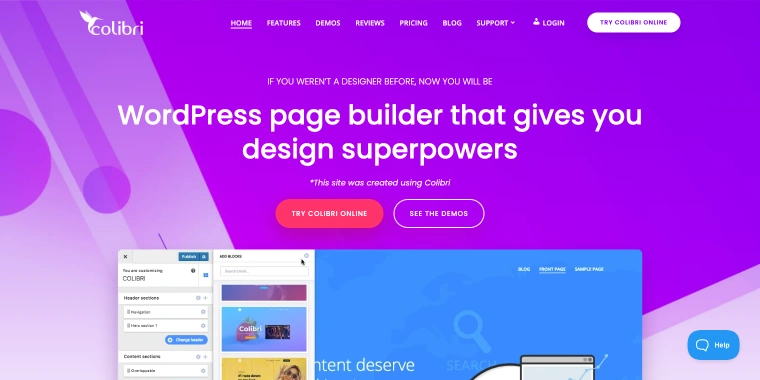
A theme-and-builder combo that lets you design in WordPress Customizer. You can build headers, page content, footers, and blog or search pages all in one convenient Customizer interface, using ready-made blocks instead of starting with a blank canvas.
Main features:
- live editing in the WP Customizer;
- 150+ predesigned content blocks;
- 40+ drag-and-drop components for custom blocks;
- 90+ full website templates across niches;
- Colibri Cloud: a zero-setup WordPress instance to design in, then publish to any host.
Pricing: free tier, Pro yearly: Personal $79 (1 site), Business $99 (5 sites), Agency $199.
Pros:
- fast to a finished-looking page;
- Customizer-based editing.
Cons:
- free tier caps you at homepage-only;
- Customizer has fewer options than front-end drag-and-drop editing.
- tied to the ColibriWP theme;
- smaller third-party ecosystem than Elementor or Divi.
Visual Composer (Freemium)
🏆 Best for teams that want one library (elements, templates, SEO insights) instead of stacking plugins.
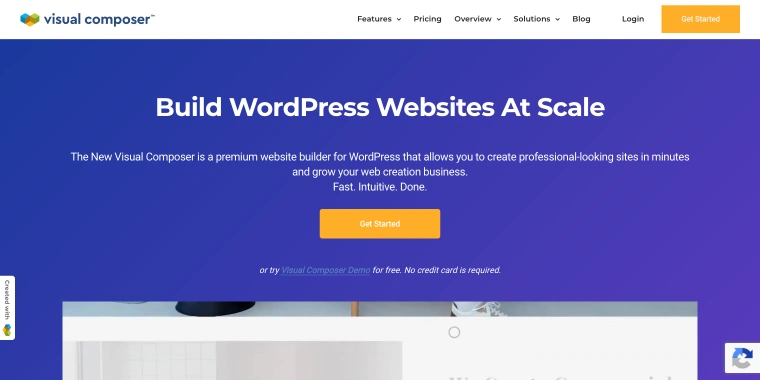
A drag-and-drop builder positioned around Visual Composer Hub: a single cloud library of 500+ content elements, templates, add-ons, and blocks, aimed at reducing the need for extra plugins. The site explicitly targets several audiences separately: business owners, designers, marketers, store owners, developers/agencies, and theme authors building on its API.
Main features:
- Visual Composer Hub with 500+ elements, templates, and add-ons;
- theme and pop-up builders included;
- SEO and performance analysis tools;
- API for custom elements and theme integration;
- WooCommerce and Unsplash integrations.
Pricing: Single $49/year, Plus (5 sites) $99/year, Accelerate (20 sites) $149/year, Agency (up to 1000 sites) $349/year.
Pros:
- Hub library assets cover most use cases;
- SEO/performance feedback without a separate plugin.
Cons:
- dynamic content possibilities might be limited compared to competitors;
- slower load performance reported out of the box;
- mixed reviews on rendering speed at scale.
Thrive Architect (Premium)
🏆 Best for standalone funnel and landing-page building outside a full marketing suite.
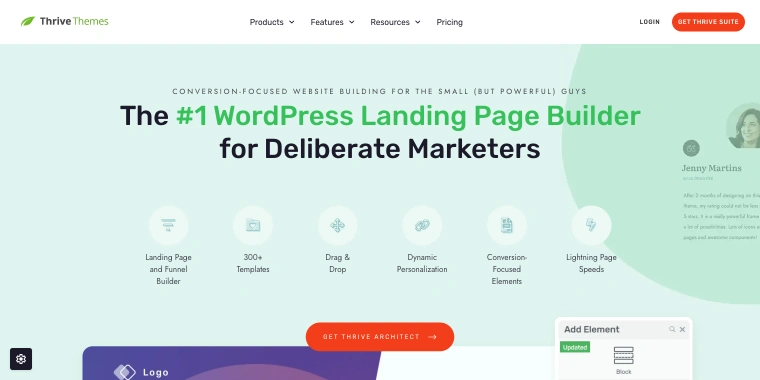
A standalone WordPress page builder plugin designed for building individual pages, such as landing and sales pages, rather than shaping your entire site. It works with any existing WordPress theme but doesn’t change headers, footers, blog layouts, or other site-wide elements; those are managed by the separate Thrive Theme Builder product.
Main features:
- 300+ conversion-focused templates;
- drag-and-drop visual editor with global editing;
- conversion-focused elements (such as countdown timers, testimonials, lead-generation forms, and conditional displays);
- WooCommerce compatible.
Pricing: choose from three plans: Thrive Architect standalone for $99/year as an introductory offer (1 site; regular price $199/year); Thrive Architect + Optimize for $199/year as an introductory offer (1 site; regular price $399/year); or the full Thrive Suite for $299/year as an introductory offer (9 plugins, including Theme Builder, for 5 sites; regular price $599/year).
Pros:
- no need to pay for the full Suite if you only need the page builder;
- conversion-focused template and block library;
- A/B testing available as an add-on.
Cons:
- no header/footer/site-wide template control (needs Thrive Theme Builder);
- deactivating the subscription freezes editing and support;
- built specifically for conversion/funnel pages.
Themify Builder (Freemium)
🏆 Best for sites already committed to a Themify theme, via the all-access Club.
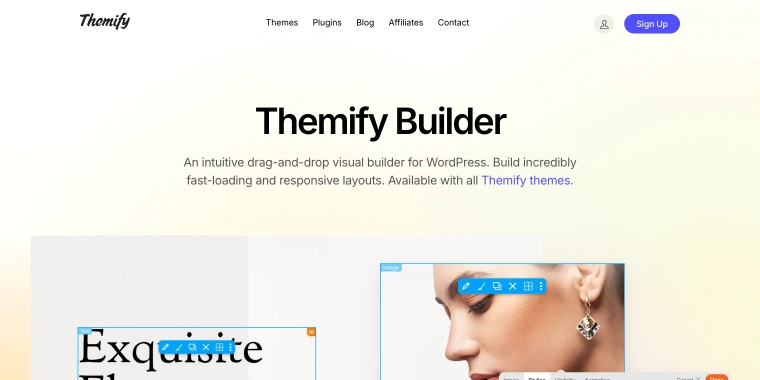
Every Themify theme comes with a drag-and-drop builder that offers two editing modes: a distraction-free backend editor and a live, WYSIWYG front-end editor. It’s designed for page-level content, while site-wide template controls (such as headers, footers, and archive or product templates) are available separately through Builder Pro.
Main features:
- backend/front-end editing modes;
- Global Style and Layout Parts;
- rich module set including WooCommerce;
- claims high scores on PageSpeed Insights.
Pricing: access comes through Themify Club membership: Master Club $89/year or Lifetime Club $249 one-time.
Pros:
- all-access Club pricing is good value if you want multiple Themify themes/plugins;
- broad module and add-on library for the price;
- backend/front-end editing;
- fixed $249 lifetime for the whole catalog.
Cons:
- header/footer/archives editing requires Builder Pro;
- smaller third-party ecosystem.
LiveCanvas (Freemium)
🏆 Best for developers who want top PageSpeed scores and zero vendor lock-in, dynamic content included.
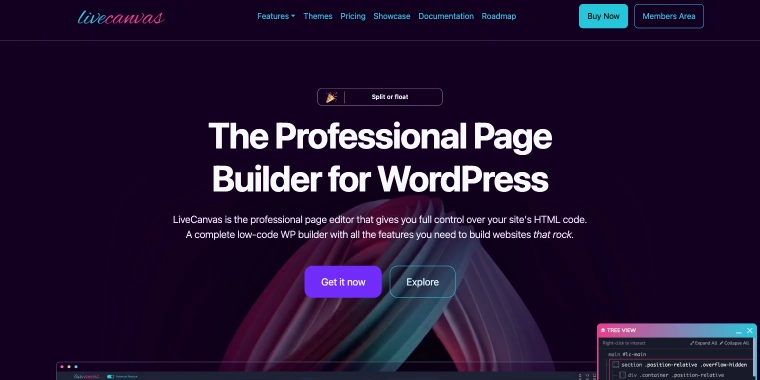
A builder that lets you edit real HTML and CSS directly, rather than generating its own proprietary components. The generated content by AI Assistant is saved as plain HTM, with no extra JavaScript or CSS and no vendor lock-in. Built on open standards, it’s designed for Bootstrap 5 with Tailwind.
Main features:
- HTML/CSS editing with a live front-end WYSIWYG;
- Dynamic Templating and Custom Post Loops via the Tangible “Loops and Logic” syntax;
- WooCommerce Templating (includes full set of shop pages);
- build header/footer natively inside LiveCanvas;
- AI Assistant for content/HTML assistance;
- includes Picostrap, a free Bootstrap 5 starter theme;
- 120+ HTML template library included;
- exporting as a static HTML file;
- white-labeling available.
Pricing: no free tier; Pro is $79 per year and includes unlimited sites, one year of Discord-only support, and updates. Lifetime is a one-time payment of $299.
Pros:
- no lock-in by design due to plain HTML output;
- zero added JS/CSS footprint;
- native dynamic content and WooCommerce templating;
- unlimited sites on both tiers.
Cons:
- no free trial beyond the 30-day refund window;
- support is Discord-only;
- smaller ecosystem and community.
More Than Page Builders
These two often appear in page-builder comparisons, but neither is designed to build individual pages.
JetThemeCore (Premium)
🏆 Best for Elementor/Gutenberg sites that need a visual, auditable template hierarchy.
It’s a visual theme-building plugin from Crocoblock, designed specifically for Elementor and Gutenberg, not a universal layer that works across all builders, as I described earlier. It creates the structural templates (header, footer, single, archive, and WooCommerce pages) that wrap around content built in either editor, and its dashboard gives you a clear view of the site’s full template hierarchy. CrocoBuilder has a built-in Theme Builder that is fully based on the JetThemeCore plugin.
Main features:
- tree-view dashboard of the entire site’s template structure;
- Template control at every level: entire site, single page, archive, WooCommerce, and advanced rules for 404/search pages;
- conditions by device, user role, and URL parameter, combinable into multi-condition rules.
Pricing: available as part of the Crocoblock subscriptions, or as a stand-alone solution for $55/year.
Pros:
- visual, dashboard-level view of template structure;
- conditional logic (device/role/URL, combinable) is more granular than most bundled theme builders;
- works across a wide range of popular themes, not locked to one;
- deep integration with the rest of the Crocoblock dynamic-content stack.
Cons:
- scoped to Elementor and Gutenberg only;
- doesn’t replace a page builder, still needs Elementor or Gutenberg for page content.
TemplateToaster (Premium)
🏆 Best for generating a from-scratch theme offline, outside the WordPress admin entirely.
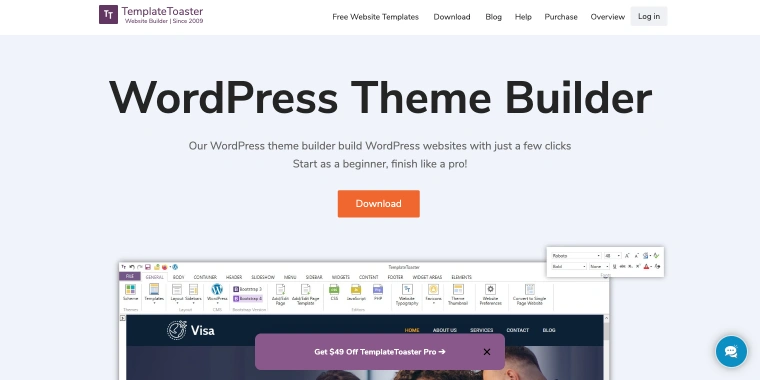
TemplateToaster is a popular WordPress Theme Builder tool that allows users to create responsive websites and themes for WordPress. It is truly the best WordPress theme builder for beginners and professionals. One of the best things about TemplateToaster is that it provides complete control over the design of the WordPress theme.
Users can make changes to the design without affecting the website’s functionality, which is especially useful for those who create custom designs for WordPress websites.
Main features:
- one of the best WordPress theme builders;
- drag-and-drop theme creator;
- supports Bootstrap Framework;
- multilingual support;
- WooCommerce compatible;
- plugin-friendly;
- stock image gallery.
Pricing: Standard Edition: $49, Professional Edition: $99.
Pros:
- no learning curve;
- responsive websites;
- user-friendly interface;
- several customization options;
- built-in SEO features;
- quick updates.
Cons:
- Windows-only desktop app. Mac through virtual machines;
- output still needs to be installed and maintained as a theme like any other;
- smaller community and slower iteration pace.
What Changed in WordPress Page Builders in 2026
A quick recap, since the details are scattered across the cards above:
- Divi 5 has moved from shortcode-based storage to JSON, marking a significant architectural change. If you use third-party Divi add-ons or have migrated content, it’s worth checking that everything still works, not just updating to the new version. Pricing remains straightforward: $89 per year or $249 for a lifetime license, with both plans covering unlimited sites.
- Oxygen has been completely reimagined around AI agents. Oxygen 6.2 includes a built-in MCP server and Agent Connector, so Claude, Cursor, Codex, and other MCP clients can create real WordPress content (from post types and WooCommerce setups to SEO fields) using prompts, with the visual editor available as a handy fallback. The focus has shifted beyond the “clean code for developers” story: Oxygen now competes directly with CrocoBuilder on AI-native capabilities, not just markup quality. Pricing is simpler, too: one $199.50 lifetime license for unlimited sites, with no tiers.
- WordPress 7.0 introduced a refreshed admin UI and new AI-assisted infrastructure in the editor. It also dropped support for PHP 7.2 and 7.3, so it’s a good idea to check a site’s PHP version before recommending a builder for one that’s still running an older version.
FAQ
It’s still the most widely used option, with a large ecosystem of add-ons and freelancers to support you. The “best” choice depends on your project: for dynamic, data-heavy sites, Bricks or CrocoBuilder offer more native support for query-based content.
Not necessarily. Gutenberg, paired with a block library like Spectra, works well for static sites. A separate builder may be worth considering when you need visual controls that Gutenberg doesn’t offer, such as complex responsive rules, a theme builder, or native dynamic listings.
LiveCanvas lets you edit plain HTML. Most visual builders, such as Elementor, Divi, and WPBakery, store content in their own formats, so deactivating them can leave you with some cleanup to do.
Both Divi 5 plans (the $89/year plan and the $249 lifetime plan) cover unlimited sites, so there’s no separate “Pro” subscription tier like there used to be. The biggest change is that pages are now stored in JSON instead of using shortcodes.
Both are developer-first with clean output. Oxygen leans toward deep ACF integration and now shares its engine with Breakdance; Bricks leans toward native query/loop building for dynamic content without extra plugins. The choice usually comes down to which data-handling approach fits the project.
Yes, but it depends heavily on the builder. Lean, semantic-output builders (Bricks, Oxygen, SiteOrigin, LiveCanvas) start from a better baseline than builders with deeper div nesting (Elementor, Divi, WPBakery), though all of them can be tuned.
It was closed on WordPress.org in September 2026 and is no longer available for download. If it’s already installed on a site, plan a migration rather than waiting for updates.
Conclusion
The right builder comes down to three things: who’s building the site, whether it needs dynamic content, and how much lock-in you’re comfortable with. Start with the decision tree rather than a ranked list. A builder that’s “best” in a roundup may still not be the right fit for your project. If you’re still unsure after narrowing down your options, focus on the one feature your project can’t do without (like a query loop, a theme-level template, or a lifetime license). That detail will usually tell you more about “the best builder for this” than another comparison table ever could.