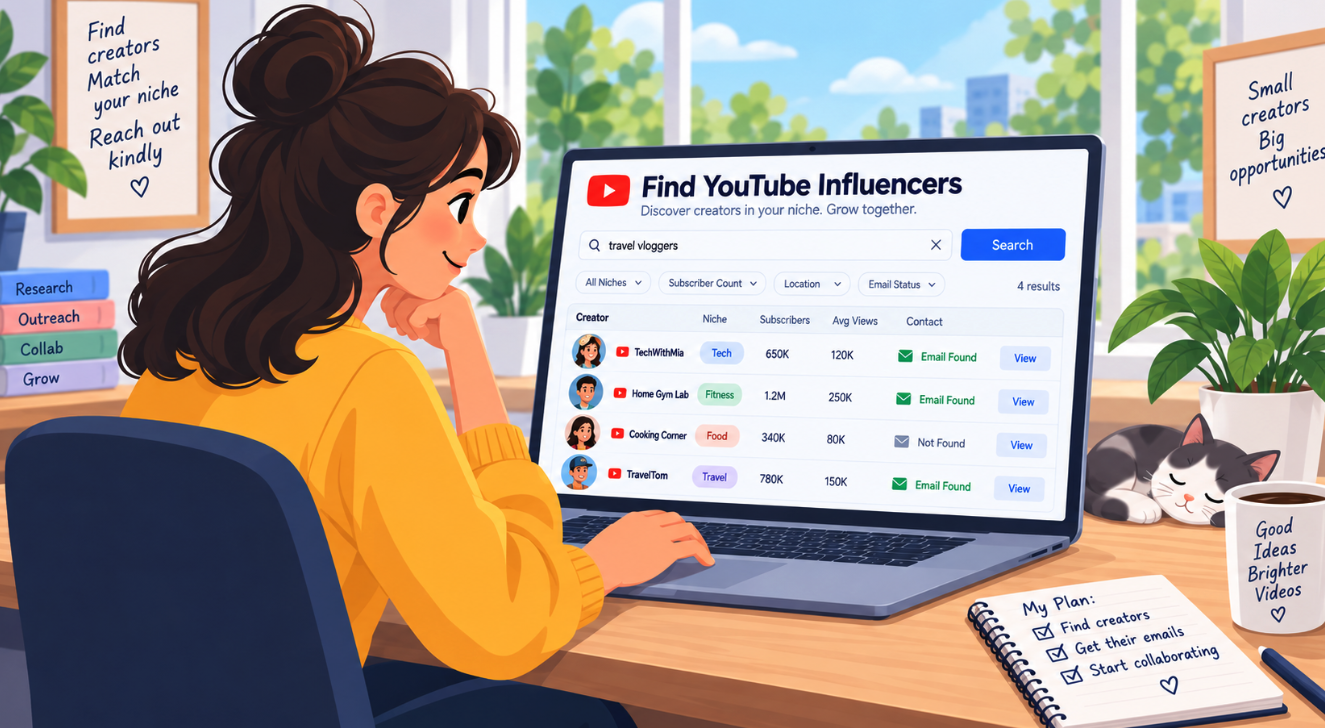
A free WordPress plugin pulls YouTube creators in a site’s niche straight into the WordPress dashboard, so a website owner no longer has to bounce between YouTube, Google, and a spreadsheet to assemble a list of influencer candidates. Superb Lead Finder is a free plugin that automatically finds leads and partners from the website itself, surfacing YouTube creators in the niche without manual searching. For website owners trying to find YouTube influencers in their niche, the work starts inside the tool that already runs the site.
Rather than copying channel names out of search results and pasting them into a document, website owners see relevant influencer candidates directly inside WordPress, alongside the site they are already managing. The list stays in one place, which makes it easier to review, sort, and act on.
Superb Lead Finder is aimed at website owners who already have a site and an audience, so the partners it surfaces are matched to the site’s own niche rather than pulled from a generic, one-size-fits-all list. A cooking blog gets cooking channels, and a tech review site gets tech channels.
This guide walks through the manual ways to find YouTube influencers, how automatic tools compare to that grind, and how to use the free plugin to build an outreach-ready list.
How to Find YouTube Influencers the Manual Way
Most website owners start the same way. They open YouTube in one tab, Google in another, and a blank spreadsheet in a third. Learning how to find YouTube influencers this way costs nothing but time, and it teaches a lot about which creators actually speak to a niche. The trade-off is that it does not scale, and the results are hard to hand off to anyone else later.
Three manual techniques cover most of the ground:
- Native YouTube search uses niche keywords like ‘best email marketing tools’ or ‘home gym review’, then sorts by Views or Upload date to find creators who are still posting.
- Hashtag search shows the scale involved, since #skincare alone returns 827K videos and 180K channels, which is exactly why niche hashtags narrow the field so quickly.
- Google listicles such as ‘top finance YouTube influencers 2025’ surface curated names, though the same big creators repeat across lists and the lists rarely include emails.
For a more repeatable version of the same work, a website owner can follow a short procedure:
- Pick 3 – 5 core buying keywords.
- Collect the top 20 – 30 relevant videos for each keyword.
- Log subscriber count, average views, and contact information in a sheet.

Those three steps produce a usable candidate list, but they also reveal the ceiling of the manual route. Every name still has to be checked by hand, and the contact details usually are not sitting anywhere obvious.
Automatic Discovery Tools That Do the Digging for You
Instead of building a spreadsheet channel by channel, a website owner can use these platforms to find leads and partners automatically, filtering by niche, audience size, or contact availability before a single name is logged.
- HypeAuditor’s Influencer Discovery is free after email registration, and its Keyword filter matches text in creator profiles and bios. From there, filters narrow results by influencer location, age, gender, audience size, category, and language. Lists can then be created, exported, and used to pull contact details and automate outreach.
- ChannelCrawler filters 35M+ YouTube channels using 400+ AI-powered subcategories such as Minecraft, Vegan Cooking, and Dropshipping, a far finer set of options than YouTube’s native 20 categories.
- Modash searches a database of 380M influencer profiles and allows 5 email lookups free without starting a trial, a sign-up, or a credit card.
- ScraperCity’s Youtuber Email Finder takes keywords entered one per line, lets the user set a maximum number of emails per keyword (5,000 channels by default), and outputs a downloadable CSV with four columns: channel_name, channel_url, subscriber_count, and email.
Two more options round out the set for those who want a different angle. Influencer Hero searches by niche, location, audience demographics, lookalike, and engagement rates, while the SocialiQ Chrome Extension handles discovery and hands over influencer email addresses from the browser. Posting a request in subreddits like r/YouTubers, r/SmallYoutubers, or r/InfluencerMarketing, or in Facebook and LinkedIn groups for influencer communities and YouTube creators, lets creators come forward on their own.
Why Superb Lead Finder Fits WordPress Site Owners
The tools above all live somewhere else: a separate dashboard, a browser extension, or a paid platform with its own login. Superb Lead Finder takes the opposite approach. It runs directly inside the WordPress admin, so it works as an automatic lead finder for WordPress rather than another tab to keep open. A website owner already has a site, a niche, and an audience, and that existing setup is exactly what the plugin draws on to surface relevant creators. There is no new account to maintain and no second place to check.
The plugin comes from SuperbThemes.
The automatic approach removes the chores that make manual research tedious. There is no CSV to export and re-import, and no keyword searches to run again every few weeks because the old list went stale. The tool keeps building a list of potential YouTube creators in the niche on its own, so the roster grows as the site does. For an automatic partner finder, that ongoing accumulation is the whole point.
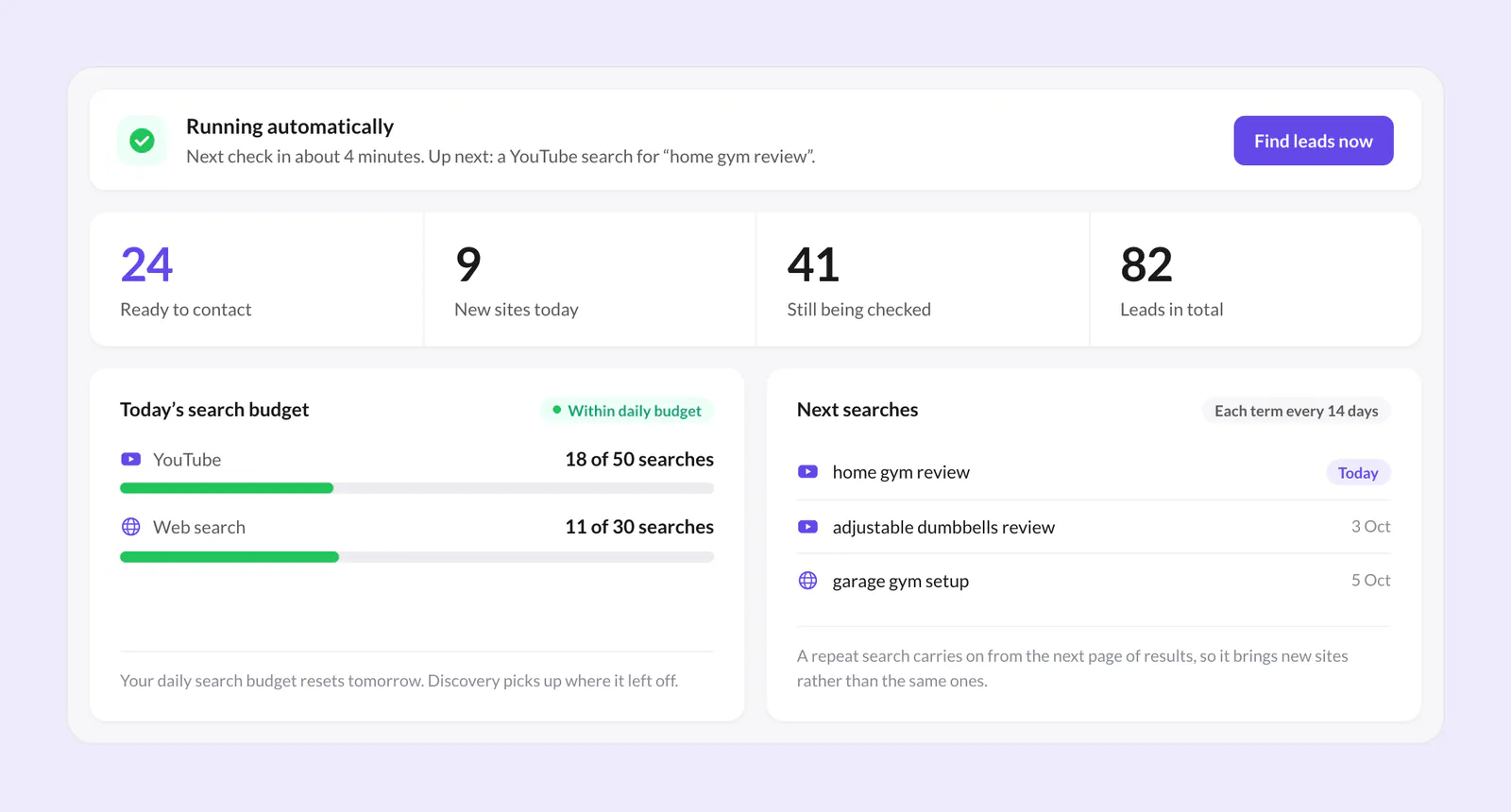
It is also free to use. That makes it a sensible first stop for a website owner who wants to see what influencer outreach could look like before committing budget to a paid influencer platform. Testing the workflow costs nothing, and the resulting list is ready to act on whenever the owner decides to take it further.
Where YouTube Creator Emails Actually Come From
YouTube does not expose emails through its API, so every email finder, paid or free, works from publicly available data alone. That means YouTube influencer emails come from a few predictable places: the business inquiry address in a channel’s About section, addresses dropped into descriptions, and contact details on websites the creator links to.
The About-tab method is the most direct route to find YouTuber contact information by hand, and it runs in a fixed order:
- Open the channel.
- Click About.
- Click ‘view email address’.
That method is free and accurate, but two limits keep it from scaling. It caps out at 10 lookups per day, and it requires the person doing the search to be logged in.
When no About-section address exists, YouTube content creator emails are often sitting somewhere else nearby:
- Video descriptions frequently carry a business inquiry or fan-contact address when the About tab comes up empty.
- A creator’s own website usually lists an email on the Contact or About Us page.
- Social bios are a common home for a business address, since creators tend to keep the same contact details across every platform they use.
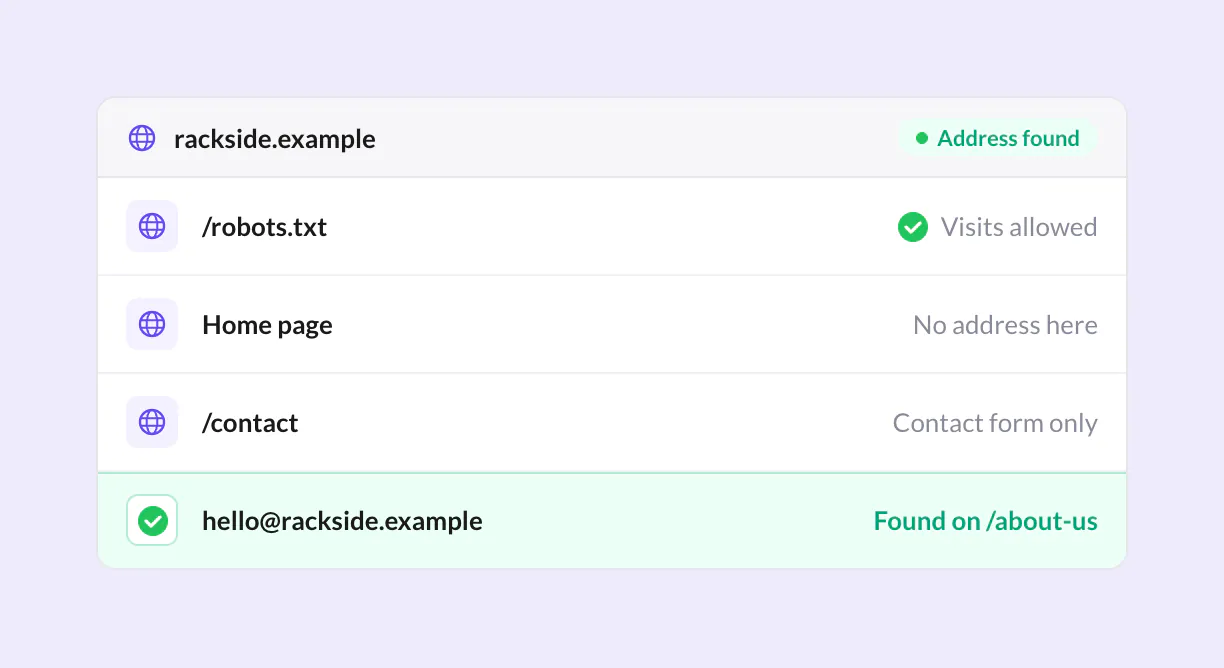
Hunter.io offers 25 free searches per month, and the Scrape Creators API can return a public bio email such as [email protected] straight from a channel handle.
Outreach Emails That Stay Legal, Plus Your Next Step
Building a list of creators is only half the job. The other half is reaching out without breaking anti-spam law, and the rules differ sharply depending on where a creator is based. A message that is perfectly fine for a recipient in Texas can be a violation for one in Toronto. For website owners sending YouTube influencer outreach emails, knowing which regime applies is not optional.
| Jurisdiction | What the rules require | Penalties |
|---|---|---|
| United States (CAN-SPAM) | A truthful subject line, a valid physical postal address, and a clear opt-out mechanism | Up to $53,088 per email |
| EU | B2B cold emails can be sent under legitimate interest, but B2C emails require opt-in consent; include who the sender is, why they are writing, and how they got the address | Not specified |
| Canada (CASL) | Express or implied consent | Up to $10M per violation |
| Australia (Spam Act) | Inferred consent allowed | Up to AUD $1.38M |
The practical takeaway is that compliance work happens before the first send, not after. A sender who identifies themselves plainly, explains the reason for writing, states where the address came from, and offers an easy way out satisfies the transparency expectations in most of these regimes at once. The penalties scale with volume and intent, and the strictest jurisdictions, Canada in particular, punish the absence of consent rather than the content of the message.
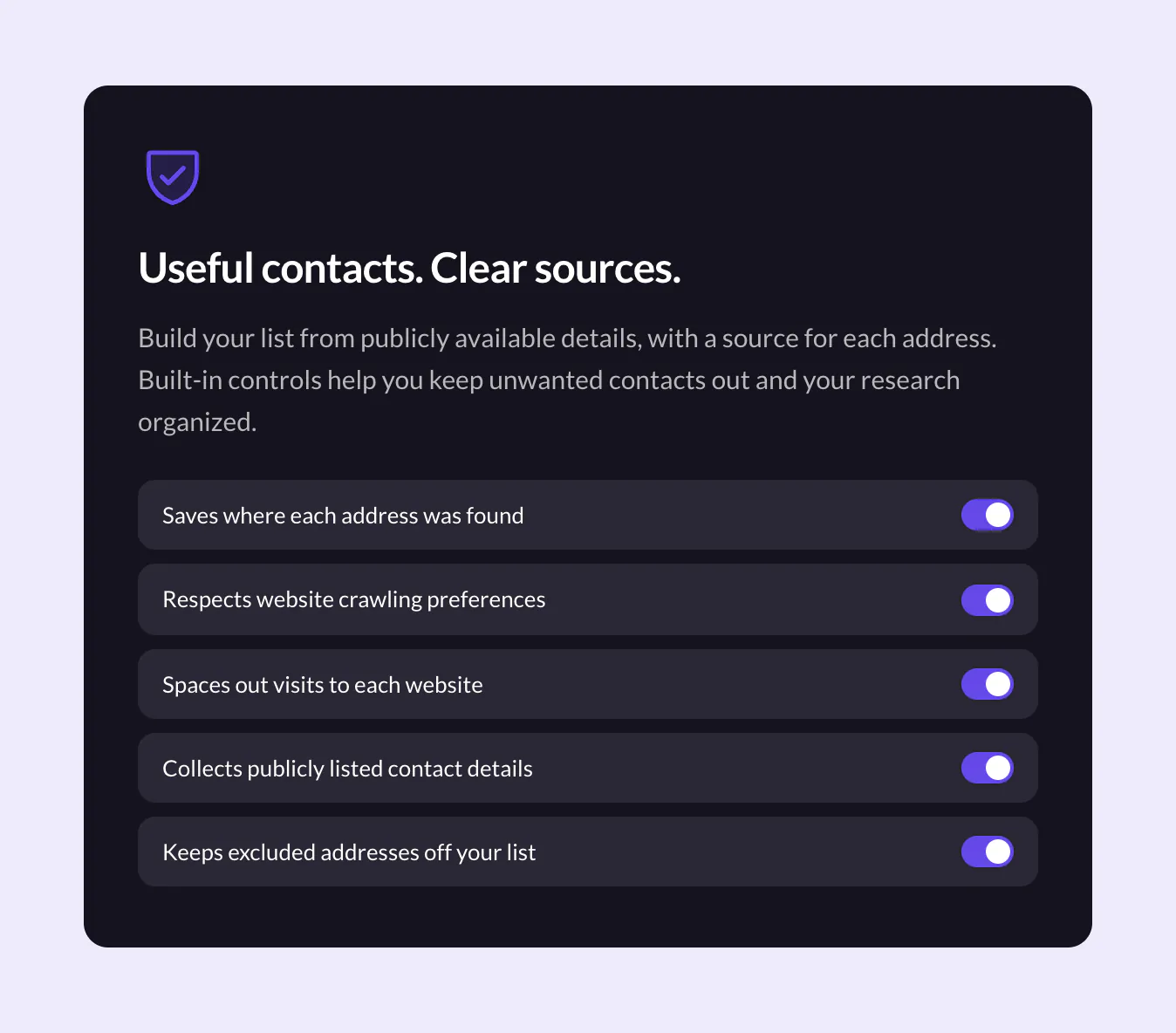
The rest of the workflow is simpler than it used to be. Discovery that once meant hours of tab-switching and spreadsheet upkeep now happens inside the site a website owner already runs. What remains is the outreach itself, and that part rewards care over speed.

Website owners ready to skip the manual search can install Superb Lead Finder free from https://superbthemes.com/plugins/lead-finder/ and let it find YouTube influencers and partners from their WordPress website automatically.