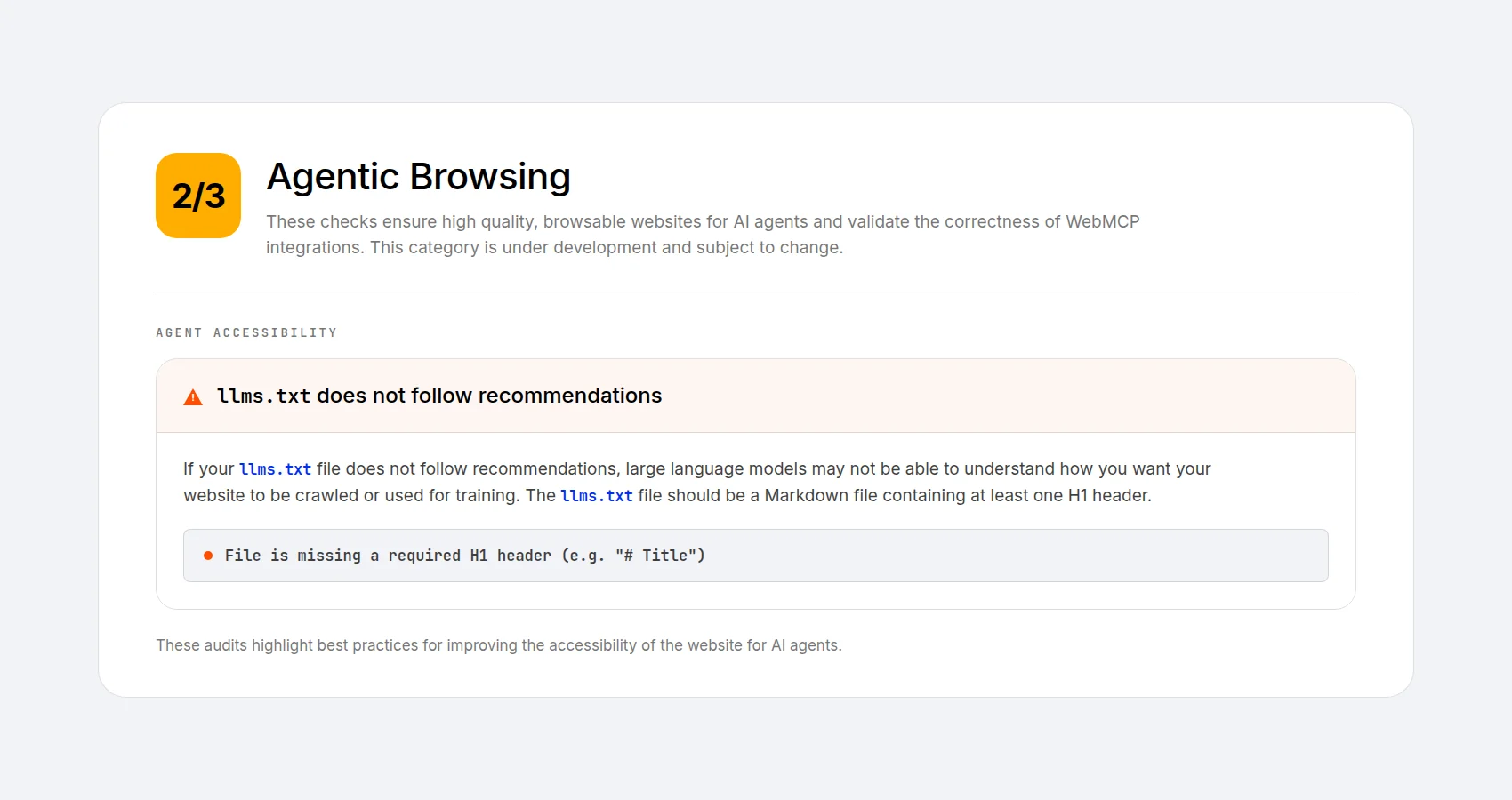
You ran your site through PageSpeed Insights, and something unfamiliar appeared in the report: a line about a file named llms.txt. Your site doesn’t have one. Is that a problem? You go looking and land on Google’s own Search documentation, which says you don’t need one to appear in Google Search, including its AI features.
Both of those are coming from Google. Confused?
Why it matters: One part of Google documents a file that can help AI agents. Another says it isn’t needed for Search. Before you install a plugin or write it off, it’s worth ten minutes to understand which answer applies to your site.
It isn’t a contradiction. Once you see where each answer comes from, you’ll know whether your site needs one.
What llms.txt Is
llms.txt was proposed in September 2024 by Jeremy Howard of Answer.AI. It’s a plain-text Markdown file at the root of your domain (yoursite.com/llms.txt), or under a path such as /docs/llms.txt, that acts as a curated map of your most important content, written for a machine rather than a person.
The problem it was built to solve is genuine. A language model has a limited context window, and reading a large website can use much of it. A rendered web page can also contain navigation, cookie banners, ads, and scripts. Your own content sits somewhere inside all of it (the DOM, in other words).
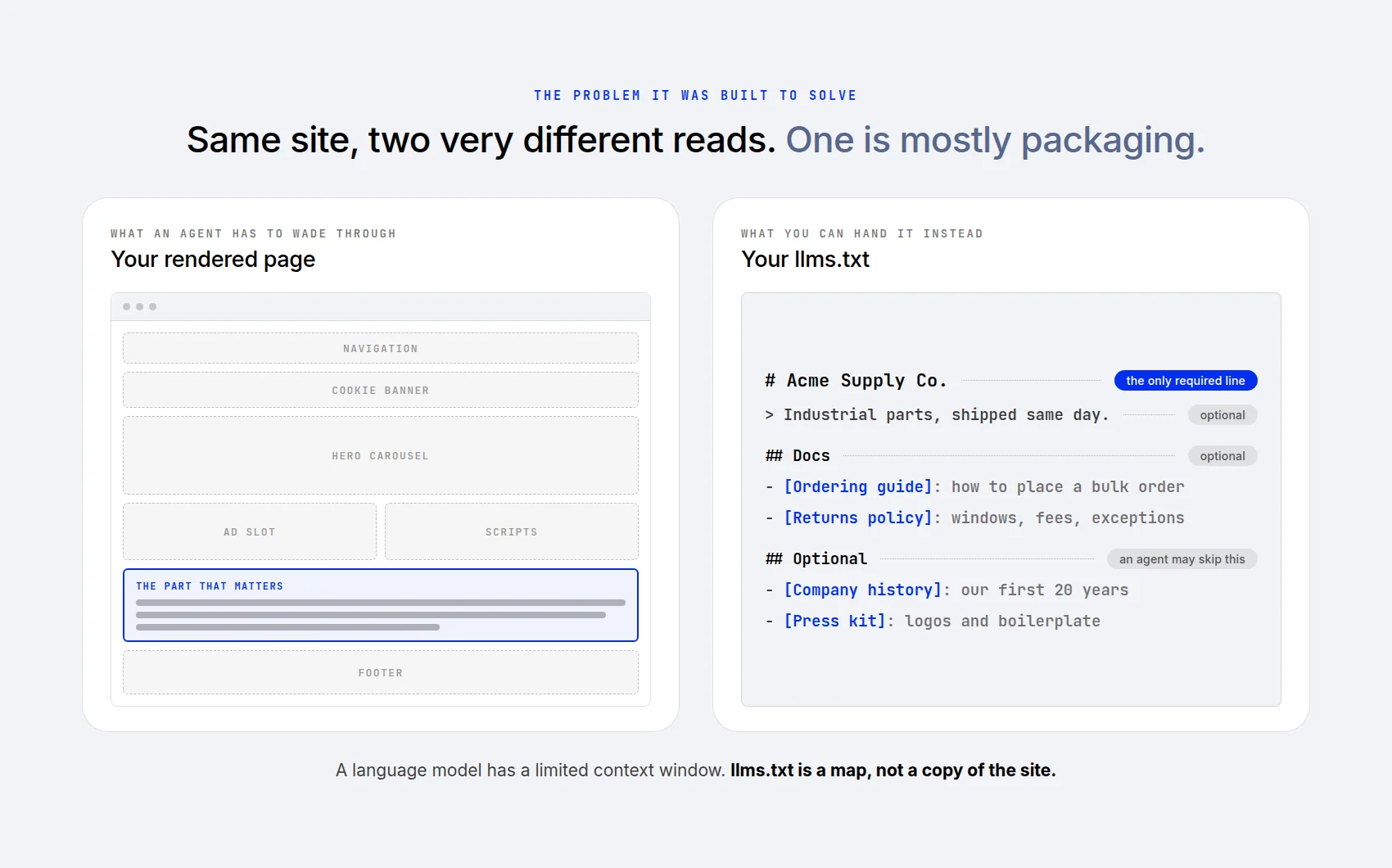
The format is simple by design. An H1 with your site’s name is the only required part. After that: an optional one-line summary, then sections of links with a short description each. A bigger sibling, llms-full.txt, inlines the actual content instead of linking to it. The official spec runs to about a page, which tells you something about how much there is to it.
How A Machine Finds It
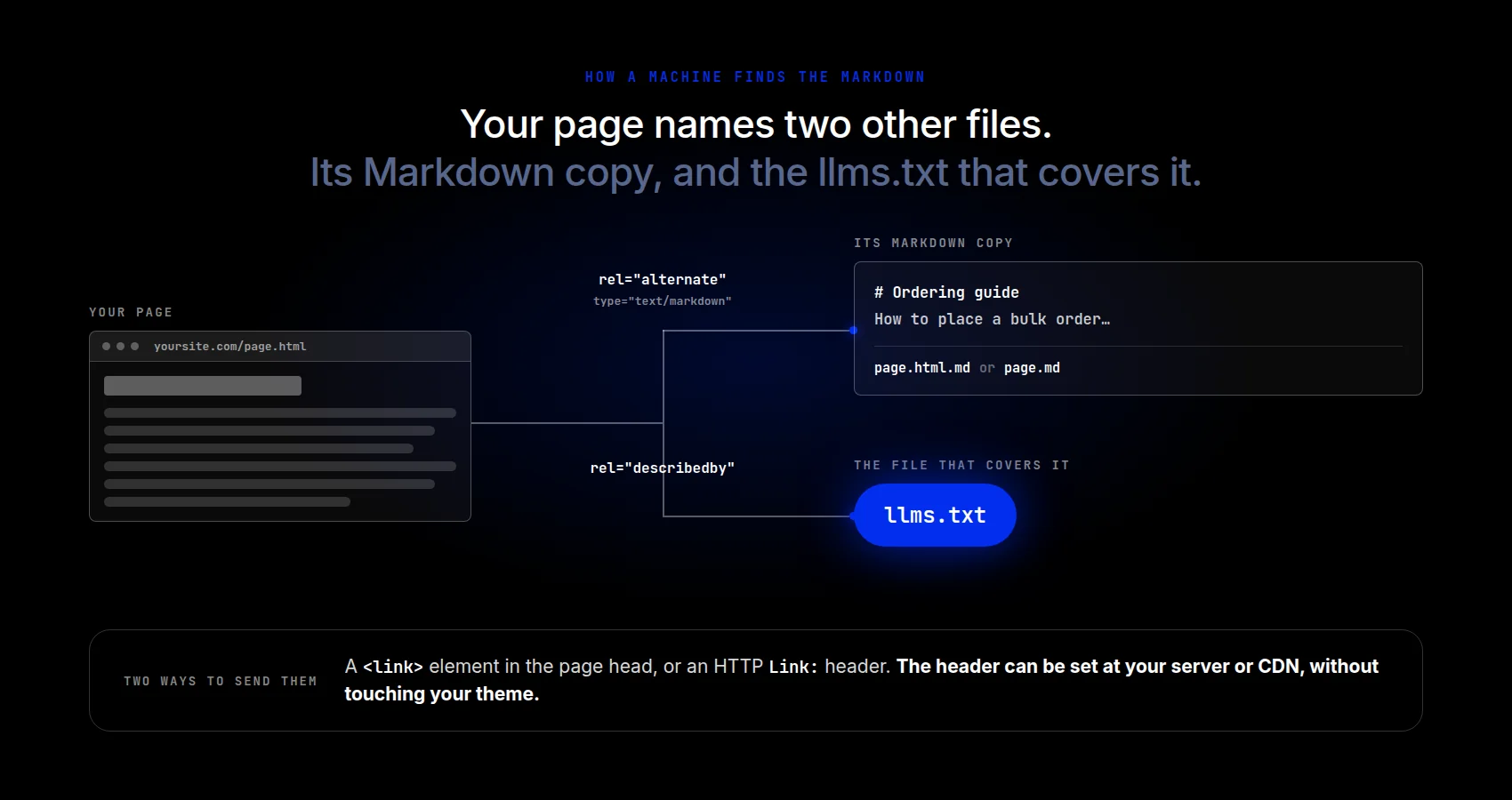
The spec also covers how a machine is meant to find any of this. Two link relations do the work. One, rel=”alternate” with type=”text/markdown”, points from a page to a Markdown version of that same page. The other, rel=”describedby”, points to the llms.txt file that covers it. You can put those in your page head as elements, or send them as an HTTP Link header instead.
The header route works on files that aren’t HTML at all, and your server or CDN can set it, so nothing in your theme has to change. The Markdown copies themselves can sit at either yoursite.com/page.html.md or yoursite.com/page.md.
Be clear on what it isn’t. robots.txt tells compliant crawlers which URLs they may request; it does not protect private content. A sitemap is an inventory of the pages you want indexed.
llms.txt, however, is a guide. It grants nothing and blocks nothing, and it cannot make anyone read it. It’s a suggestion. AI agents may find it helpful or may skip it altogether.
Why Google Is Saying Two Different Things
Driving the news: Lighthouse includes an experimental audit category called Agentic Browsing, and one of its audits concerns llms.txt. Chrome’s documentation describes it as an “emerging convention” and explains how to publish one. But a missing file returning 404 is marked Not Applicable, because the file is optional. Server errors while fetching it can trigger a flag.
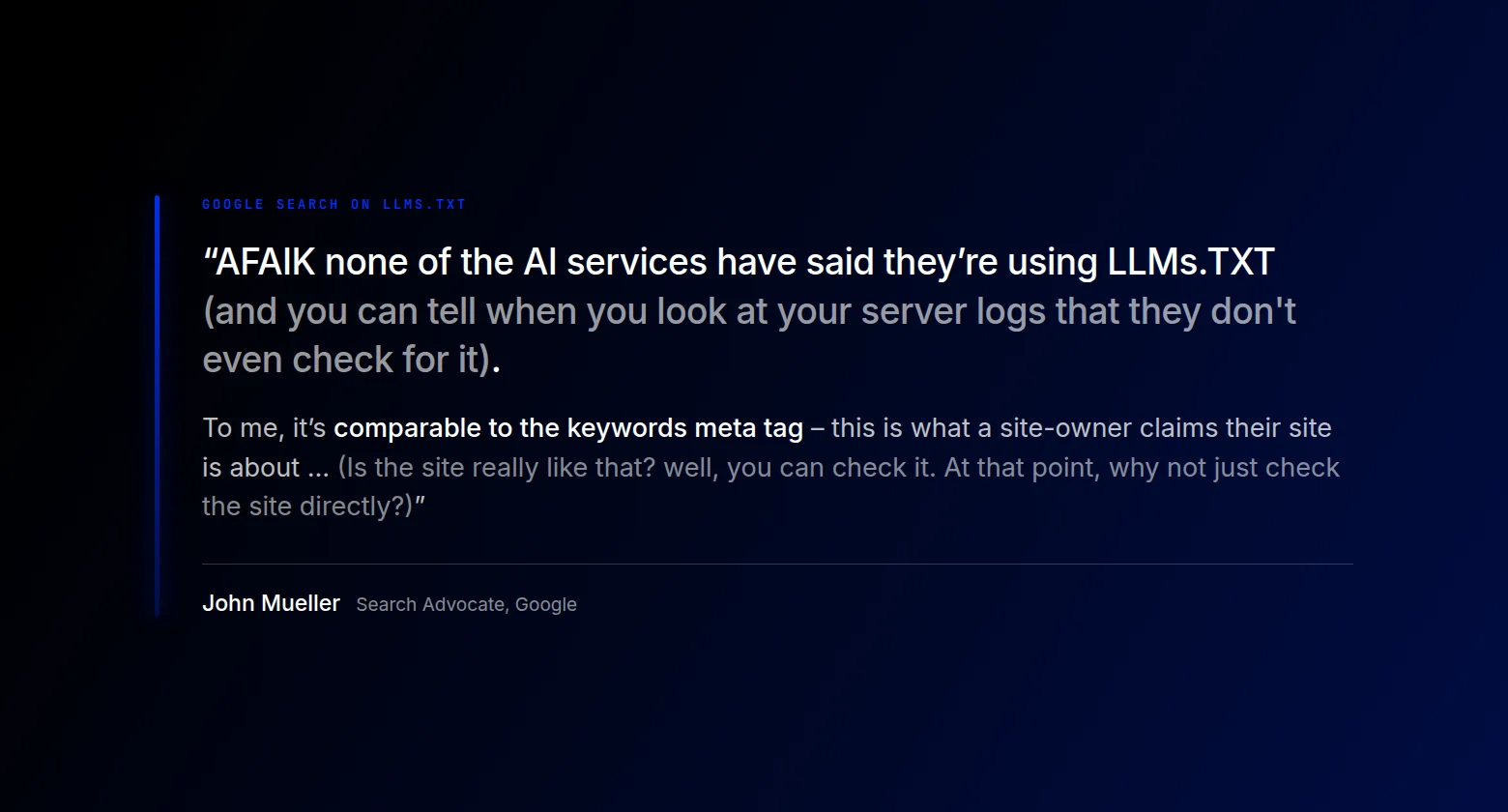
Meanwhile, Google’s Search optimization guidance says you don’t need to create new machine-readable files, AI text files, or Markdown to appear in Google Search, including its AI features. It says Search itself does not use these files in that way.
One Company, Two Jobs
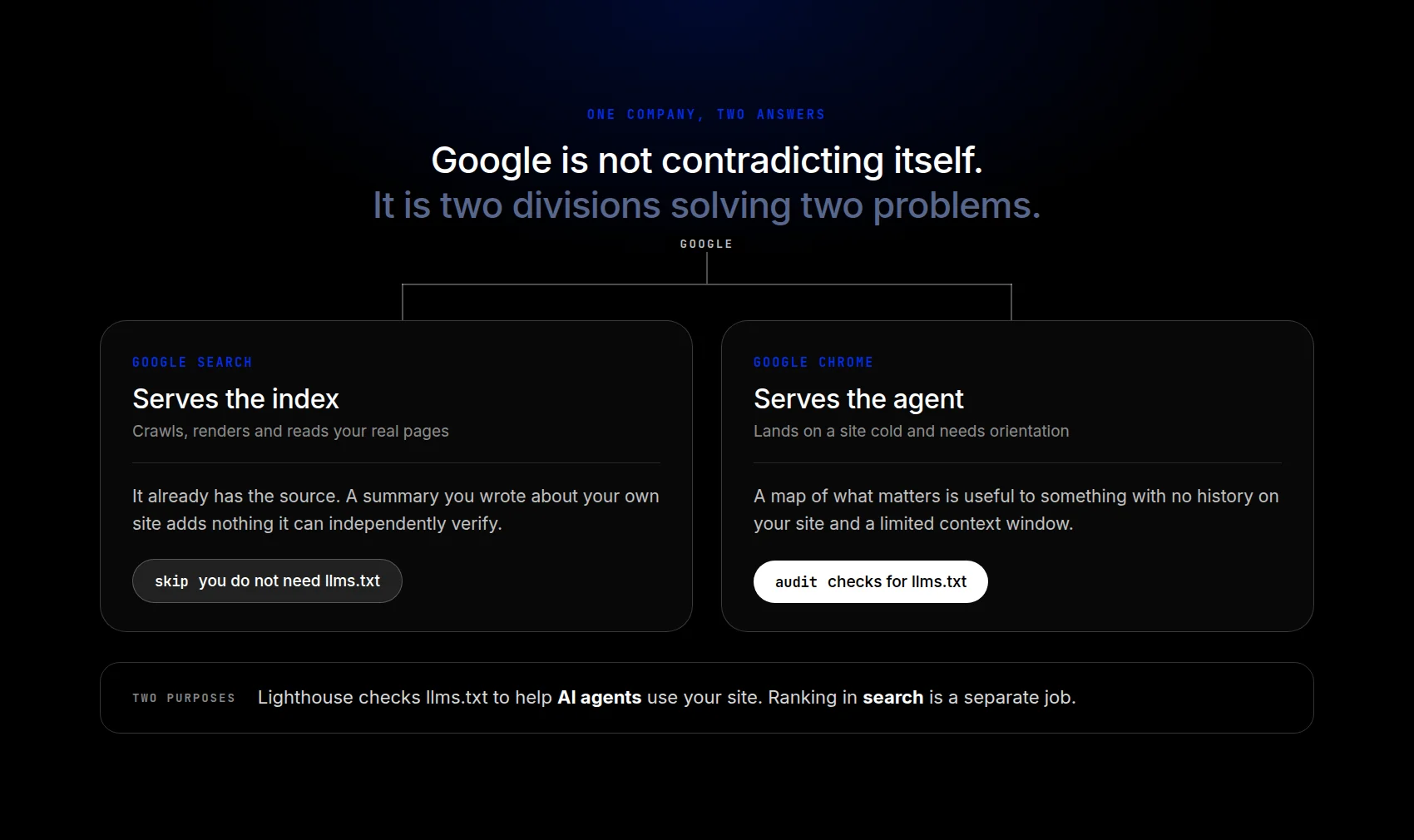
The big picture: Most people think of Google mainly as a “search engine.” However, Google is also one of the largest AI companies on earth. Chrome is a browser being reimagined for a web that AI agents navigate. So the advice comes from two divisions doing two different jobs, which is why both answers are honest.
Search already crawls and reads your real pages. It has already seen the real thing. An llms.txt file adds your own description of the site, but Google’s guidance does not treat it as a special Search signal.
An agent has the opposite problem. It may arrive without an index of your site and with limited room to read. So, it needs to know where to start and where to go. A concise guide can help it choose what to read without filling its context window. That is what the Lighthouse report is nudging you to provide (if appropriate for your site).
The advice differs depending on which bucket of concern you are addressing. Agentic Browsing is a separate category from doing traditional SEO. Google put llms.txt in the agent category and kept it out of the search relevance one. Even if it confused you at first (as it did me), that’s not quite mixed messaging. llms.txt may well be useful, just not for showing up better in search.
Is Anything Reading llms.txt?
By the numbers: Ahrefs studied 137,210 domains with traffic in May 2026. About 28% had valid llms.txt files; 97% of those files received zero requests that month. Of the requests that landed, SEO audit tools accounted for about 22% and ordinary web crawlers for 13%. AI retrieval bots made up about 1.1%. A separate 90-day study by OtterlyAI found that 84 of more than 62,100 AI bot requests to one website touched the file. That is about a tenth of a percent, and roughly one-third of the requests its average content page received.
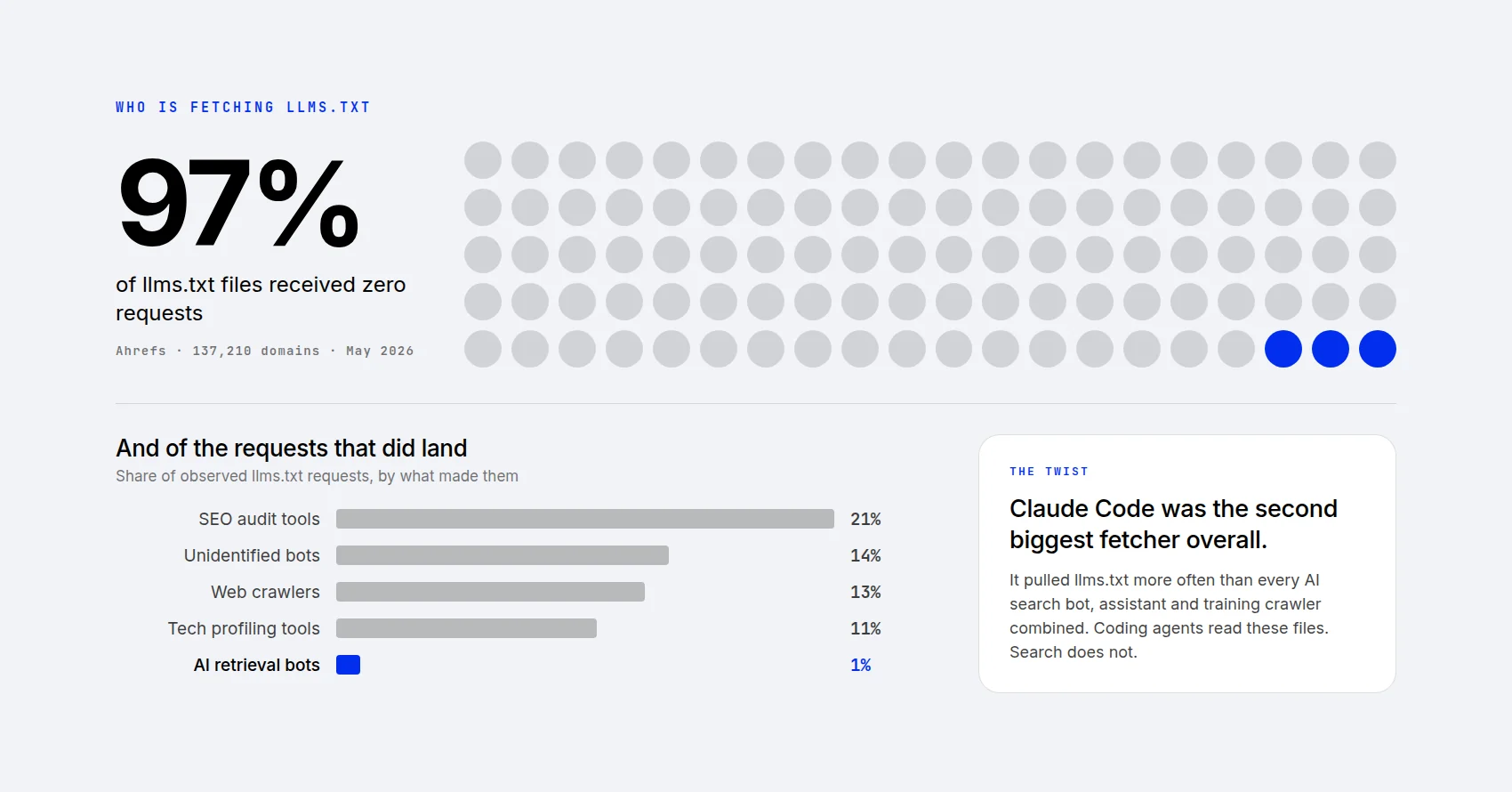
Yes, but: the same Ahrefs data holds a twist. Claude Code was among the prominent fetchers of llms.txt, although it was not the only kind of tool requesting it. A request also does not prove that an agent used the file in an answer.
That points to one practical use for the convention: documentation. Reference material that somebody deliberately wants a machine to read.
Two examples. Mintlify, which hosts documentation for many software companies, generates llms.txt files for its sites. Anthropic publishes one for its own docs. A developer can also give a coding assistant a library’s llms-full.txt as reference material for a task.
The purpose is to hand a machine a specific body of reference material and ask it to work from that. It is a narrow job, and one you can test with the tools your readers use.
Two Types Of AI Agents
The numbers are separating two kinds of AI agents, and the difference is in how you determine what you need to do. Search-facing retrieval bots accounted for a small share of requests in the Ahrefs study. Coding agents also appeared in the data, which makes documentation a useful place to consider the file. That does not tell us what every agent reads or how often it reads a particular site.
That turns the whole decision into one question. Are the agents that read llms.txt the agents you need?
So, Who Should Use One?
Yes, today: You publish developer documentation, an API, or a technical product — anything a developer points a coding agent at when it needs the lay of the land in a hurry. There’s a practical use case to test here, separate from SEO rankings.
Reasonable: You run a large documentation-style site or knowledge base where a curated map helps a machine find relevant material. It can be cheap to generate, though keeping it useful still takes attention. Know what it does and what it does not.
Not a priority: You run an ordinary business site, a portfolio, a local service site, or a blog. The studies above do not establish a search or AI-citation benefit for these sites. However, these can be very cheap and easy to make (not necessarily to maintain), so even here you may decide to try it out.
Either way: don’t sacrifice your real content or real page structure in favor of optimizing a llms.txt.
How To Add One To A WordPress Site
Three routes, in ascending order of effort.
Your SEO plugin may already do it. Rank Math has an LLMS Txt module. Enable it, choose which post types and taxonomies to include, and save. Yoast supports it too. Slim SEO has taken the other road. It declines to add llms.txt at all on the grounds that the format is a narrow proposal rather than a universal standard. Its published explanation favors established SEO practices while adoption remains uncertain.
Use a dedicated plugin. Website LLMs.txt and the Website LLMs.txt and LLMs-Full.txt Generator both build the file from your existing content. Check each plugin’s inclusion settings and SEO-plugin integrations, then inspect the public file to confirm which pages it lists.
Write it by hand: Draft it in any text editor and upload it to your site’s public root folder, usually public_html, over SFTP or your host’s file manager. Then visit yoursite.com/llms.txt to confirm it’s live.
One Divi note: there’s no Divi setting for this, and there doesn’t need to be. You’re placing this directly in your file structure, and it is just a Markdown file (confusingly with the .txt file extension).
If You Add One, Watch For These
Going stale: A file pointing at pages you deleted is worse than no file at all. If you create a llms.txt, check in on it as your site changes. The same goes for any Markdown copies you publish alongside your pages. Each one is a second copy of that page, and it stops helping the moment the two fall out of step.
What ends up in it: Check that drafts, private posts, and noindexed pages didn’t get brought in. Treat the file as a public index: noindex is not access control.
Caching: Some plugin-generated files are served through WordPress and can be affected by page caching or a CDN. Load the live URL and check again after any changes to caching.
Don’t list what humans can’t see. Pointing agents at gated or hidden content is not helpful and wastes server resources. Also, don’t list things that don’t exist. This falls under the “do not be spammy” category, but it needs to be said in an SEO context.
The Bottom Line
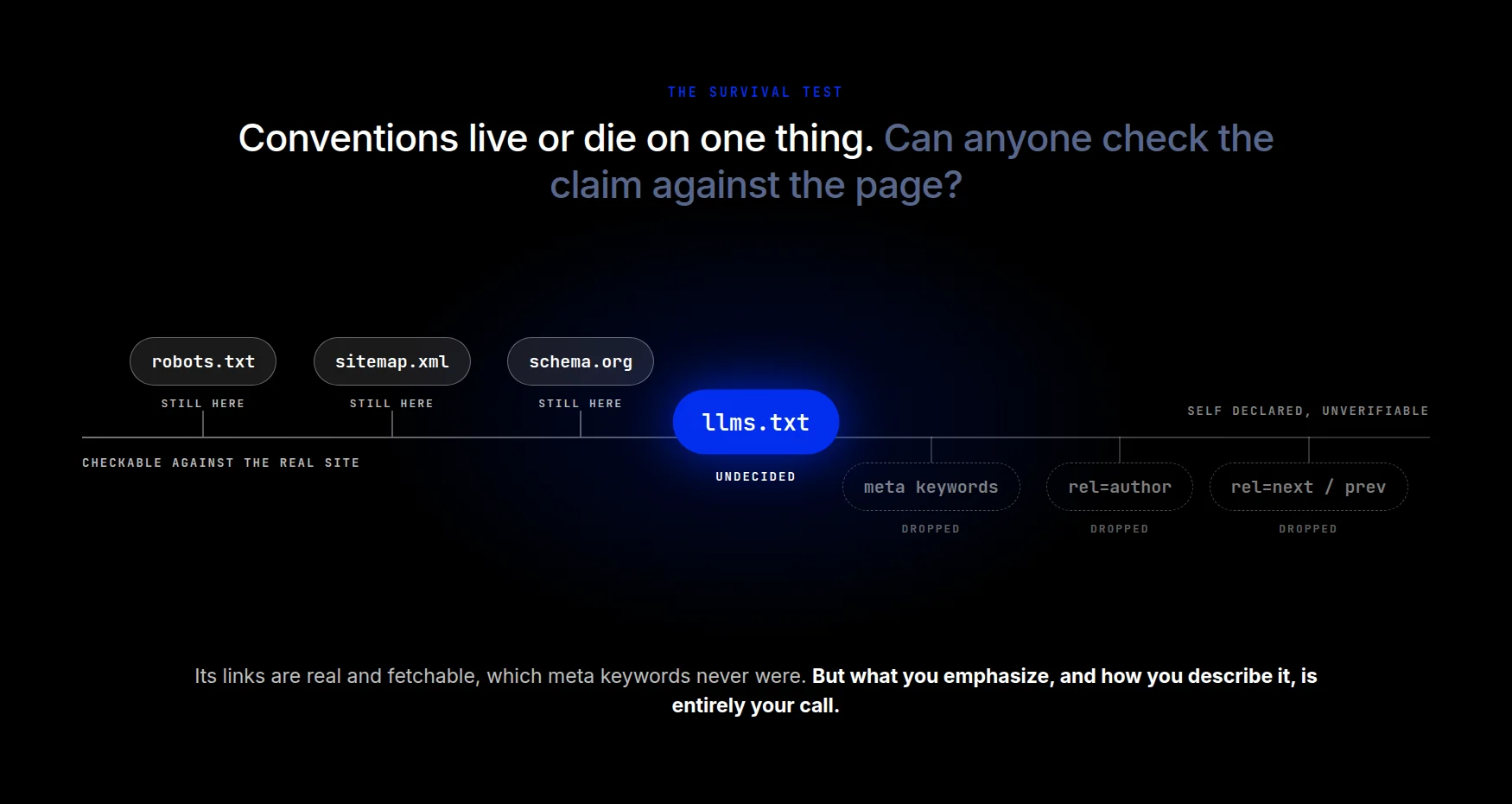
There is a question behind any proposed web convention: does it help the tools it is meant for? Established conventions such as robots.txt, sitemaps, and structured data each have a defined job. llms.txt needs to earn its place through useful, accurate guidance.
Its links are real and fetchable, which gives a tool something concrete to follow. But what you emphasize, and how you describe it, is entirely your call.
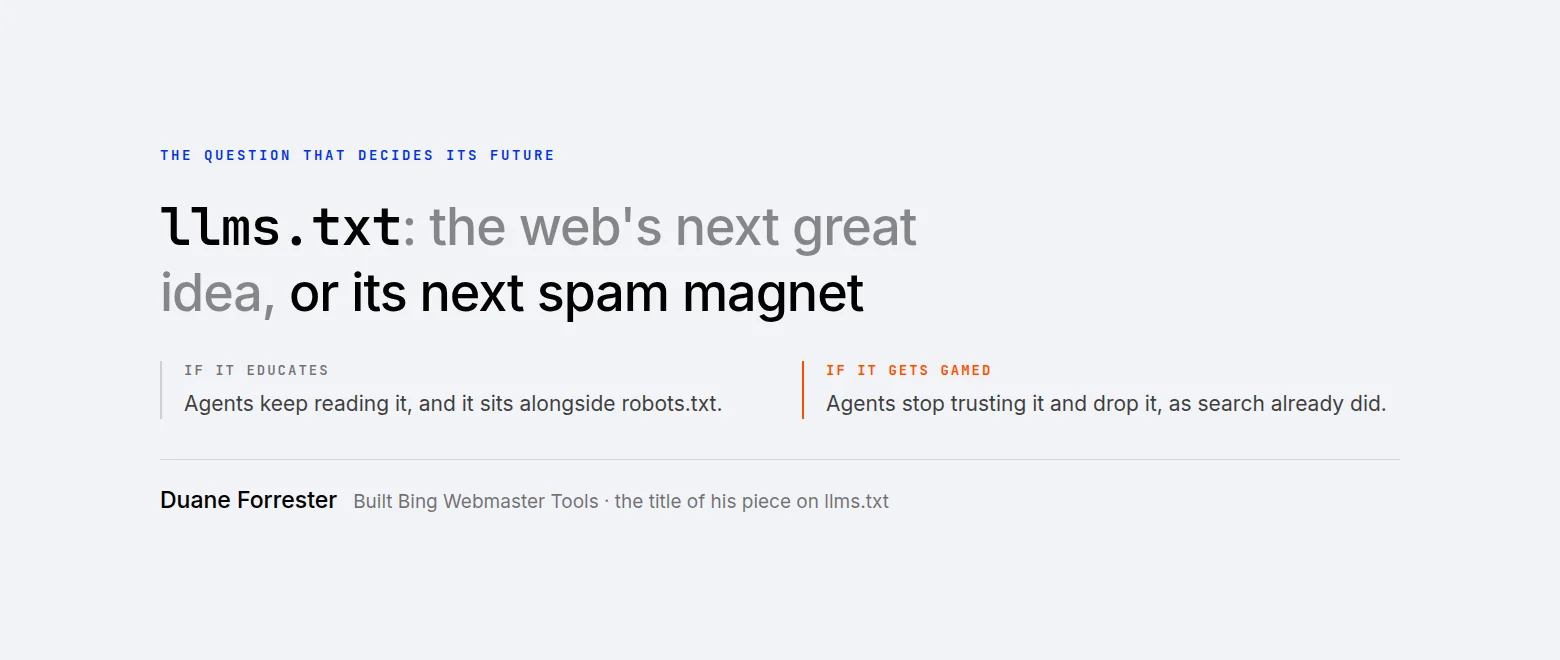
Part of what decides its future is how honestly people fill it in. Duane Forrester, who built Bing Webmaster Tools, framed it as the web’s next great idea or its next spam magnet. If agents trust a self-written manifest more than a crawl of messy HTML, that manifest becomes worth manipulating — and agents may have less reason to trust it.
The bottom line: Google’s entire job has been to understand a website from its pages themselves. llms.txt is an abstraction away from that — helpful for orientation, not a substitute for the real thing. The durable work has not changed either: clean structure, real semantic elements, a stable layout, and authoritative content.
Divi AI Agent
If you are interested in AI at the intersection of design and site building, that is Divi’s AI Agent. You describe what you want, and it designs and builds it with you, page by page, inside Divi. If you want better-designed sites with more (not less) control, then Divi AI is exactly what you’re looking for.
Add an llms.txt if it’s cheap, it works well for your site, and you’re curious. Skip it if it’s not for you. Keep an eye on whether any AI platforms ever commit to it. Just don’t build one thinking it’s the next recipe for SEO secret-sauce. It isn’t.