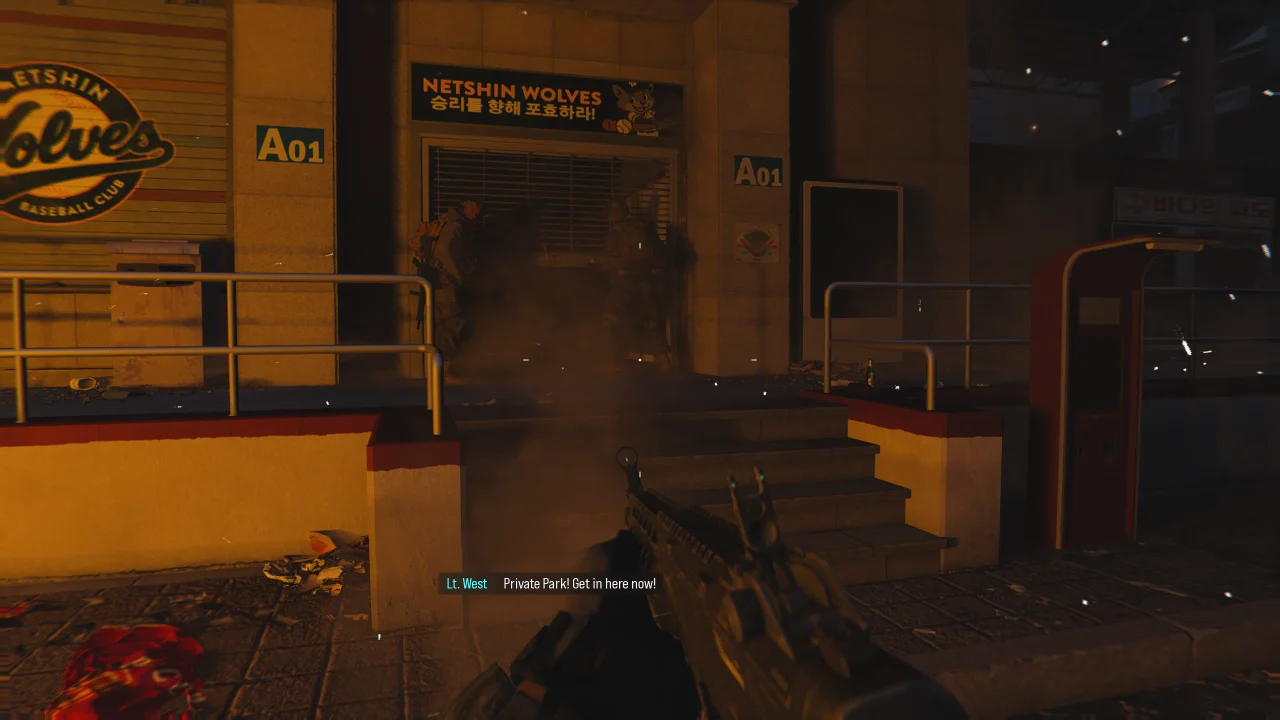
Call of Duty: Modern Warfare 4 is now live, and we can complete the Campaign. However, the DMZ and MP modes will be available soon, and things will be really competitive.
To make things easier, you’ll want to use the best possible settings to ensure there’s no lag or stuttering.
Best Call of Duty: Modern Warfare 4 graphics settings
Here’s a rundown of my settings.
- 32 GB of DDR4 RAM
- AMD Radeon 9060 XT 16 GB
- AMD Ryzen 7 5700X
I have mentioned two sets of settings in the tables below. One is fit for those whose devices are close to the minimum requirements. The other is fit for those who have devices better than the recommended requirements.
Display
| Parameters | Low-end devices | High-end devices |
|---|---|---|
| Display ode | Fullscreen Exclusive for single screen Fullscreen Borderless for multi-screen setups |
Fullscreen Exclusive for single screen Fullscreen Borderless for multi-screen setups |
| Display Adapter | Dedicated GPU | Dedicated GPU |
| Screen Refresh Rate | Native Refresh Rate of your screen | Native Refresh Rate of your screen |
| Display Resolution | Should match the resolution of your monitor | Should match the resolution of your monitor |
| Aspect Ratio | Automatic | Automatic |
| Background Shader Preloading | On | On |
| Restart Shader Preloading | N/A | N/A |
| Display Gamma | 2.2 (sRGB) | 2.2 (sRGB) |
| Anti-Lag/Reflex | On | On |
| Eco Mode Preset | Efficiency | Efficiency |
| VSync | Off | Off |
| VSync (Menus) | Off | Off |
| Gameplay Custom Frame Rate Limit | 60 | 150 |
| Menu Custom Frame Rate Limit | 60 | 90 |
| Out of Focus Custom Frame Rate Limit | 30 | 30 |
| Reduce Menu Render Resolution | Optimal | Optimal |
| Oause Game Rendering | Off | Off |
| Reduce Quality When Inactive | 30 seconds | 30 seconds |
| Focused Mode | 0 | 0 |
Quality
| Parameters | Low-end devices | High-end devices |
|---|---|---|
| Graphic Preset | Custom | Custom |
| Frame Generation | Off | Off |
| Ray Tracing | Off | Off |
| Resolution Scaling Technique | Enabled | Off |
| Sharpness | 50 | Off |
| Upscaler Preset | Performance | Off |
| VRS | On | Off |
| World Motion Blur | Cutscenes Only | Cutscenes Only |
| Weapon Motion Blur | Off | Off |
| World Depth of Field | On | On |
| Weapon Depth of Field | On | On |
| Film Grain | 0 | 0 |
Advanced Quality
| Parameters | Low-end devices | High-end devices |
|---|---|---|
| VRAM Scale Target | 85 | 100 |
| Texture Resolution | Very Low | High |
| Texture Filter Anisotropic | Low | Ultra |
| Detail Quality | Very Low | High |
| Particle Resolution | Low | High |
| Bullet Impacts | On | On |
| Persistent Effects | On | On |
| Shader Quality | Low | High |
| Shading Quality | Very Low | High |
| On-Demand Texture Streaming | Minimal | Optimized |
| In-Game Video Quality | Low | High |
| Shadow Quality | Low | High |
| Shadow Filtering Quality | Low | High |
| Screen Space Shadows | Low | High |
| Occlusion and Screen Space Lightning | Low | High |
| Screen Space Reflections | Off | Normal |
| Static Reflection Quality | Low | High |
| Terrain Quality | Very Low | Very High |
| Volumetric Quality | Low | High |
| Deferred Physics Quality | Low | High |
| Weather Grid Volumes Quality | Low | High |
| Water Quality | Off | All |