Bluetooth is widely reviled among audiophiles because it trades quality for convenience. There has traditionally been no such thing as lossless Bluetooth because the protocol does not have the bandwidth to support it. Currently, there is a single caveat to that rule we’ll cover further down. With that said, some Bluetooth connections can deliver audio quality good enough that no human ear would notice the signal loss it introduces in a normal listening environment.
The standard Bluetooth codec, the thing that compresses and reads back the wireless data your phone transmits to your headphones, is Sub-band Codec (SBC). It is extremely lossy and tops out at 320 kilobits per second (kbps), or about as high-quality as an MP3 file can be, though it becomes much more stable at an even lossier 192 kbps. The other most common codec, Advanced Audio Coding (AAC), is notably used on iPhones but also many Android devices and tops out at 250 kbps. That’s good enough for most people with most headphones to enjoy, but not great if you’re interested in high fidelity.
However, there are high-resolution Bluetooth codecs, most notably Qualcomm’s aptX and Sony’s LDAC, each of which can push Bluetooth quality much higher than the norm. Because they are proprietary, you’ll need to check whether your Android phone and headphones support them. There are multiple versions of aptX, including aptX LL, aptX HD and aptX Adaptive, the latter of which contains the aptX Lossless mode (Qualcomm, this is getting out of hand), which is capable of providing the highest audio quality of the bunch at up to 16 bits of depth and at 44.1kHz. While aptX Lossless is technically bit-perfect at that specific quality, it falls back to a lossy delivery at higher qualities, is only supported on a handful of phones that are mostly not available in the US and falls back to lossy if there are other wireless devices nearby.
Sony contributed its proprietary LDAC codec to the Android Open Source Project (AOSP), which comprises the core of any Android device’s software, giving it broad compatibility with headphones that support it. It can deliver audio with up to 32-bit internal processing to match Android’s mixer, but its actual output tops out at 24-bit, 96kHz.
Because Samsung has the lion’s share of the market, it’s worth mentioning that Samsung Galaxy phones support aptX on some models, but more widely support LDAC. Samsung also has its own codec, Samsung Seamless Codec (SSC), which is used to provide 24-bit, 96kHz streams on devices like the Galaxy Buds 4 Pro.
As you may suspect, you’ll need headphones that support one of those codecs in order to benefit from high-resolution Bluetooth. If yours don’t, you’re out of luck and will be stuck with SBC or AAC. Many of the best earbuds for Android have at least one such codec. Some enthusiast wireless headphones, like the recent Sennheiser HDB 630, are doing innovative things with high-res wireless dongles that work similarly to those that come with wireless computer mice.
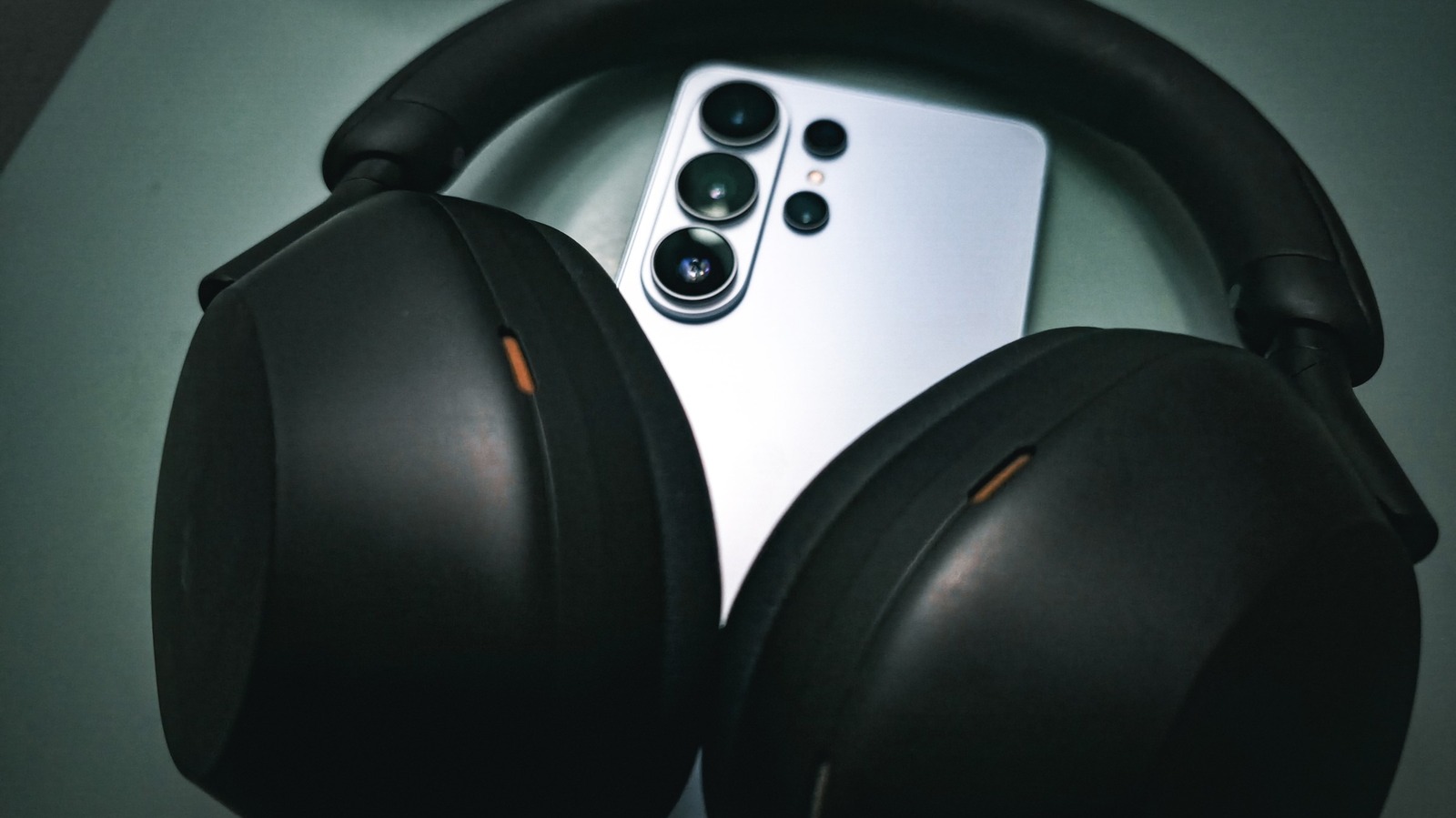
You’ll also need to make sure that Android isn’t fighting your hi-res codec. If your headphones have a companion app, the toggle for aptX or LDAC may be buried in that app’s settings. Yet another toggle is in Android’s Bluetooth settings, found by tapping the gear icon next to the listing for a connected pair of headphones. Lastly, if you’re sure your phone and headphones both support a high-resolution Bluetooth codec, and it’s not working, you may need to enable developer settings on your phone and toggle it on. My own device, a Samsung Galaxy S25 Ultra, has a toggle in developer settings for HD audio, as well as a Bluetooth audio codec menu where LDAC can be selected while using my Sony WH-1000XM5 headphones. I have another three menus for sample rate, bits per sample and LDAC quality (for this, Best Effort is usually the best, but Optimized for Audio Quality will risk some connection stability issues in order to push the quality as high as possible).