Pick ClickUp if you want one busy command center, Asana if you want clean task tracking, and Notion if your projects live inside notes, docs, and client hubs. Freelancers need less admin, not more tabs. That matters because knowledge workers spend 58% of their time on “work about work,” according to Asana’s research [source: Asana].
TLDR: For most freelancers, Asana is the easiest starting point. ClickUp gives you more features, but it can feel like opening an airplane cockpit. Notion is best if you want a custom workspace for briefs, notes, content plans, and client portals. Example: if you handle 5 clients and 25 tasks per week, Asana may save you 2 to 3 hours by keeping deadlines, comments, and files in one clean view.
Quick winner list
- Best all rounder: ClickUp
- Best simple task manager: Asana
- Best for notes and client portals: Notion
- Best free Kanban option: Trello
- Best tiny to do list: Todoist
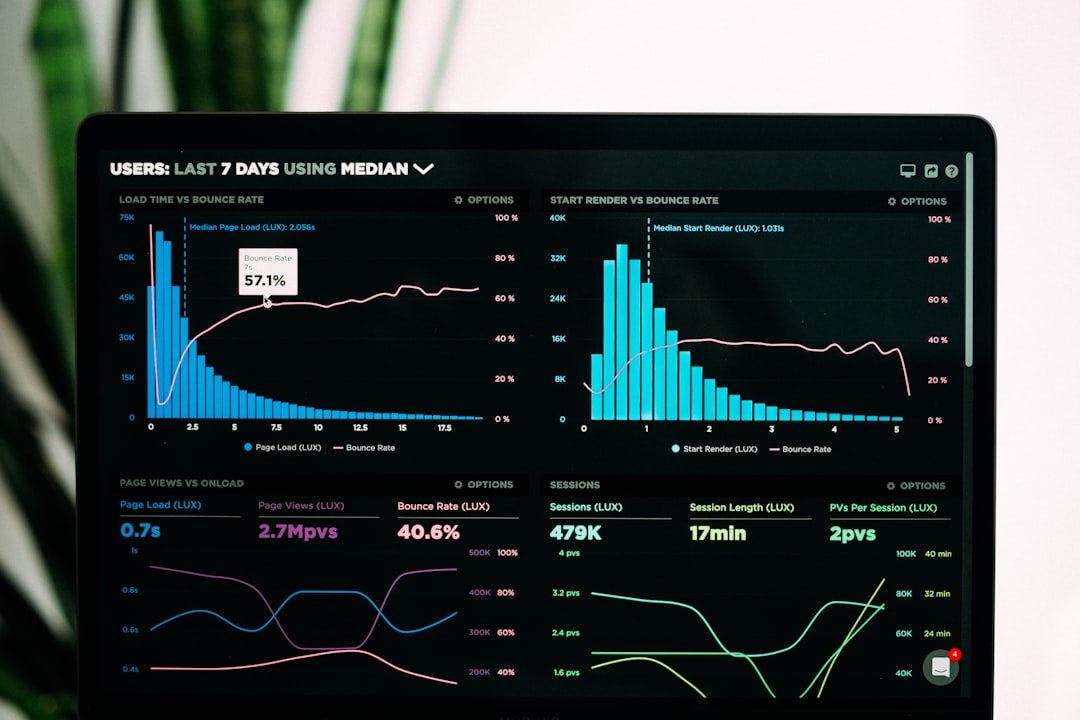
ClickUp: the “everything drawer”
ClickUp is packed. Tasks, docs, goals, whiteboards, time tracking, dashboards, forms, automations, chat, and AI. It wants to replace five apps at once.
That is great if you are a freelance marketer, agency owner, web designer, or consultant with many moving parts. You can track client work, write briefs, store SOPs, and build dashboards.
The catch is… ClickUp can feel heavy. There are many buttons. Many views. Many tiny settings hiding in corners. Expect to spend an afternoon setting it up before it feels calm.
AI features: ClickUp AI can help write task summaries, create action items, draft updates, and clean up messy notes. This is handy after client calls. Paste notes in. Ask for next steps. Boom. Less brain soup.
Best for:
- Freelancers with complex projects
- People who track time
- Small teams or subcontractors
- Client dashboards and reports
Not ideal for: someone who just wants “do this by Friday.” That person may cry a little.
Asana: clean, clear, and hard to mess up
Asana is the friendliest option for basic project management. It is clean. It is fast. It is easy to explain to clients.
You create projects. Add tasks. Set due dates. Assign work. Use list, board, calendar, or timeline views. It does not try to be your whole life. Thank you, Asana.
For freelancers, this matters. You may not have time to build a perfect system. You just need to know what is due today, what is late, and what the client approved.
AI features: Asana can help with smart summaries, status updates, project insights, and suggested next steps. Some AI tools may depend on your plan, so check before you fall in love with a feature.
Honestly, it feels like Asana was built for people who hate reading manuals. That is a compliment.
Best for:
- Solo freelancers
- Client task tracking
- Simple content calendars
- Design, writing, admin, and consulting work
Not ideal for: building a full knowledge base or custom client portal. It can do some of that, but Notion does it better.

Notion: the Lego box for your freelance brain
Notion is different. It is less of a classic project manager and more of a flexible workspace. Think notes, databases, pages, calendars, wikis, and templates.
It is amazing for freelancers who like to build systems. You can create a client portal with project status, links, invoices, meeting notes, brand files, and timelines. It feels polished when done well.
But setup takes time. A blank Notion page can stare at you like a judgmental cat.
AI features: Notion AI can summarize notes, rewrite copy, brainstorm ideas, extract tasks, and answer questions from your workspace. This is great for writers, creators, coaches, and consultants.
Best for:
- Client hubs
- Content calendars
- Research notes
- Project briefs
- Freelance operating systems
Not ideal for: strict task management. You can build it, yes. But Asana is simpler out of the box.
ClickUp vs Asana vs Notion
- Ease of use: Asana wins. It is the least fussy.
- Power: ClickUp wins. It has the most tools in one place.
- Flexibility: Notion wins. You can build almost anything.
- Client friendly: Asana for tasks. Notion for portals.
- Best AI helper: ClickUp for project work, Notion for writing and knowledge.
Best free alternatives
You do not need to pay right away. Free tools can handle a lot, especially if you work alone.
- Trello: Best free Kanban board. Great for visual thinkers. Move cards from “To Do” to “Done” and feel like a tiny productivity wizard.
- Todoist: Best for simple tasks. Fast, light, and great for daily lists.
- Google Tasks and Google Keep: Good if you live in Gmail and Google Calendar.
- Airtable: Great for spreadsheet lovers. Strong for content lists, CRM tracking, and project databases.
- Freedcamp: Useful for basic projects, files, discussions, and milestones.
- Anytype: A private Notion style option. Nice if you care a lot about local first workspaces.
So, which one should you pick?
If you are a new freelancer, start with Asana. It is simple and keeps you moving.
If your work has many layers, use ClickUp. It is powerful once you tame it.
If you sell strategy, writing, coaching, design systems, or content plans, try Notion. It makes your work look neat and premium.
My simple rule: use Asana for tasks, Notion for knowledge, and ClickUp when you want both in one giant toolbox. If money is tight, start with Trello or Todoist. Then upgrade only when the free tool starts costing you time.


