
Every WooCommerce order import starts with a file the store didn’t design, usually an export from the platform it’s leaving or a daily export of orders placed on marketplaces like Amazon or eBay. WooCommerce does not have a built-in order importer, so an order file requires a plugin.
The five WooCommerce order import plugins below are ranked on how much each one asks of the file and how cleanly it links orders to existing customers and products.
What an Order Import Plugin Has to Get Right
Take, for example, a single order that a store is moving into WooCommerce from its old platform. It holds two products and a $15 shipping charge, and it belongs to a customer who has previously bought from the store. For that order to import correctly, both products have to connect to items already in the catalog. The order also has to appear in the customer’s account with the total amount they actually paid.
| What to check | What happens when a plugin misses it |
|---|---|
| File flexibility | The order file has to be rebuilt in the plugin’s own layout before the import |
| Product linking | Line items keep their names and prices but drop out of product sales reports |
| Customer matching | The order is skipped or never appears in the customer’s order history |
| Original totals | Tax and shipping amounts stop matching what the customer paid |
| Email control | Customers get status emails for purchases made months or years ago |
| Re-run handling | Importing the same file again creates duplicate orders |
Each WooCommerce order import plugin below is measured against these six checks.
The Best WooCommerce Order Import Plugins
1. WP All Import
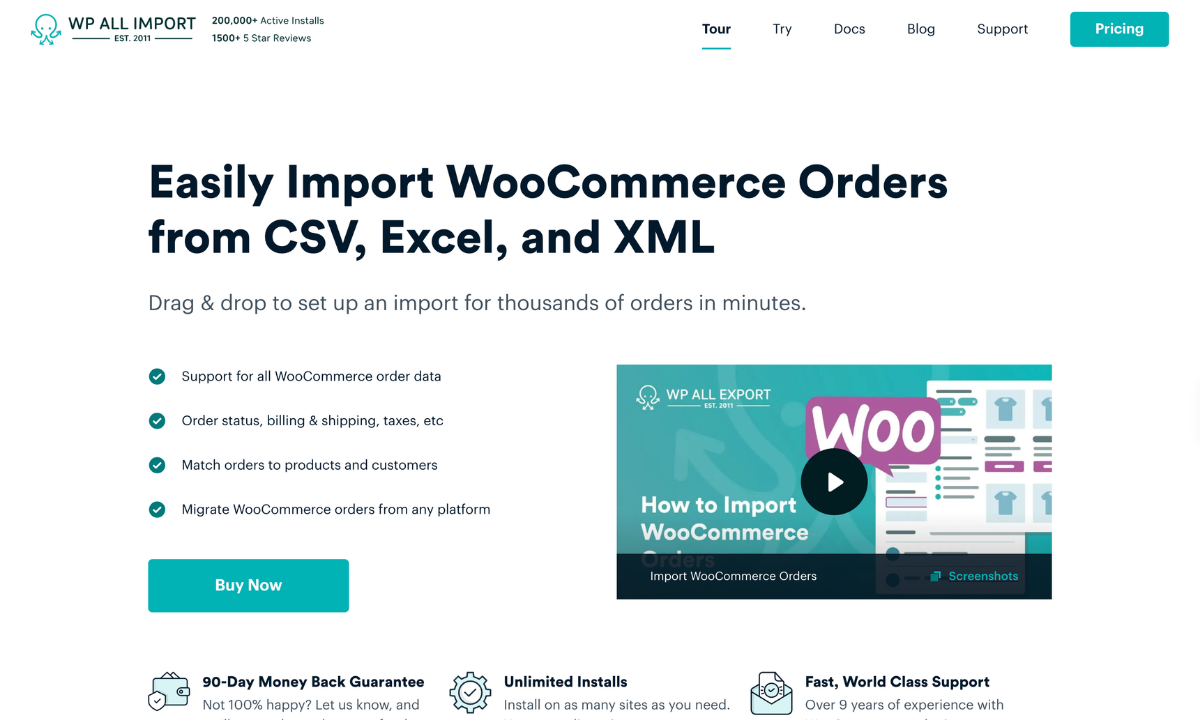
WP All Import is a WordPress import plugin that imports complete WooCommerce orders into a store, including refunds and order notes. It reads CSV, XML and Excel files with whatever column names they already have, and its Automatic Setup maps those columns to WooCommerce order fields as soon as a file is uploaded. Each line item links to an existing product, usually by SKU, while orders without a matching customer account come in as guest orders. Later imports of the same file update the orders already in WooCommerce, which keeps recurring order feeds in sync.
Pros
- Customers aren’t emailed about orders they placed years ago, because WP All Import blocks WooCommerce order notifications during every import unless that setting is turned off.
- Importing past orders leaves product stock untouched, so inventory doesn’t drop for sales the store fulfilled long ago.
- Inline PHP functions can change values during the import, so a marketplace’s “Shipped” label becomes WooCommerce’s “completed” status without anyone opening the file.
- Recurring imports update the orders still in the source file and can delete the ones that have dropped out of it, which keeps the store matched to an outside order system.
- Order imports work on stores running High-Performance Order Storage, the order tables WooCommerce has turned on by default for new installs since version 8.2.
Cons
- Order imports need a paid plan, since the free version of the plugin on WordPress.org doesn’t import WooCommerce orders.
- Line items and customers can only link to records already on the site, so a full migration means importing products and customers before orders.
Reviews
WP All Import holds a 4.7-star rating on WordPress.org based on nearly 2,000 reviews, with more than 100,000 active installations.
Price
WP All Import has a free version on WordPress.org, but it doesn’t import WooCommerce orders. Paid packages start at $169/year for the WooCommerce Import Package, which pairs Import Pro with the WooCommerce Import Add-On and covers order imports. The Import Pro Package ($199/year) adds import add-ons for ACF, Meta Box, JetEngine, and other plugins. The Import + Export Pro Package ($299/year) also includes WP All Export Pro and its add-ons. A Lifetime License costs $1,299 as a one-time payment and covers all current and future add-ons. Every package comes with a 90-day money-back guarantee.
Recommended For
WP All Import is recommended for WooCommerce stores that import orders from files they didn’t create, such as exports from a previous platform or daily order reports from a marketplace or 3PL.
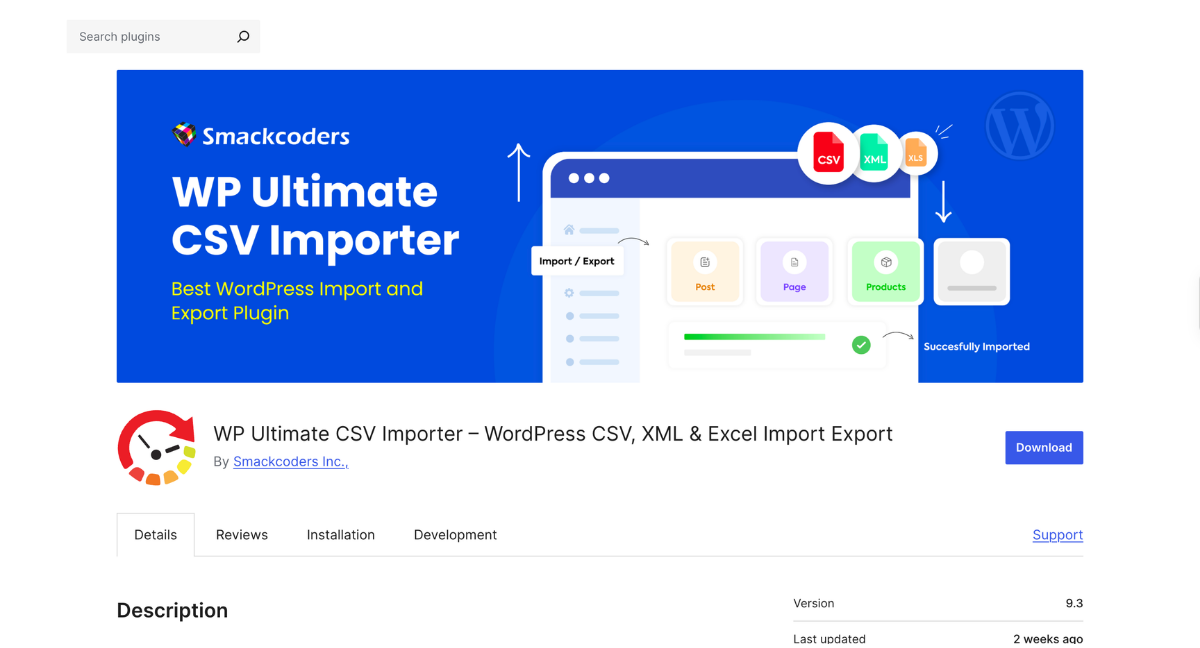
WP Ultimate CSV Importer is a general WordPress import plugin. WooCommerce order imports require its free Import WooCommerce Suite add-on, which adds WooCommerce data types to the core plugin. Order files are uploaded as CSV or XML and mapped to order fields on a drag-and-drop screen.
Pros
- Imports WooCommerce orders in the free version
- Accepts CSV and XML order files
- Includes a real-time import log
- Supports order fields from PPOM and Extra Product Options
Cons
- Order imports require a separate WooCommerce add-on on top of the core plugin
- Columns are mapped automatically only when their headers exactly match WooCommerce field names
- Duplicate checks compare content and titles rather than order IDs or order numbers
- No documented way to match imported orders to existing customer accounts
Reviews
4.4 stars from about 580 reviews on WordPress.org for the core plugin, and 2.3 stars from 6 reviews for the WooCommerce add-on.
Price
Free on WordPress.org, with one-time Pro plans from $199 to $299.
Recommended For
Stores that only need a free, one-off order import.
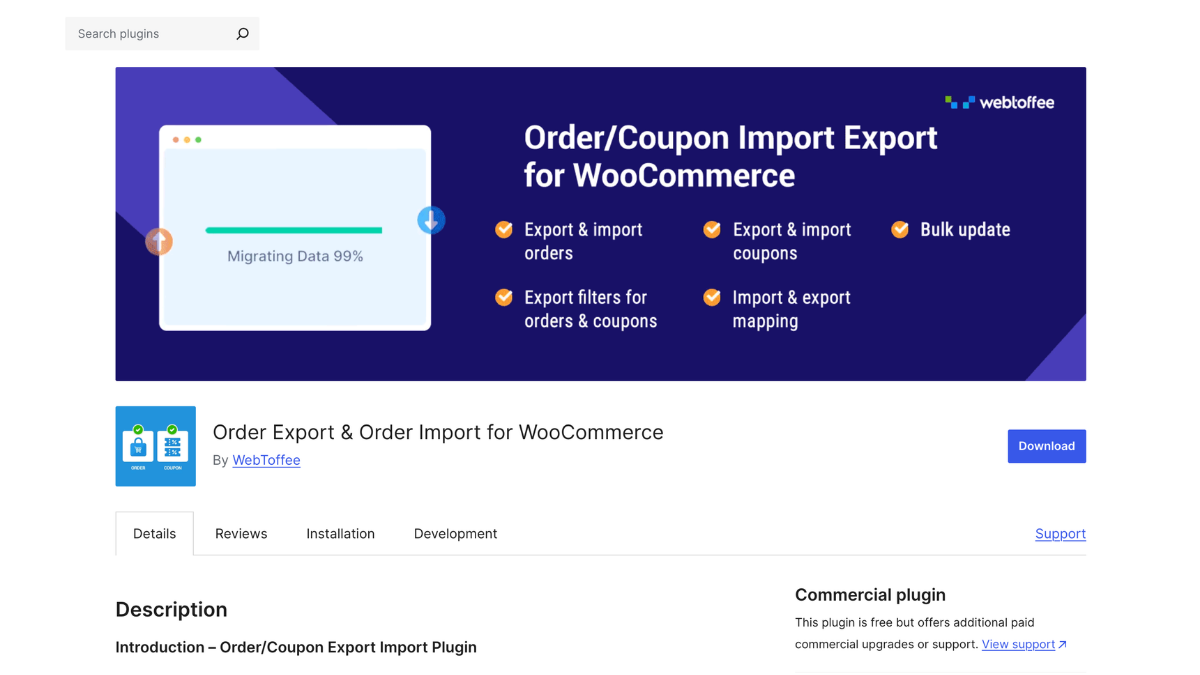
Order Export & Order Import for WooCommerce is an order and coupon import plugin. The free version imports orders from CSV files. The Pro version adds XML and Excel files, subscription orders and custom fields. Each order sits on one row of the file, with its products placed in numbered line item columns.
Pros
- Imports orders and coupons from CSV in the free version
- Supports XML, TSV and Excel files in Pro
- Updates existing orders during import
- Keeps a history of past imports with logs
Cons
- Each product in an order needs its own numbered line item column, so a file with a varying number of items per order has to be restructured first
- Orders whose IDs already exist on the site are imported with new order numbers, and keeping the original numbers requires a separate sequential order number plugin
- XML imports are built around the plugin’s own sample format, and its documentation warns that custom XML layouts can fail
Reviews
Order Export & Order Import for WooCommerce has a 4.7-star rating on WordPress.org from 337 reviews, with 50,000+ active installations.
Price
Order Export & Order Import for WooCommerce has a free version on WordPress.org. Pro plans are billed annually, starting at $69/year for one site, then $129/year for up to five sites and $249/year for up to 25 sites. Every plan has a 30-day money-back guarantee.
Recommended For
Stores importing CSV order files that already list one order per row.
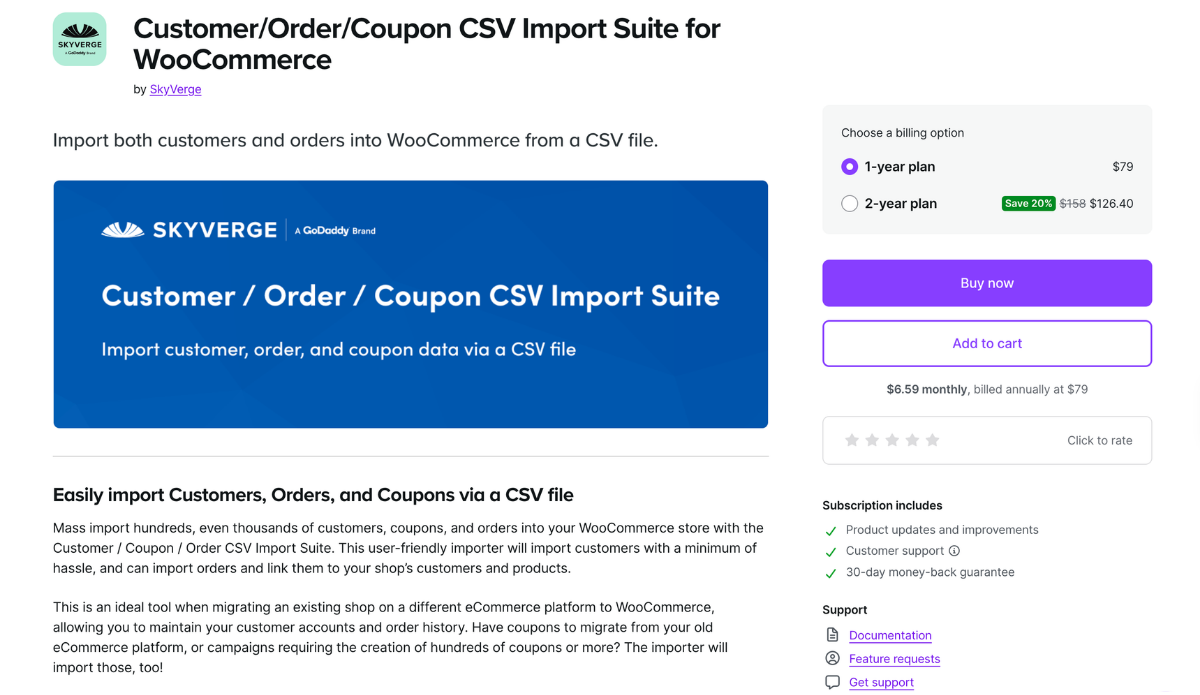
Customer/Order/Coupon CSV Import Suite is a WooCommerce.com extension that imports customers, coupons, and orders from CSV files. Each order sits on its own row. Line items, shipping, taxes, and fees are each packed into a single cell using either a pipe-delimited format or JSON.
Pros
- Dry run mode before a live import
- Background processing for large files
- Line items matched to products by SKU or product ID
- Orders linked to existing customers or imported as guest orders
Cons
- Imports CSV and tab-delimited files only, with no XML or Excel support
- Expects one row per order, so files that list each item on its own row must be restructured, and every order’s line items must be written into a single cell
- Original order IDs can’t be imported, and displaying the original order numbers requires a separate sequential order number plugin
- Changing order statuses during a merge can send WooCommerce emails to customers, and the documentation suggests installing a separate plugin to stop them
Reviews
Customer/Order/Coupon CSV Import Suite has a 3.2-star rating on WooCommerce.com from 9 reviews, with 8,000+ active installations.
Price
Customer/Order/Coupon CSV Import Suite does not have a free version. It’s sold on WooCommerce.com at $79 for a one-year plan or $126.40 for a two-year plan, with a 30-day money-back guarantee.
Recommended For
Stores importing orders from CSV files already built to its one-row-per-order format, such as files from its companion CSV export extension.
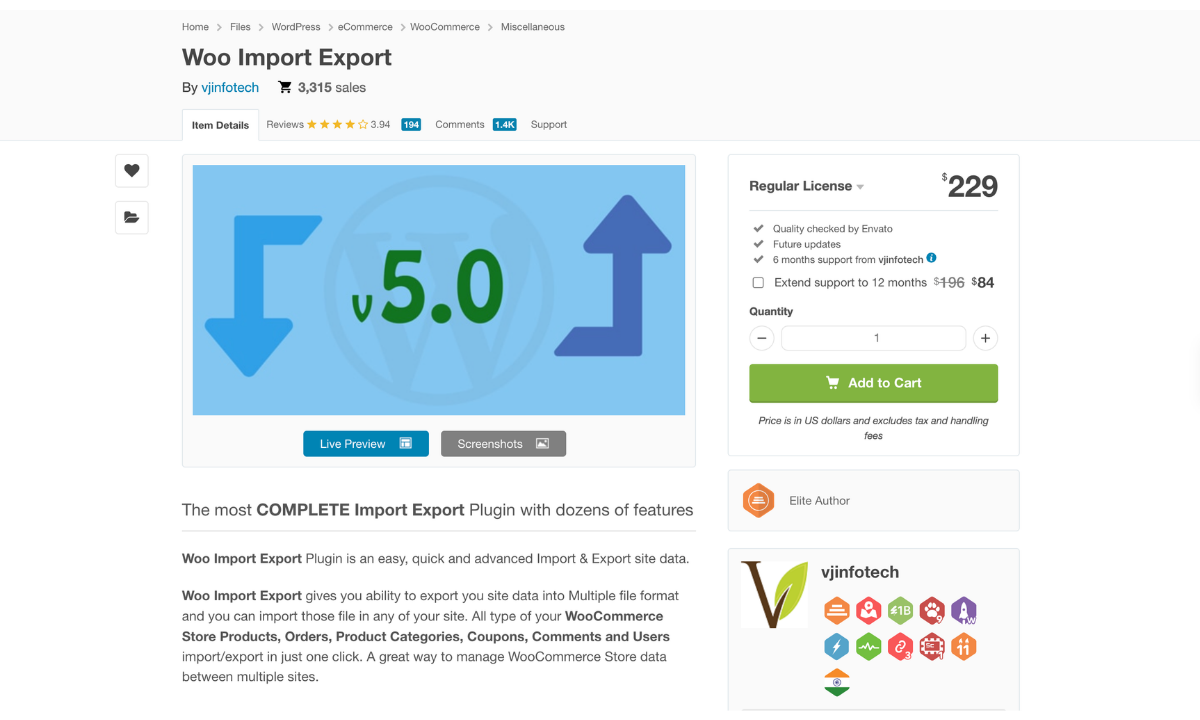
Woo Import Export is a premium import and export plugin for WordPress and WooCommerce, sold on CodeCanyon. It imports orders along with products, users, coupons and other store data. It reads CSV, Excel, XML, JSON, and a few other file types.
Pros
- Imports orders from CSV, XLS, XLSX, XML, JSON, TXT and ODS files
- Creates, updates or skips orders that already exist
- Runs imports in the background or on a schedule
- Pauses, resumes and stops imports in progress
Cons
- Hasn’t been updated since March 5, 2025
- Lists compatibility only up to WooCommerce 9.x and WordPress 6.7, behind the current WooCommerce 11 and WordPress 7 releases
- The regular license covers a single site and includes six months of support, with 12 months costing an extra $84
- Support response times can be up to five business days
Reviews
Woo Import Export has a 3.94-star rating on CodeCanyon from 194 reviews, with 3,315 sales.
Price
Woo Import Export does not offer a free version that imports WooCommerce orders. It’s sold on CodeCanyon for $229, which covers one site and includes six months of support. Extending support to 12 months costs $84.
Recommended For
Single-site stores running a one-time import of orders from Excel, JSON, or XML files.
Final Thoughts on the Best WooCommerce Order Import Plugins
Importing WooCommerce orders means rebuilding sales that have already occurred, with line items tied to real products and orders linked to the correct customer accounts. Most of the difficulty comes from the file itself, because order exports from other platforms rarely match the layout an import plugin expects.
Stores with files in a fixed layout can work within the narrower plugin options on this list. Order Export & Order Import for WooCommerce expects one row per order with numbered line item columns. Customer/Order/Coupon CSV Import Suite expects one row per order in a CSV file. A store whose export already matches one of those formats needs little preparation before importing.
For stores importing orders from another platform or a recurring marketplace feed, WP All Import is the most practical WooCommerce order import plugin. WP All Import imports orders from CSV, XML and Excel files in the column layout they already have, and its Automatic Setup maps those columns to order fields on upload. Each line item links to an existing product by SKU, ID or title, and WP All Import blocks customer email notifications during order imports by default. Imported orders arrive ready for the store’s reports and its customers’ account pages, without requiring any cleanup pass afterward.
Best WooCommerce Order Import Plugins — Frequently Asked Questions
How do I import orders into WooCommerce?
Orders can be imported into WooCommerce with WP All Import, using its Automatic Setup:
- Go to All Import › New Import and click Set up automatically.
- Upload the order file under Step 1: Select Your Import File, or pull it from a URL, an existing file or an FTP/SFTP server.
- Choose WooCommerce, then Orders, and click Start Automatic Setup.
- Review the Field Mappings on the Your Import Is Ready screen and click Preview to check a sample order.
- Click Run Import, then open WooCommerce › Orders to see the imported orders.
How do I import WooCommerce orders from Excel?
WooCommerce orders can be imported from Excel with WP All Import, which reads .xlsx and .xls files directly without converting them to CSV first. Go to All Import › New Import, click Set up automatically and upload the workbook. Select WooCommerce › Orders and click Start Automatic Setup. Once the Your Import Is Ready screen lists the field mappings, click Run Import to create the orders.
Does importing orders into WooCommerce send emails to customers?
No, not with WP All Import’s default settings. WP All Import blocks customer email notifications during order imports by default, so customers aren’t emailed about orders they placed months or years ago. To send notifications for newly imported orders, uncheck Block email notifications during import in the Email Notifications for Customers section of the import settings.
What is the best plugin to import WooCommerce orders?
- WP All Import
- WP Ultimate CSV Importer
- Order Export & Order Import for WooCommerce
- Customer/Order/Coupon CSV Import Suite
- Woo Import Export
Best WooCommerce Order Import Plugins — Related Information