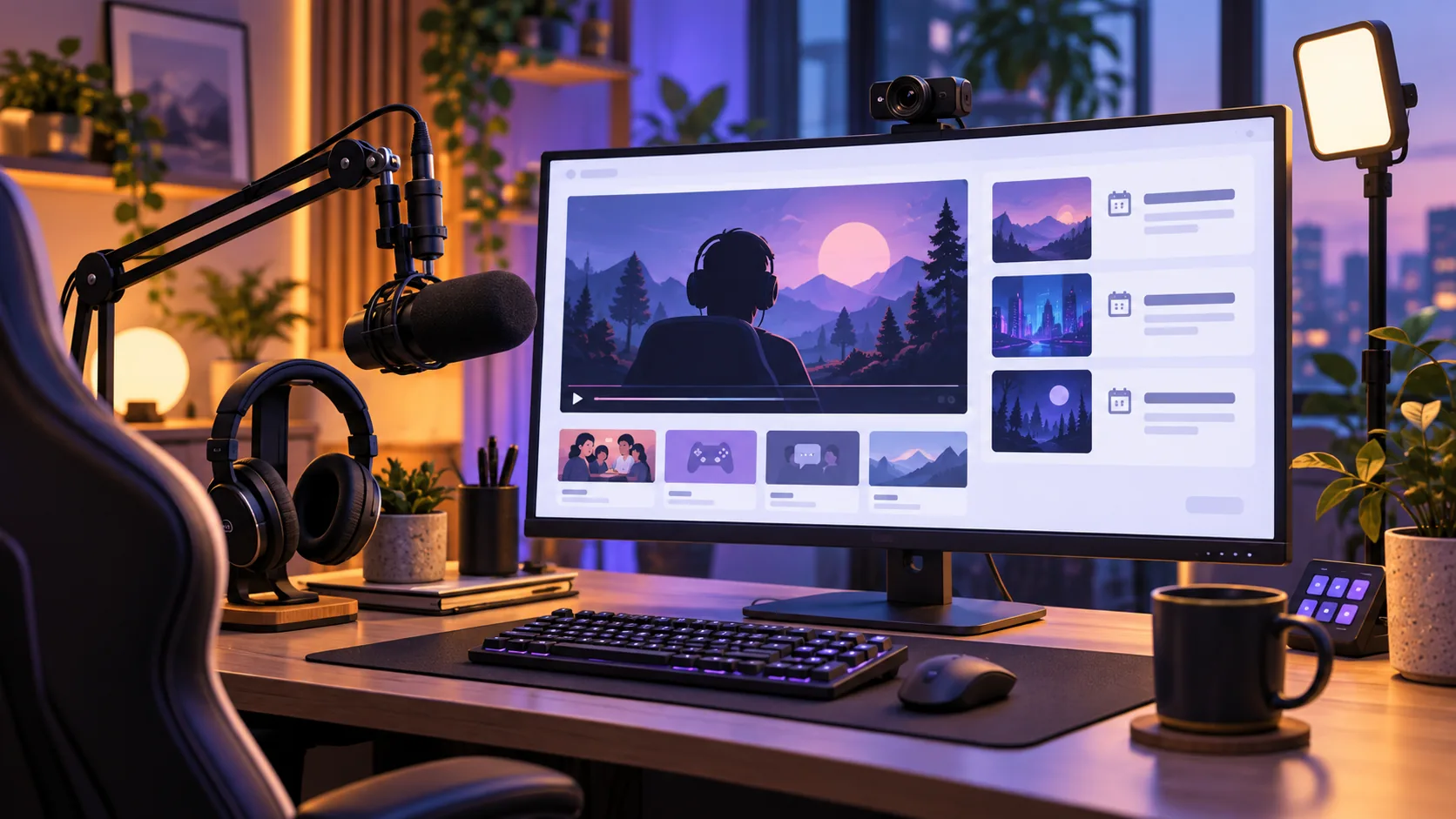
Build your website around your livestreams, gaming coverage, or wider creator work. For a dedicated streaming site, start with The Streamer. Its dark demo layout gives you a clear direction for watch-live links, a weekly schedule, sponsor logos, and community calls to action. That presentation helps visitors find your Twitch or YouTube channel and explore your highlights between broadcasts.
Your five options are The Streamer, The Gaming Zone, The Entertainer, Blocksy, and Astra. The first three offer starting points for a streaming website, a gaming-focused brand, and a broader creator presence, respectively. Your theme shapes how that content looks. Streaming delivery, live chat, donations, and membership management depend on separate services or plugins.
How do your five WordPress theme options compare?
Compare these WordPress streaming themes by your site’s focus and the amount of customization you want.
| Theme | Your best fit | Availability | Setup |
|---|---|---|---|
| The Streamer | Your dedicated streaming website | Free download; premium version included with The Entertainer Premium | Install The Entertainer parent theme, then install and activate The Streamer child theme. |
| The Gaming Zone | Your gaming-focused brand | Free download; premium version included with The Entertainer Premium | Install The Entertainer parent theme, then install and activate The Gaming Zone child theme. |
| The Entertainer | Your broader creator website | Free parent theme; optional Premium upgrade | Use the creator-focused parent theme on its own. |
| Blocksy | Your control over headers, footers, colors, and typography | Free theme with paid upgrades | Install the theme; add optional Companion extensions for additional features. |
| Astra | Your choice of editor and optional expanded customization | Free theme with paid upgrades | Install the theme; add the separate, optional Astra Pro plugin for premium customization. |
1. Build your streaming website with The Streamer
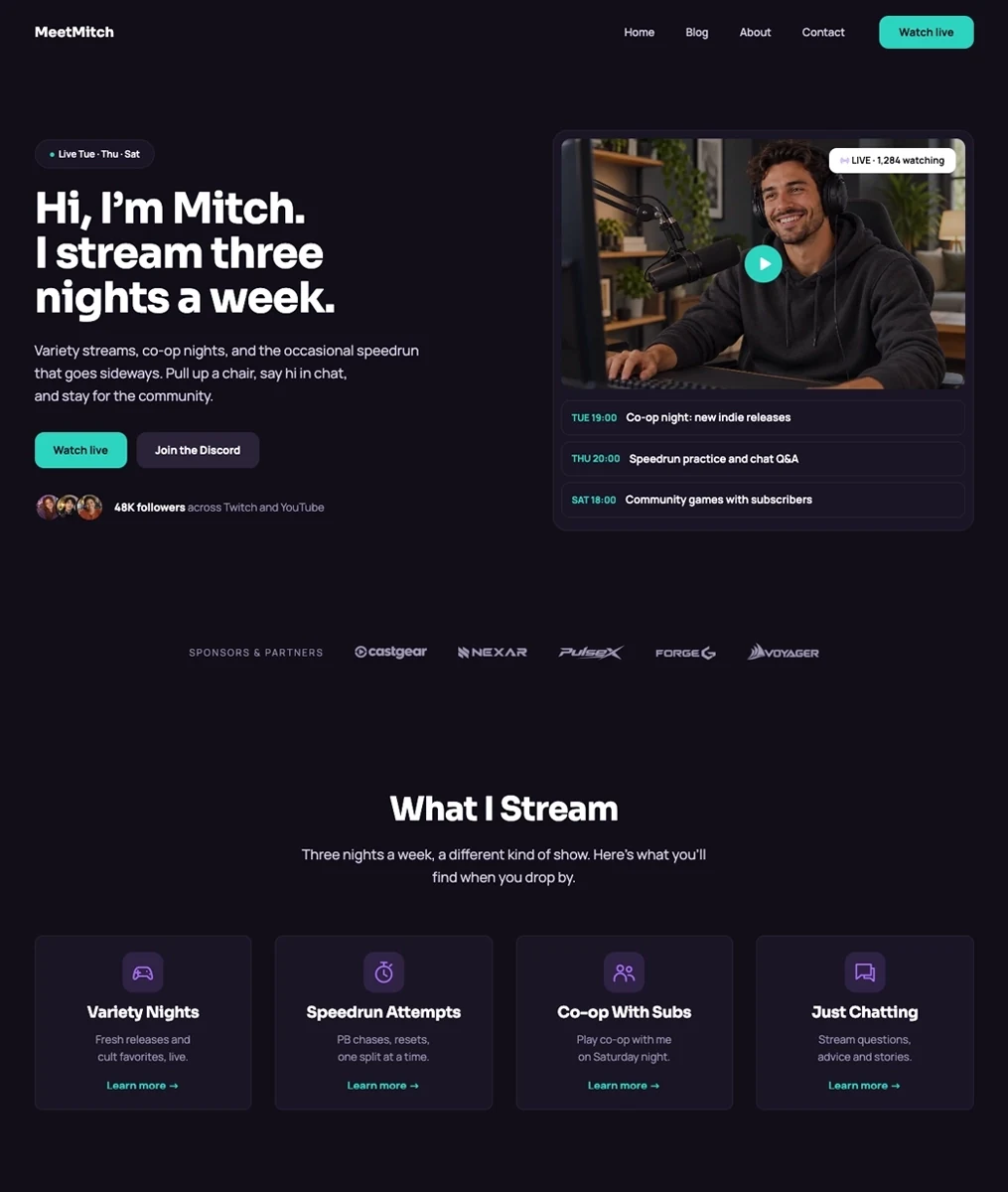
Put your broadcast at the center of your site. Give visitors a clear route to your live channel, then make recent highlights easy to find when you’re offline. Among WordPress themes for Twitch streamers, The Streamer offers a focused starting point for that arrangement. Its demonstrated dark layout keeps your broadcast links prominent and gives supporting content its own space.
Place your watch-live link beside a current broadcast schedule, and use stream categories to organize highlights by game or topic. Sponsor logos and community links can sit alongside that content without distracting from the broadcast.
Connect your Twitch or YouTube content with embeds and link to your chosen community platform. Update the schedule with your own broadcast times and test the player and chat layout on a phone.
The Streamer is a free child theme for The Entertainer. Install the free parent theme first, then activate the child theme. For premium designs and one-click setup, explore The Entertainer Premium, which includes all six child themes.
2. Showcase your gaming brand with The Gaming Zone
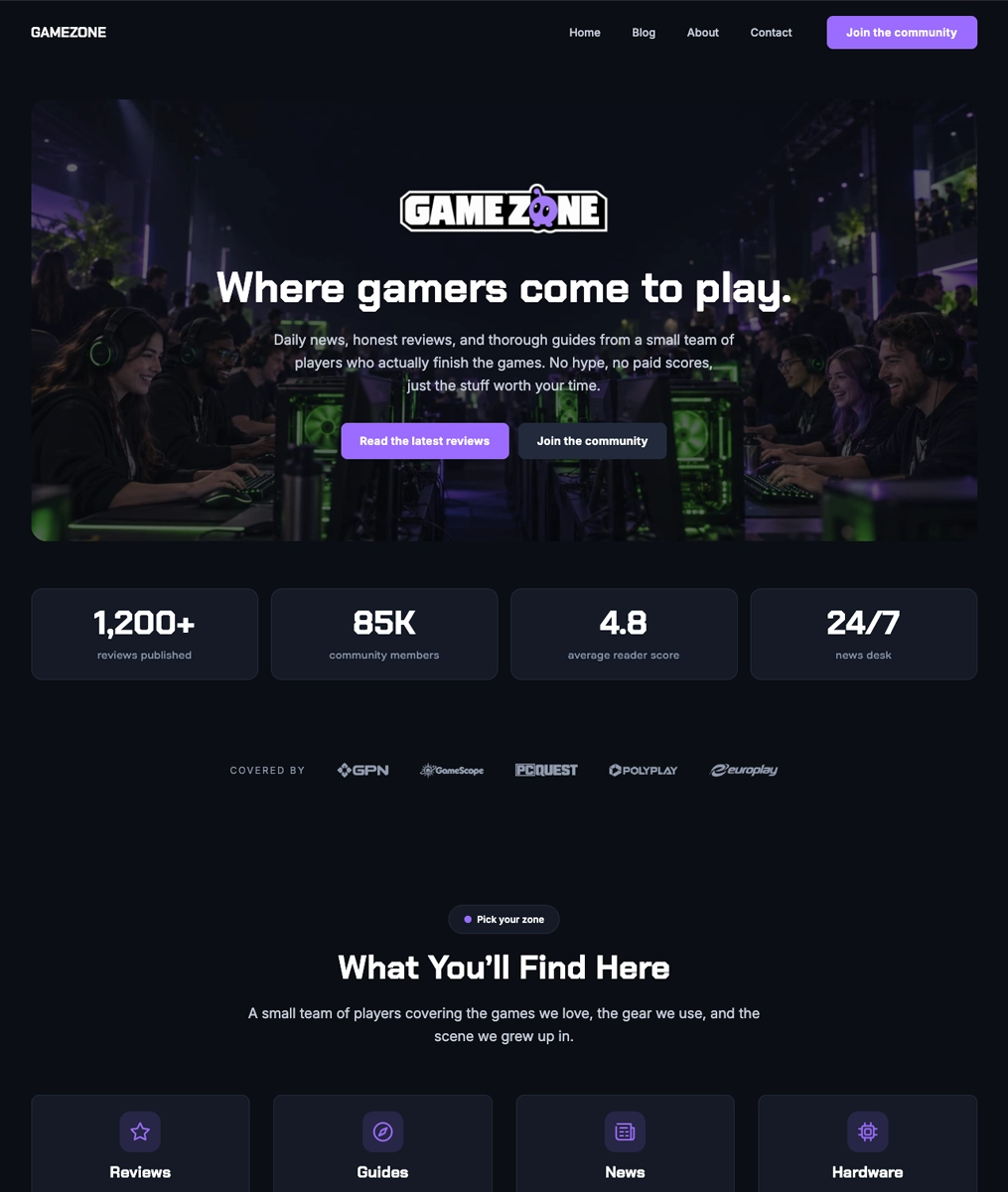
Give your gaming coverage space alongside your streams with The Gaming Zone. Among WordPress themes for gaming websites, its dark gaming demo shows how to organize reviews, guides, news, and community content. That structure gives visitors reasons to explore beyond your broadcasts, such as a guide related to the game you stream or a review that develops your on-air commentary.
Build the homepage around news, reviews and guides, with a separate space for hardware coverage. Link related pieces by game so a visitor can move from a review to a practical guide or a recent update.
Give your community a clear destination, such as Discord or a forum. You can start with articles and community links, then add plugins for review scores, memberships or tournaments if your publication needs them.
The Gaming Zone is a free child theme for The Entertainer. Install the free parent theme first, then activate the child theme. For premium designs and one-click setup, explore The Entertainer Premium, which includes all six child themes.
3. Bring your creator work together with The Entertainer
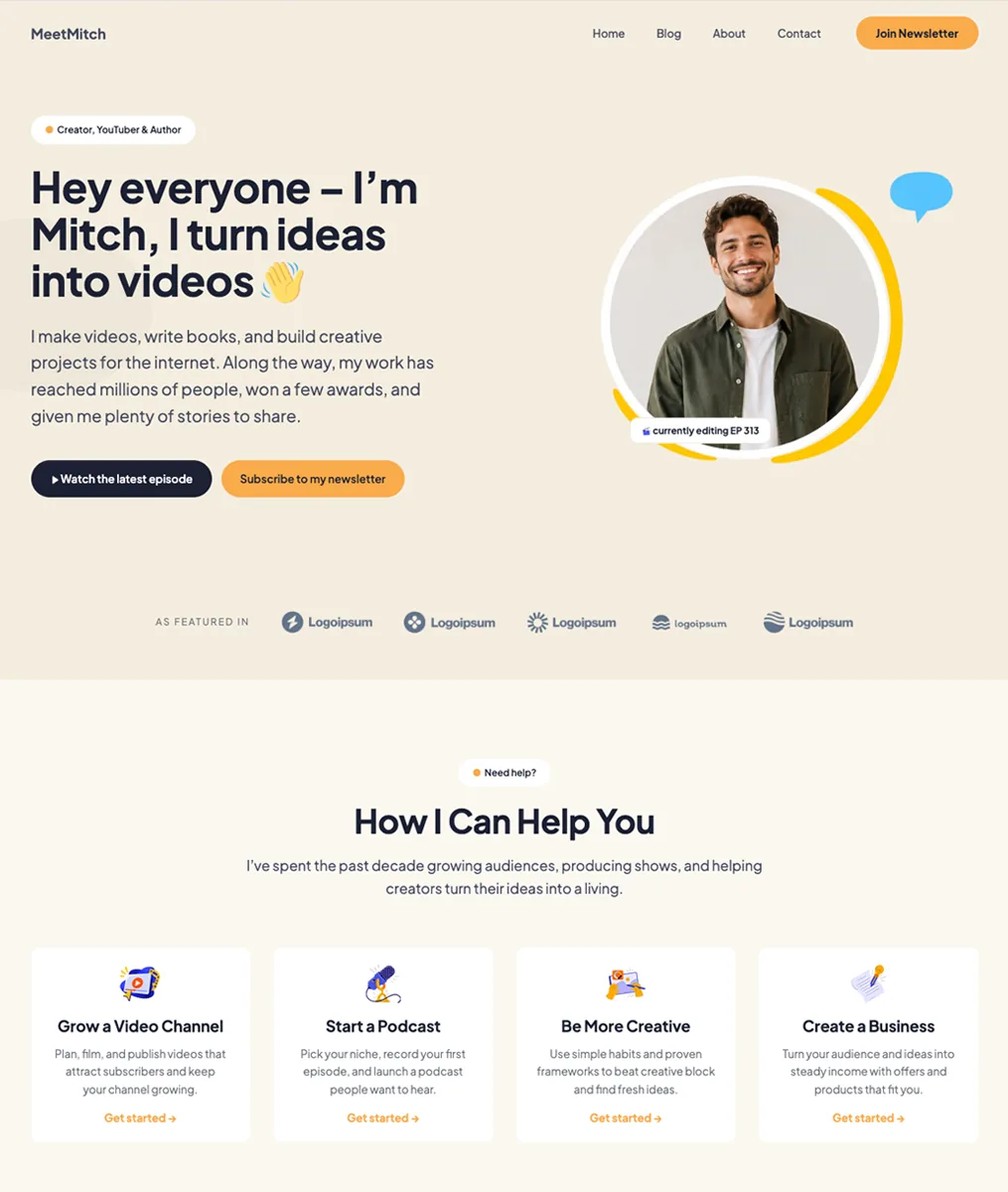
Bring videos, podcasts, music, or film projects together with The Entertainer. When comparing WordPress themes for YouTube creators, think about how much of your work visitors should discover beyond your channel. A broader creator layout helps you present those projects together.
Our free parent theme includes templates, patterns and seven style variations, with updates and support. Use the WordPress Site Editor to adjust headers, footers and page layouts around your content.
The Entertainer Premium adds one-click starter-content import and includes its six child themes. For forms, popups and other plugin tools, choose the SuperbThemes package that includes the Superb Addons features you need.
You can add YouTube, Spotify and other supported media with WordPress embeds. Use your podcast host’s embed code in a Custom HTML block when needed, and connect newsletter or booking areas to the services you use.
4. Customize your website with Blocksy
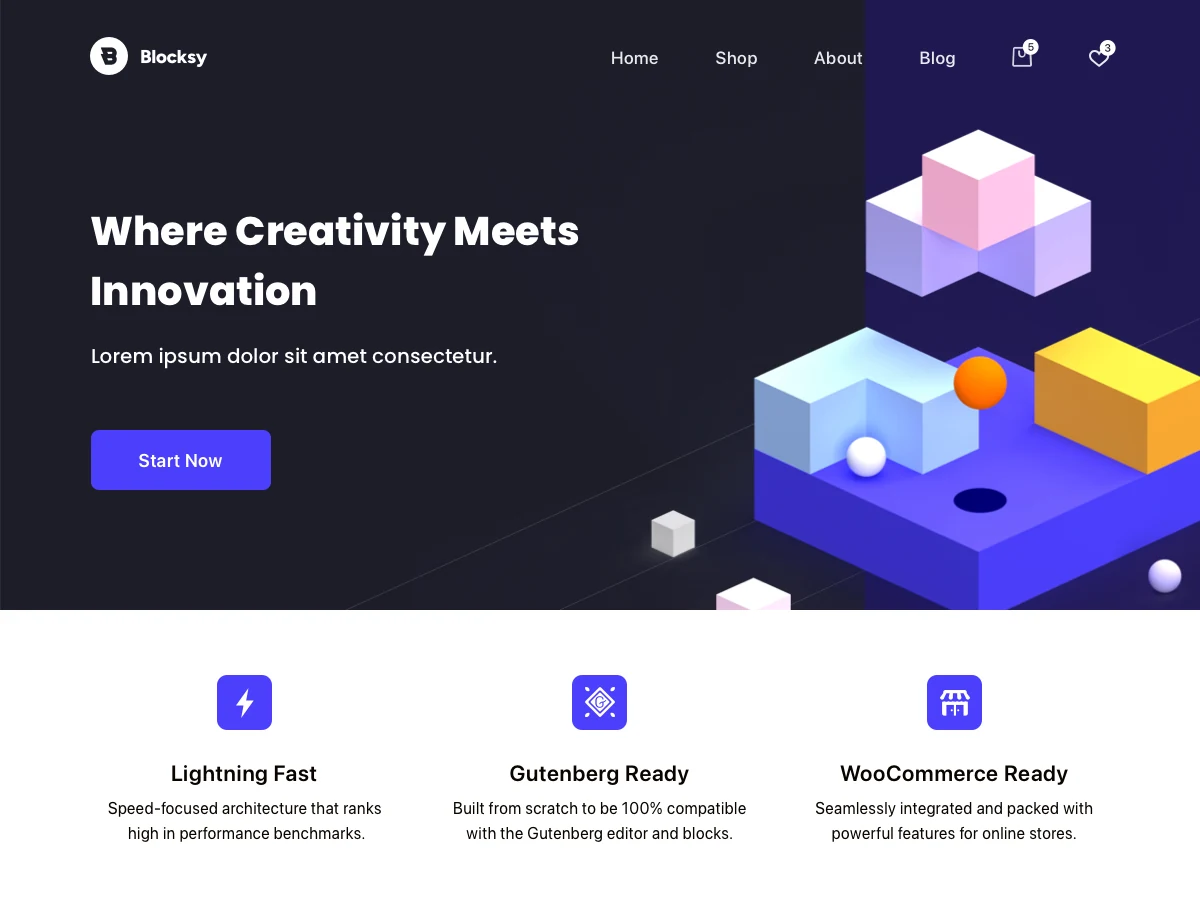
With Blocksy, you have control over your site’s branding. Use its free header and footer builders to arrange navigation, then apply global colors and typography controls across your pages. Custom post type support helps you organize distinct content, while WooCommerce integration is relevant if you plan to add a store.
Your paid options depend on which additional controls you need. The official plan comparison lists these additions alongside the free features above:
- Personal adds Content Blocks, custom fonts, advanced menus, and conditional headers and footers.
- Business adds Shop Extra and Post Types Extra.
- Agency adds white labeling and unlimited production activations.
For a single creator website, assess those specific features before paying for a higher plan. Conditional headers and footers, for example, may matter if you want different navigation on different parts of your site.
Blocksy is free to download, with optional paid upgrades. Before installation, check that your site meets the listed minimums of WordPress 6.7 and PHP 7.0. These are compatibility minimums, not preferred hosting versions.
If you add Blocksy Companion, you enable its optional extensions individually. Check each extension’s availability against Free versus Pro and your active Pro plan in the Companion extension documentation before planning to use it.
5. Choose how you edit your website with Astra
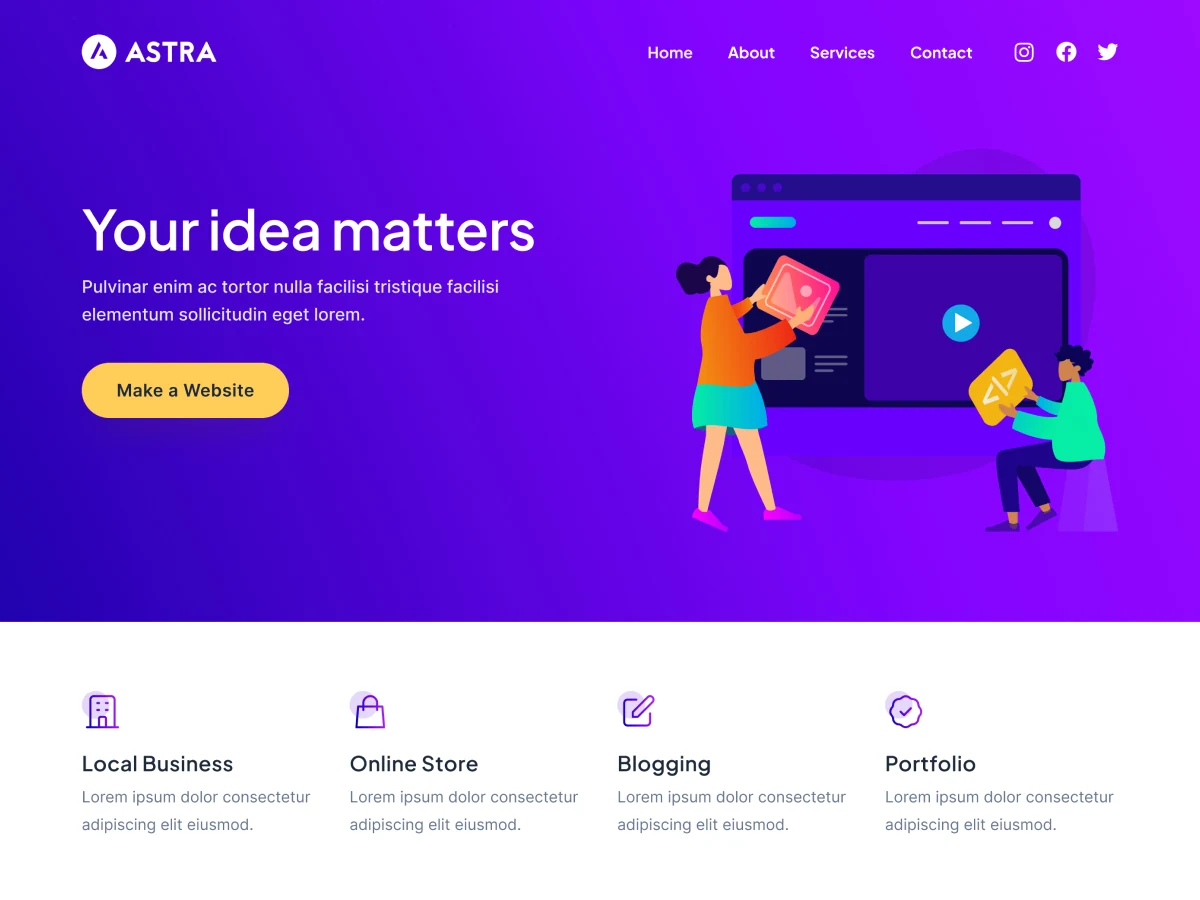
Astra suits you if you want to choose your editing tools and build your site’s presentation around them. It advertises compatibility with Spectra, Elementor, and Beaver Builder, while WooCommerce and SureCart compatibility gives you options for a store. Those claims don’t establish built-in streaming or membership management.
Start with the free theme and consider paid upgrades as your design needs grow.
Your choice between Free and Pro depends on how much control you need. Free has more limited color, typography, spacing, and commerce controls. Pro expands those controls and adds advanced headers, dynamic content layouts, blog options, and WooCommerce features, as detailed in Astra’s Free versus Pro comparison. If written coverage accompanies your videos, the additional blog and layout options may matter more to you than the commerce features.
Install the free Astra theme first. If you need the premium controls, Astra Pro is a separate plugin that extends it. Toolkits bundle additional products beyond that theme add-on, according to Astra’s FAQ. Choose a package based on the tools you expect to use, and check its contents before paying for a broader bundle.
Add Twitch embeds and YouTube videos to your website
Add your broadcast and video content to a stream page, then check how it fits your site’s layout.
- Prepare your stream page on an SSL-enabled website. Your Twitch embeds require SSL before you can display them, as explained in Twitch’s embed documentation.
- Choose Twitch video with chat, chat alone, or video and clips alone. Configure the embed’s
parentparameter for your hosting domain. For chat embeds, you must identify each hosting domain with aparentparameter. Follow Twitch’s chat embed requirements when configuring chat. - For your YouTube content, add the WordPress YouTube Embed block and paste your YouTube URL. The publisher must allow embedding, and geographic restrictions may apply, as described in WordPress’s YouTube embedding guide.
- Check your published page on desktop and mobile. Review your player, chat, viewing links, schedule, and highlights to confirm that visitors can use them comfortably. This is your practical setup check, rather than a feature supplied by your theme.
Set up donations and memberships on your website
Your theme gives you places to display donation links or membership buttons. Your chosen plugin or external service handles payments and access rules.
- With GiveWP, place donation forms through blocks, shortcodes, widgets, or dedicated form pages. Its free plugin supports PayPal and Stripe. Recurring donations require premium GiveWP add-ons.
- If you use Paid Memberships Pro, add its premium Donations Add On with an eligible license. It lets you offer optional or required checkout donations, create donation-only levels, and let visitors choose preset contribution tiers or enter their own amounts.
Choose The Streamer for your dedicated streaming website
Let your site’s main purpose guide your theme choice: helping visitors reach your streams and find supporting content between broadcasts. A closely matched starting layout lets you focus design decisions on your own content, branding, and viewing links.
Before building around a premium design or feature, confirm the required parent theme and what your chosen package includes. For your dedicated streaming website, choose The Streamer.