One piece of arithmetic tells you a theme’s real price: divide the annual fee by 12. A theme is under $10 a month only when its real cost is $0 or that division lands below $10. Kadence Essentials runs $99 a year, which works out to about $8.25 a month. Blocksy Personal runs $69 a year, about $5.75 a month.
The math matters because an annual plan feels small when you pay it once. A $59/year plugin or a $69/year theme can look cheap next to a $200 purchase, but spread across twelve months it either clears the bar or it doesn’t. Dividing by 12 is the honest way to compare a paid theme against a free option.
What follows is a shortlist of the best WordPress themes under $10 a month. It mixes two very different kinds of cheap. Some entries cost nothing at all. Others are paid tiers that add advanced design controls, e-commerce tools, or starter sites on top of a solid free base. You can weigh them against what your site actually needs rather than against the lowest number on the page.
- Idea Flow ($2/month)
- The Entertainer (free)
- Simple Nova (free)
- Minimalistix (free)
- Ollie ($7/month)
- Kadence ($8.25/month)
- Blocksy ($6/month)
- Tradecraft ($2/month)
Best Free WordPress Themes for Small Business
A free theme costs nothing to install, and you can always upgrade later if a paid tier turns out to be worth it.
The Entertainer is a free SuperbThemes block theme built for YouTubers, podcasters, authors, and speakers. It’s WooCommerce-ready and includes a one-click website design import that gets a site looking finished fast. The theme has no reviews on WordPress.org yet.

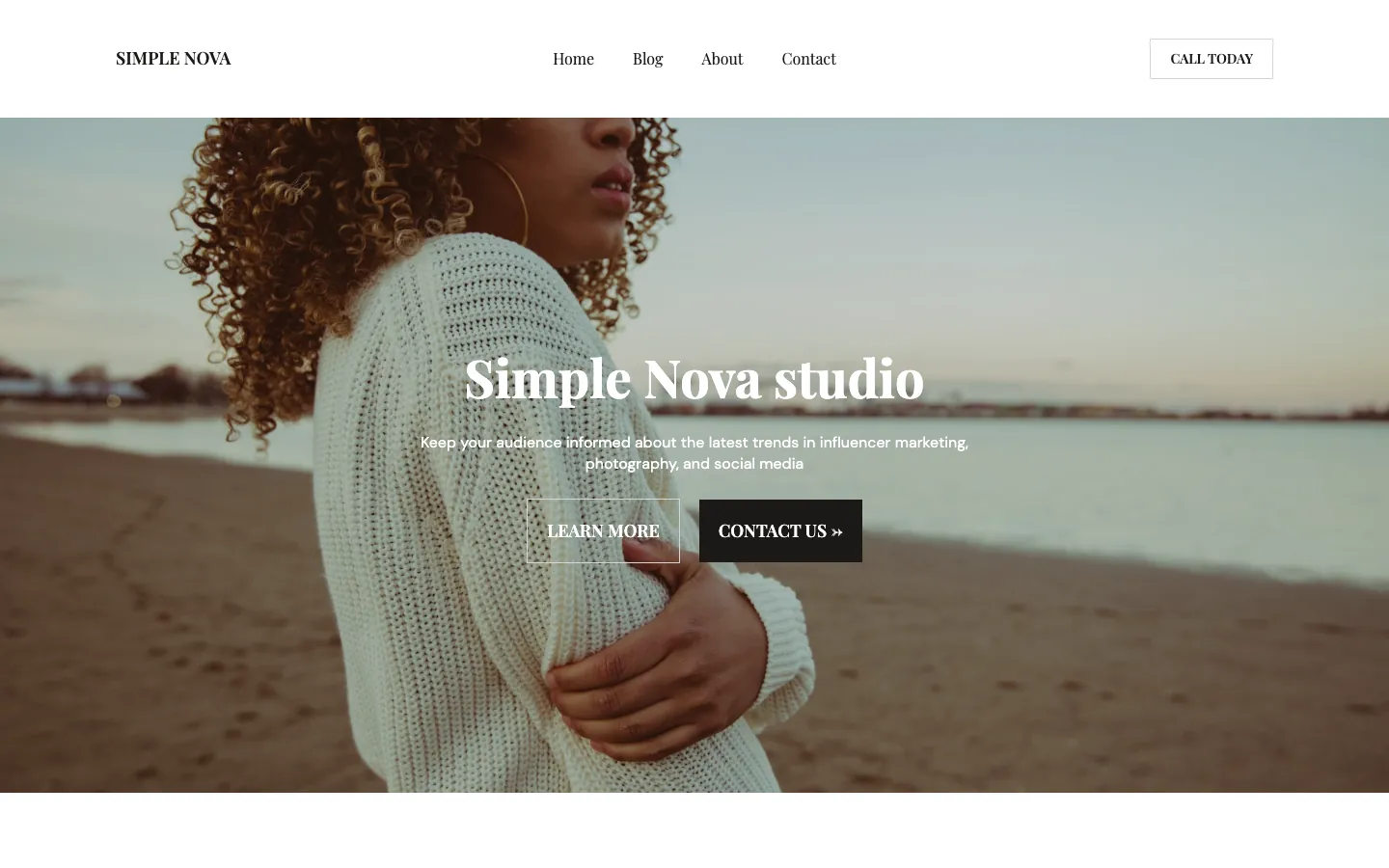
Simple Nova has 3,000+ active installs and a 5.0-star rating from one five-star review, so it’s a newer entry with a small but happy user base. It ships with dark mode, WooCommerce support, and SEO-optimized schema markup, plus AdSense and affiliate integration for content sites built to earn. This one covers the essentials without a paid upgrade.
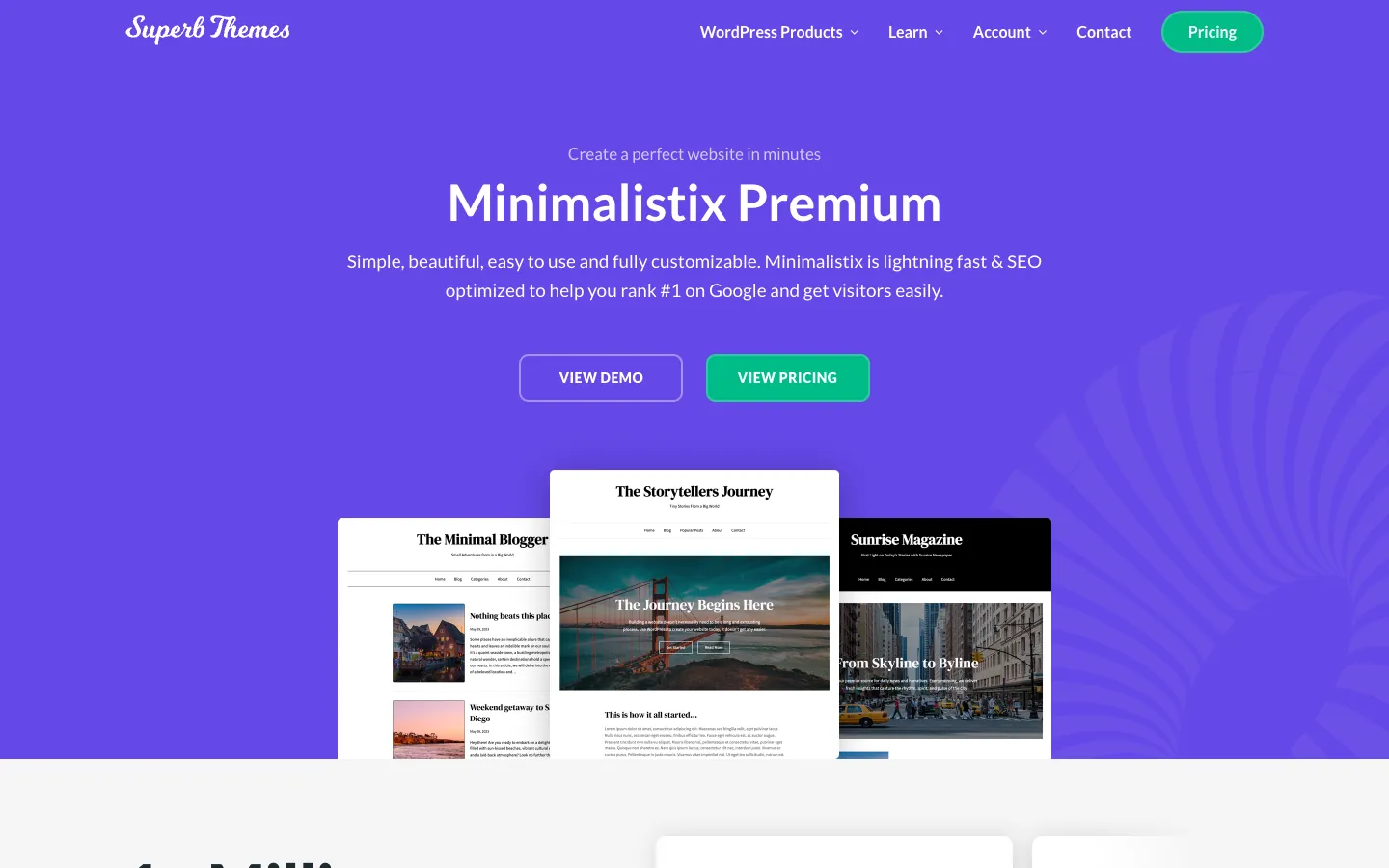
Minimalistix is a free full-site-editing Gutenberg block theme with 2,000+ active installs and a 4.5-star rating from two reviews. Six style variations let you change the look without rebuilding the site, and it works with Elementor, Divi, Beaver Builder, and other builders rather than locking you into one workflow. Bloggers, writers, journalists, and reviewers tend to get the most out of its clean, text-first layouts.
Low-Cost Paid Themes from $2 to $7
Three of the entries on this list sit in the $2 to $7 range, and each one spends that money differently.
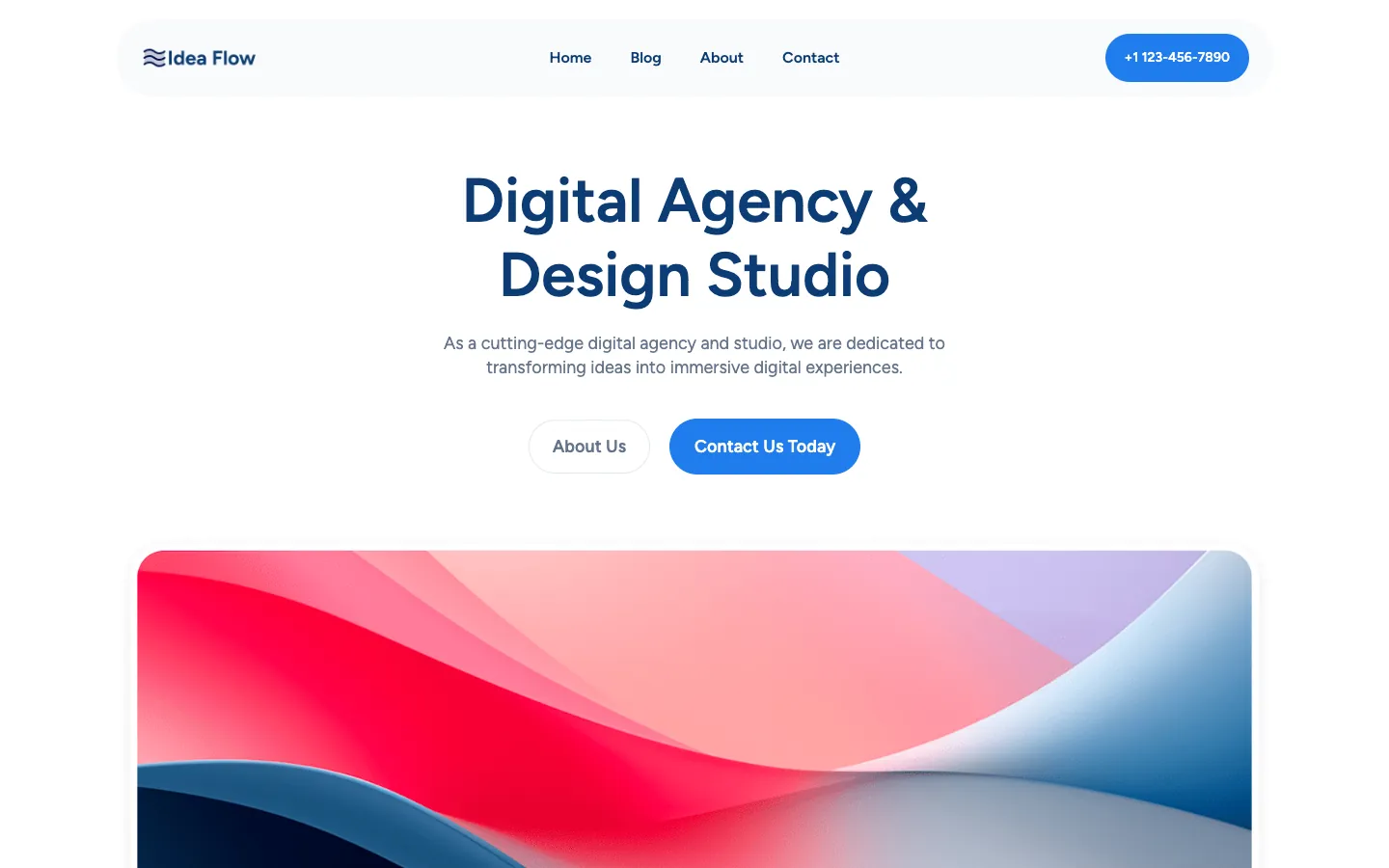
The Idea Flow theme costs $2 a month and works with Gutenberg, Brizy, Elementor, and Divi Builder, so you aren’t locked into one way of building pages. Its WordPress.org listing shows 3,000+ active installs, version 2.2, and 4 style variations. It’s WooCommerce-ready, supports AdSense and banner ads, and includes schema markup, with a red/blue color scheme and dark mode built in. Companies, agencies, landing pages, and one-pagers are the kinds of projects it’s aimed at.
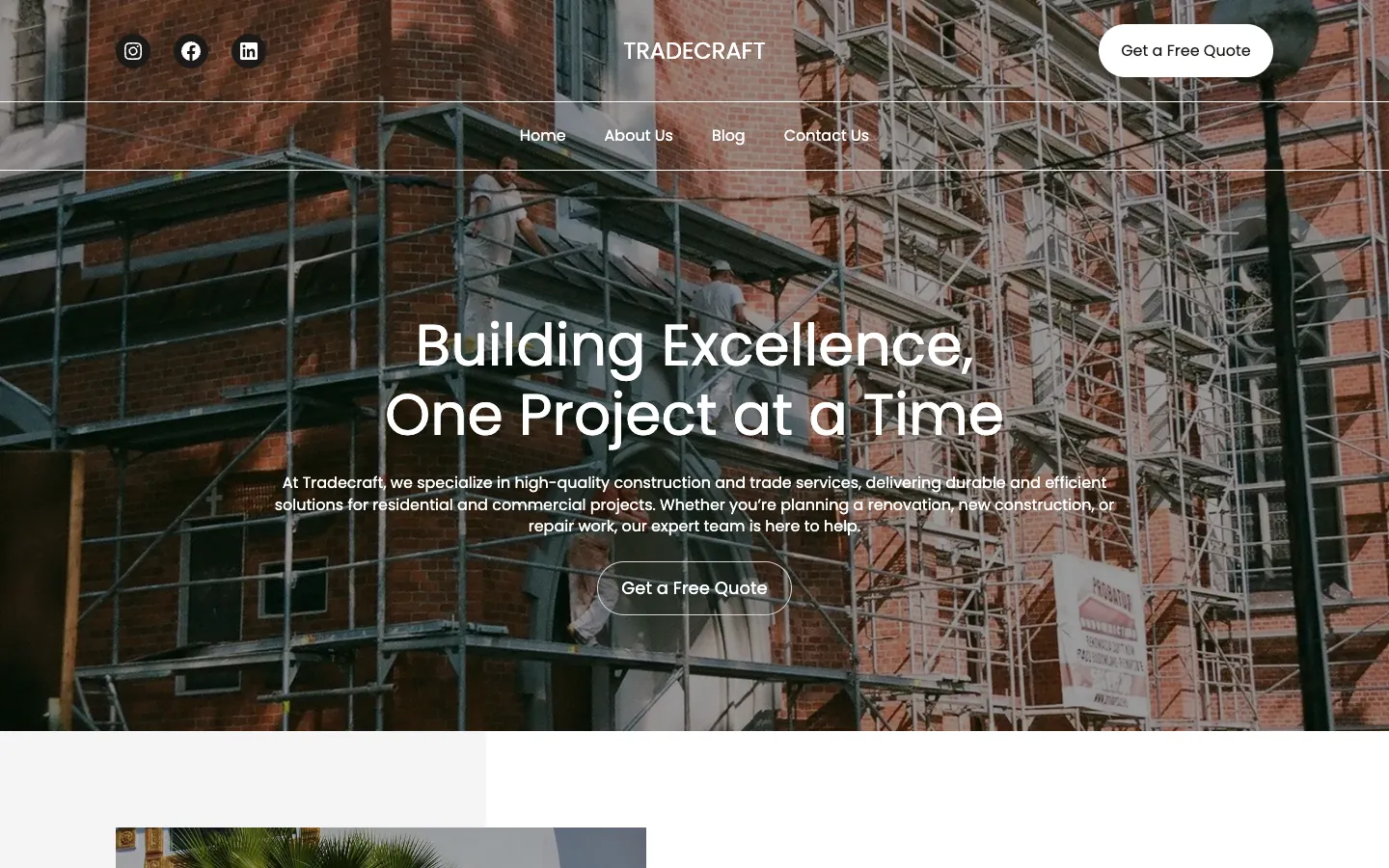
Tradecraft is a SuperbThemes theme priced at $2 a month. It’s built for fast, lightweight, SEO-friendly design, and it suits anyone who wants an affordable, performance-first theme without paying for extras they won’t use.
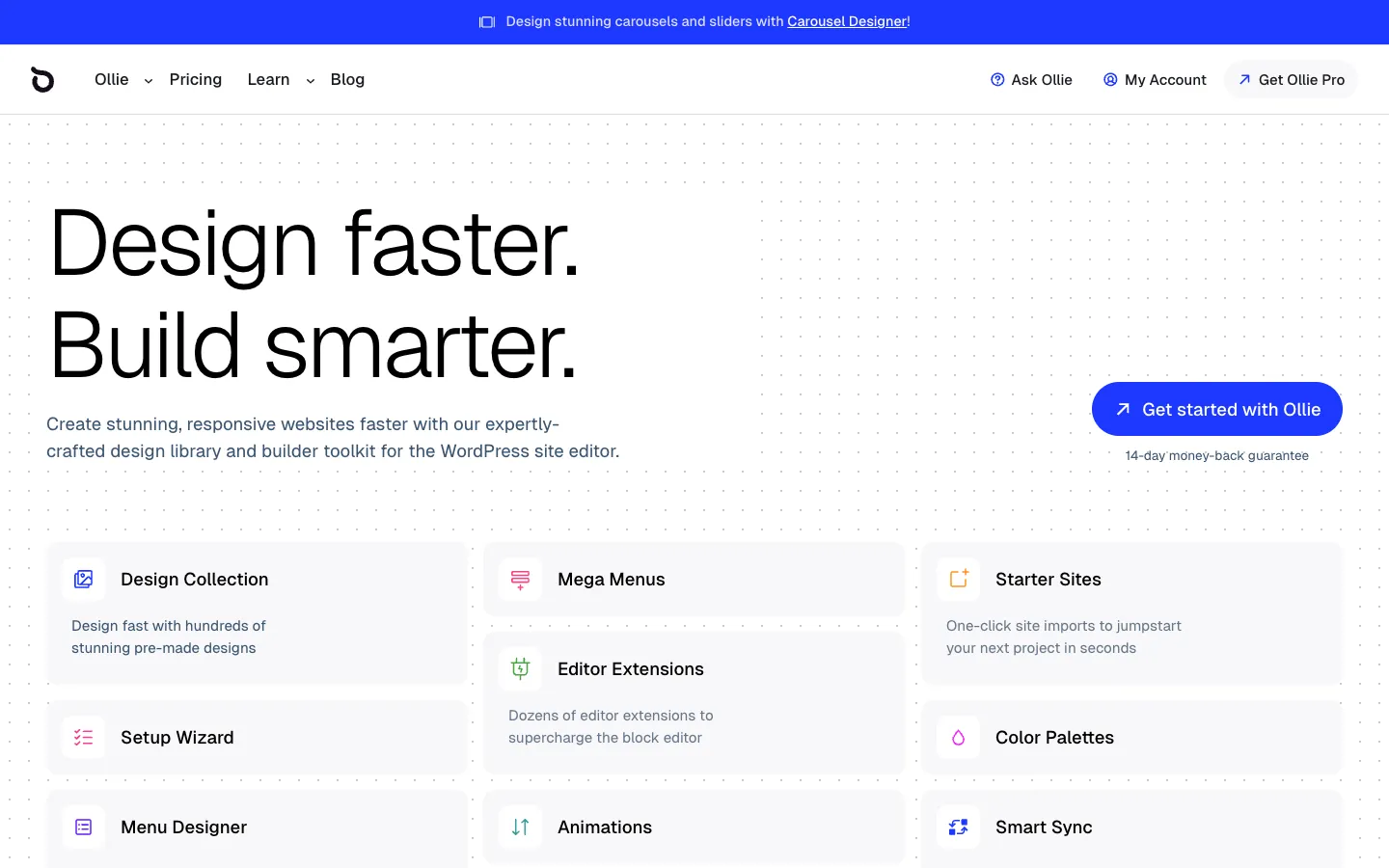
Ollie costs $7 a month, which covers a free block theme and pattern library plus Ollie Pro. It’s trusted by 10k+ users and includes starter sites, a setup wizard, one-click style variations, and extensions such as Menu Designer, Animations, and Smart Sync. Those extras put it at the top of this range rather than the bottom.
Kadence and Blocksy: Feature-Rich Themes That Still Fit the Budget
Both themes carry a free version that covers the basics and a paid tier that unlocks the design controls most people end up wanting. The real decision comes down to how the annual price scales as you add sites, and Kadence’s annual plans include a 30-day money-back guarantee.
| Theme | Entry paid tier | Mid tier | Top tier / lifetime |
|---|---|---|---|
| Kadence | Essentials $99/year (about $8.25/month) | Pro $299/year | Elite $499/year |
| Blocksy | Personal $69/year or $199 lifetime for one site | Business $99/year for 10 sites | Agency $149/year for unlimited sites |
Kadence’s Essentials plan starts at $99 a year, or about $8.25 a month. The free theme you get first is useful: global color palettes, typography controls, a drag-and-drop header builder, and WooCommerce integration all come at no cost. Essentials adds blocks and premium starter templates; Pro at $299 a year adds Shop Kit, backups, and Kadence Security. Elite costs $499 a year and is aimed at agencies.

Blocksy’s price is structured around site count rather than features. Personal runs $69 a year or $199 for life on one site, Business jumps to $99 a year for 10 sites, and Agency covers unlimited sites at $149 a year. Before you pay anything, the free version is fully functional. It has 300,000+ active installs, a 5.0/5 rating on WordPress.org, and already includes 45+ one-click starter sites, header and footer builders, global colors, typography controls, and WooCommerce compatibility. Pro layers on conditional headers, mega menus, content blocks, and the deeper WooCommerce pieces like wishlist, quick view, variation swatches, and AJAX cart. Every paid tier includes updates, support, and all Pro starter sites. The Pro version arrives as a companion plugin rather than a separate theme, so your existing setup stays intact when you upgrade.

Match a Theme to Your Site Type Without Overpaying
Buying features your site will never use is the quickest way to waste money on cheap WordPress themes under $10, so start by naming what you’re actually building.
- If your site is a business or a landing page, Idea Flow is built for companies and agencies, while The Entertainer suits YouTubers, podcasters, authors, and speakers who need WooCommerce-ready layouts.
- If you run a content-first blog or work as a journalist, Minimalistix is a solid free pick with six style variations and full-site editing, while Simple Nova adds review features, dark mode, and affiliate-optimized schema.
- If you sell products on this budget, Blocksy Pro adds quick view, AJAX cart, and wishlist. Kadence’s Shop Kit includes 17+ conversion tools, but it requires Pro at $299 a year (about $25 a month), above this roundup’s price limit.
- If you’re an agency, freelancer, or creator who wants pattern libraries and starter sites, Ollie’s pattern categories include Agency, eCommerce, Startup, Studio, and Creator, and Blocksy’s starter-site library covers blog, business, ecommerce, news, nonprofit, personal, portfolio, and travel.
Your Best Sub-$10 WordPress Theme Depends on One Simple Choice
Every theme on this list already clears the $10/month bar. Five of the eight are free or cost $2 a month, and the most expensive one here, Kadence, comes in at about $8.25 a month. That changes the question you should be asking. It isn’t whether these affordable WordPress themes fit your budget, because they do. The real question is which features you’ll actually use once the site is live.
If you’re a blogger comparing low cost WordPress themes, you probably don’t need conditional headers or a mega menu. You need clean typography, fast pages, and schema that search engines can read. If you sell products, Blocksy Pro’s WooCommerce tools fit this budget. Paying for a tier you’ll never touch is the only real way to waste money here.
If what you want is fast, lightweight, SEO-friendly performance without much customizing, SuperbThemes’ own themes, The Entertainer, Tradecraft, Idea Flow, Simple Nova, and Minimalistix, are built for exactly that, and all five stay under the $10/month ceiling.
Before you decide, SuperbThemes is currently offering up to 50% off on its themes and plugins. You can see the latest deals at superbthemes.com/pricing/.
The cleanest next step is to install one free theme and test it with your actual content and your WooCommerce setup. Watch how it loads, how the editor feels, and how your product pages render. Only pay for a tier if you hit a wall the free version can’t clear. That’s how you stay under $10/month without giving up speed or SEO. You let your own site tell you what it needs instead of a pricing page doing it for you.