Pick Gmail if you want simple personal email and smooth Google apps. Pick Outlook if your work runs on Word, Excel, Teams, and calendar meetings. Gmail gives free users 15 GB of storage shared across Gmail, Drive, and Photos [source: Google]. Outlook can feel more “office serious,” while Gmail feels lighter and faster for daily life.
TLDR: Gmail is better for most personal users, students, freelancers, and tiny teams. Outlook is better for companies that live in Microsoft 365 and book lots of meetings. For example, a 12 person sales team sending 600 emails a week may save time with Outlook calendars and Teams links. A solo creator handling 80 client emails a day may prefer Gmail labels, search, and Google Drive sharing.
Quick verdict
If you want the easiest answer, here it is.
- Best for personal use: Gmail.
- Best for business email: Outlook, if you use Microsoft 365.
- Best for remote collaboration: Gmail with Google Workspace.
- Best for meetings: Outlook Calendar.
- Best search: Gmail, by a small but real margin.
Neither service is bad. That is the annoying part. They are both good. They just feel built for different brains.
Gmail feels fast and friendly
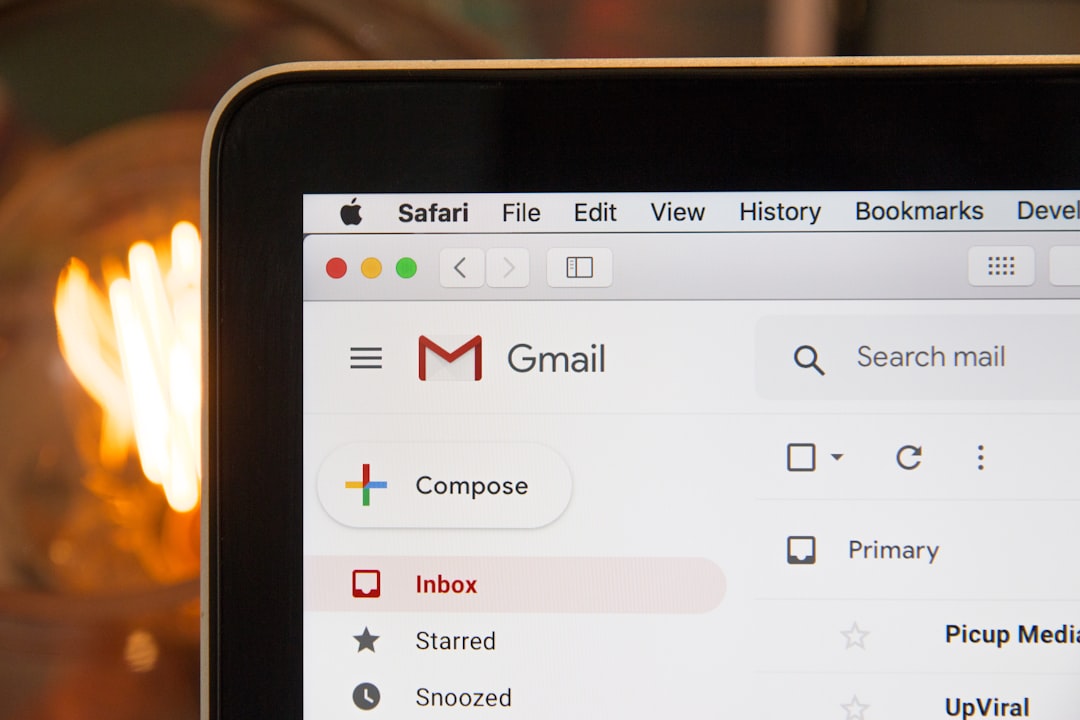
Gmail is the email app many people already know. It is clean. It is quick. It works well on phones. It also plays nicely with Google Drive, Docs, Sheets, Meet, and Calendar.
For personal use, this is hard to beat. You get one login. You can send files from Drive. You can join video calls. You can search years of email with a few words.
Gmail’s best trick is search. Type a name, a word, or “has attachment.” Gmail usually finds the right thing. That matters when your inbox is a messy drawer full of receipts, school emails, travel plans, and random coupons.
It drives me crazy that Gmail still uses labels instead of normal folders. Labels are powerful. But they can confuse new users. One email can sit under several labels. That is smart. It also feels odd if you grew up with folders.
Outlook feels like a real office desk
Outlook is more formal. It has folders, rules, focused inbox, flags, categories, and a strong calendar. It feels built for people who schedule calls before breakfast. That may sound boring. It is also very useful.
Outlook works best when paired with Microsoft 365. Word, Excel, PowerPoint, OneDrive, SharePoint, and Teams all connect well. If your company already pays for these tools, Outlook is the natural email choice.
Outlook Calendar is excellent. It handles meeting rooms, shared calendars, meeting replies, time zones, and Teams links well. Gmail Calendar is also good. But Outlook still feels like the boss for office scheduling.
Honestly, it feels like Outlook sometimes hides basic settings just to test your patience. A simple rule can take extra clicks. The new Outlook interface also changes things that long-time users knew by muscle memory. That can make people grumpy. Fairly grumpy.

Personal use: Gmail wins for most people
For personal email, Gmail is usually the better pick. It is simple. It is familiar. It has strong spam filtering. It also works beautifully with Android phones and Chrome.
Gmail is great for:
- Online shopping receipts.
- Travel bookings.
- School emails.
- Side projects.
- Family sharing with Google Photos and Drive.
Gmail also feels less stiff. The interface is lighter. The mobile app is smooth. The search bar is useful, not just decorative.
Outlook is still fine for personal email. Some people prefer its folder system. It looks more traditional. It also works well if you use Windows and OneDrive. But for the average person, Gmail feels easier on day one.
Business use: Outlook wins if Microsoft runs your office
For business, the answer depends on your tools.
If your company uses Microsoft 365, choose Outlook. It connects to Teams, Word, Excel, SharePoint, OneDrive, and admin tools. Microsoft business plans can include a 50 GB mailbox and 1 TB of OneDrive storage per user, depending on the plan [source: Microsoft].
That is useful for companies with staff, documents, meetings, and strict permissions. Outlook also gives IT teams more control. Admins can set rules, manage devices, and help protect company data.
If your company uses Google Workspace, Gmail is the better fit. It connects to Docs, Sheets, Slides, Drive, Meet, and Google Calendar. It is great for teams that want quick sharing and fewer heavy menus.
Google Workspace is especially nice for startups, agencies, schools, and creative teams. People can edit the same document at once. File sharing is simple. Comments are easy. No one has to email “Final version 7 really final.docx.” Thank goodness.
Spam and security
Both Gmail and Outlook are strong on security. Both support two factor login. Both warn you about shady links. Both block a lot of junk.
Gmail has a strong reputation for spam control. It often catches scam emails before they reach your inbox. That is a big deal for personal users.
Outlook is strong for business security. Microsoft offers advanced protection tools in paid plans. That helps companies deal with phishing, unsafe attachments, and account risks.
The winner here depends on your use. For home users, Gmail feels easier. For business admins, Outlook has more knobs and switches.
Storage and attachments
Gmail gives free users shared Google storage. That storage covers email, Drive, and Photos. So yes, your vacation photos can eat space needed for email. Rude, but true.
Outlook free accounts separate mailbox storage from OneDrive storage. Paid Microsoft plans often give generous cloud storage. This helps companies that handle lots of files.
For attachments, both services push you toward cloud links. Gmail likes Drive. Outlook likes OneDrive. This is better than sending a huge file that fails after 40 seconds. We have all been there.
Design and ease of use
Gmail is cleaner. Outlook is richer.
That is the simple version.
Gmail has fewer buttons in your face. It feels good for quick reading and replies. It is also easy to customize with themes, tabs, labels, and filters.
Outlook gives you more controls. You get folders, categories, flags, rules, and calendar tools. That is great for power users. It can feel busy for everyone else.
If you hate clutter, Gmail may feel calmer. If you love order, Outlook may feel safer.
Pricing basics
Both services have free versions. Both also have paid business plans.
- Gmail free: Best for personal use.
- Google Workspace: Best for teams using Google apps.
- Outlook free: Fine for personal email and Microsoft users.
- Microsoft 365: Best for businesses using Office apps.
Do not pick based on email alone. Pick based on the apps around it. Email is only one piece. The calendar, cloud storage, documents, chat, and admin tools matter more over time.
Which should you choose?
Choose Gmail if you want speed, simple search, easy sharing, and a friendly mobile app. It is the safe choice for personal email. It is also great for freelancers and small teams that want Google Docs and Drive.
Choose Outlook if your day is full of meetings, Excel files, Teams calls, and shared company folders. It is the better choice for many established businesses. It gives managers and IT teams more control.
The real winner is the one that fits your habits. Gmail feels like a smart backpack. Outlook feels like a well stocked office cabinet. One is lighter. One is more structured. Pick the one you will not hate opening every morning.