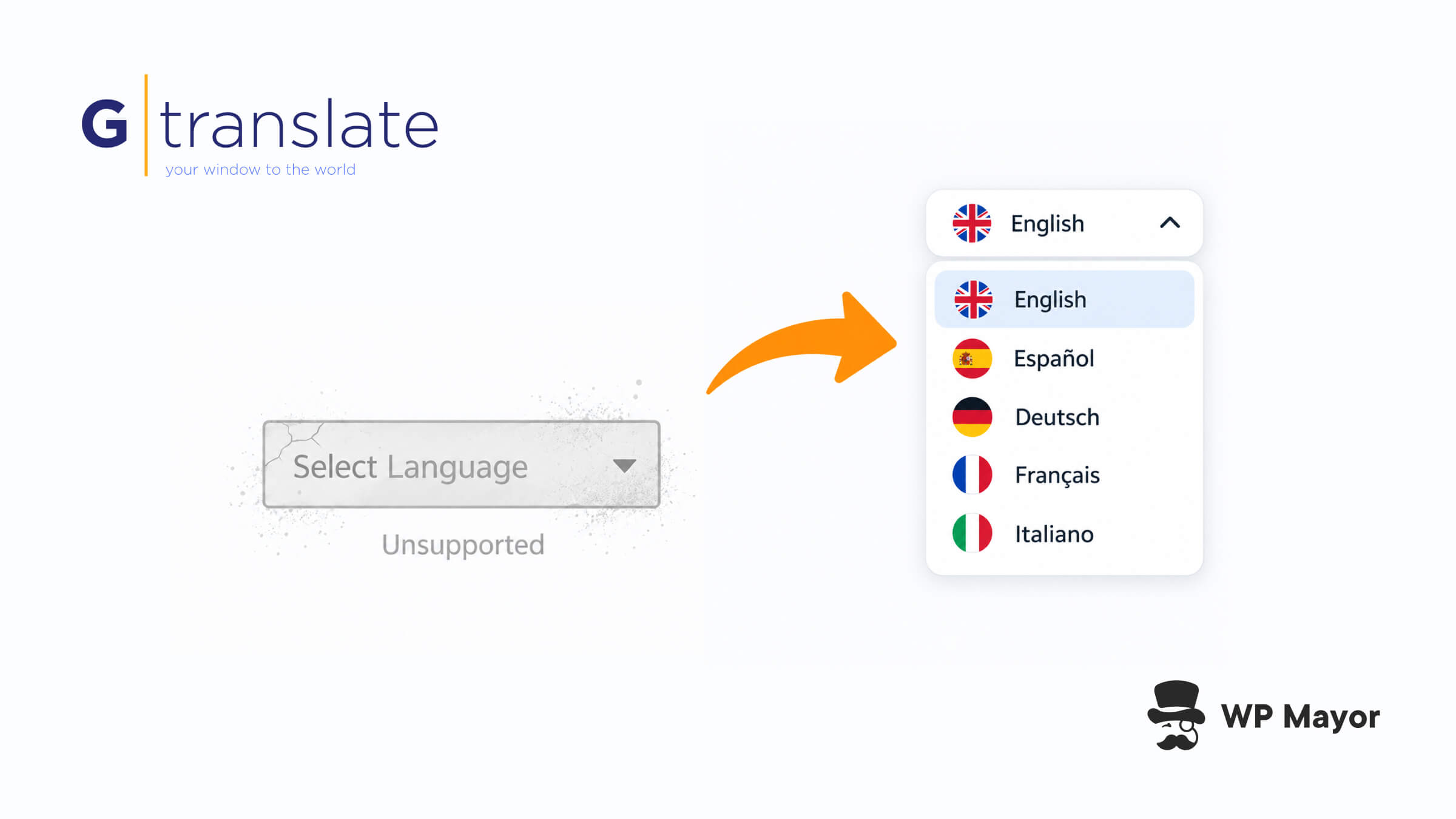
If you’ve built WordPress sites for long enough, you’ve almost certainly pasted Google’s Website Translator snippet into a footer at some point. It was the quickest way to give visitors a language dropdown without setting up a multilingual plugin, and a lot of those snippets are still sitting on live sites years later.
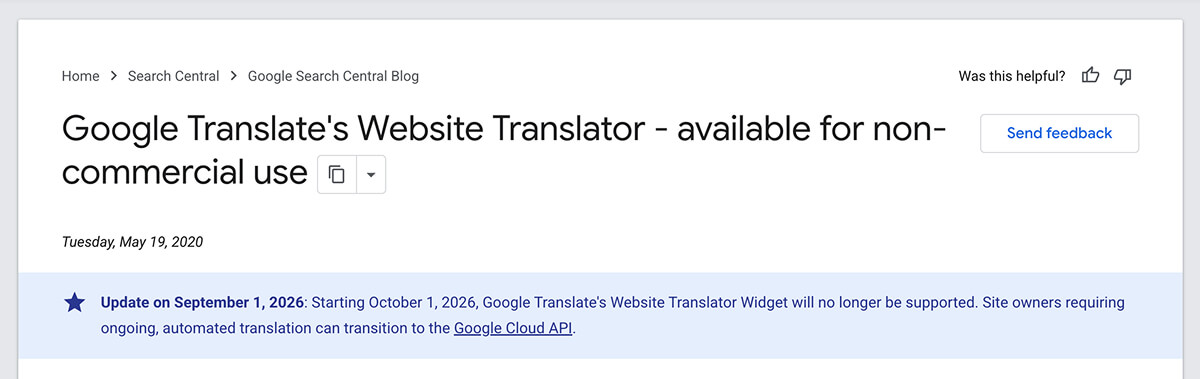
Google has now put an end date on it. In an update to its original announcement, Google confirmed that the Website Translator Widget will no longer be supported from 1 October 2026, and it’s pointing site owners who need ongoing translation towards its Cloud Translation API.
That’s a sensible answer if you’re a developer building translation into an app, but it’s a lot of work if all you wanted was a language selector. GTranslate has stepped in with a free replacement widget for non-commercial sites and a 15-day free trial of its paid plans for everyone else.
GTranslate’s Website Translator Widget is free for personal sites, educational projects, non-profits, government websites and other sites that don’t generate revenue. The free tier includes every supported language with no cap on words or pageviews, which is essentially what Google’s widget gave you, with a lot more control over how the selector looks.
Commercial sites and online stores need a paid plan, and that’s where the 15-day free trial comes in. It gives you a couple of weeks to see whether the paid features are worth it before you’re charged anything, and you can cancel during the trial at no cost.
On WordPress, you don’t need to touch any code at all. The GTranslate plugin has over 900,000 active installs and a 4.9-star rating from nearly 5,000 reviews, and it’s one of the best options I point to in our roundup of the best WordPress multilingual plugins. You install it, pick your languages and configure the selector from your dashboard.
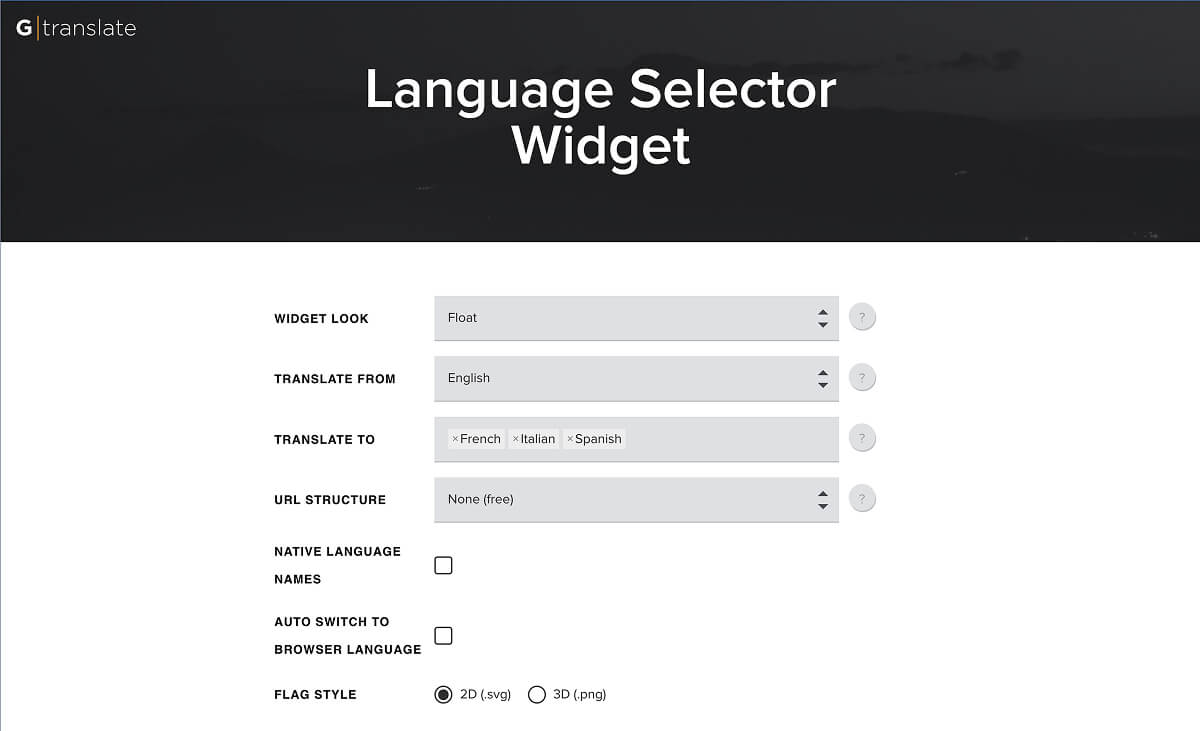
For sites where the Google snippet was hard-coded into a theme or template, the process is simple. You search your templates for google_translate_element or translate_a/element.js, remove the Google script, and then generate your own snippet in the GTranslate widget builder by picking your original language, the languages you want to offer and a selector style.
The part I like is that you don’t have to redesign anything. If your layout already has a container reserved for the Google dropdown, you can point GTranslate at that same element:
The selector stays exactly where it was, and because there are no server-side requirements, the same approach works on plain HTML sites and on any platform that lets you add custom JavaScript. GTranslate also has ready-made integrations for Joomla and Drupal if you look after sites outside WordPress.
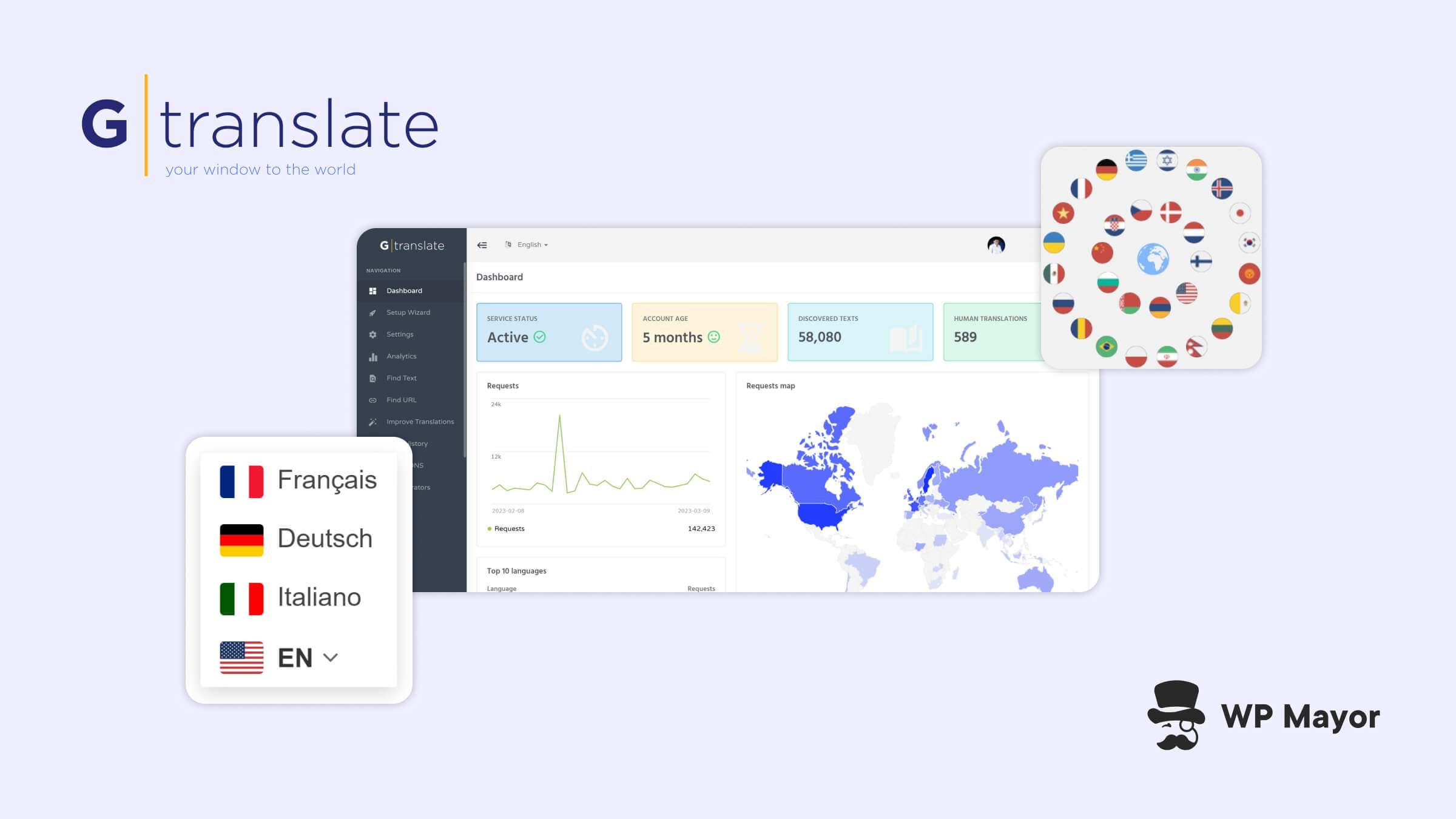
Google’s widget never gave you much say over appearance either. With GTranslate you can choose between floating selectors, dropdowns, flags, globe and popup styles, show language names in their native script, and switch languages automatically based on the visitor’s browser settings.
A browser-side translation widget, whether it’s Google’s or GTranslate’s free version, doesn’t create pages that search engines can index. It helps a visitor who has already landed on your site read it in their own language, but it does nothing to help someone searching in Spanish or German find you in the first place, because the translations only ever exist in that visitor’s browser.
GTranslate’s paid plans solve that by serving translated pages from their own URLs, whether that’s subdirectories like example.com/es/, subdomains like es.example.com, or country-specific domains. Search engines can crawl and index those pages, and you also get neural machine translation, manual and in-context editing, translated URL slugs, hreflang tags and WooCommerce support, all without limits on words or pageviews.
I went through all of this in our GTranslate review earlier this year, and my view hasn’t changed. The free widget does its job well, and the paid tiers are where GTranslate turns into a proper international SEO tool at a price that’s hard to argue with.
Replace Google’s Website Translator Before 1 October 2026
Google stops supporting its Website Translator Widget on 1 October 2026, which is now just over a week away. If it’s still running on any site you’re responsible for, now’s a good time to swap it out rather than waiting to see what “no longer supported” looks like in practice. Non-commercial sites can move to the free GTranslate widget today, while commercial sites can use the 15-day free trial to test the SEO side before deciding.
I’m curious how many of these old Google snippets are still tucked away in client footers. If you look after a portfolio of sites, have you already gone hunting for them, or is this the first you’ve heard of the deadline?