Getting AI to translate a page is the easy part nowadays. The effort goes into everything around it, like keeping your prompts consistent so product names don’t get translated, getting the output into WordPress, checking how it reads on the actual page, sorting out hreflang tags and translated slugs, and then doing it all again whenever the content changes.
Weglot 2.0 launched on 29th September 2026 with that whole chain in mind. It brings translation, review, publishing, and multilingual SEO into one plugin, so you’re not stitching tools together.
What Is Weglot 2.0?
Weglot 2.0 is the new generation of Weglot, the translation plugin that’s been running on more than 110,000 websites for almost ten years. WordPress is the first platform to get access to this new version, which makes sense given that it’s where Weglot originally started.
We’ve used Weglot ourselves in the past, and the pitch back then was all about speed. You installed it, picked a language, and had a translated site within minutes. Speed matters less now that any AI model can translate a page, so the harder questions are whether that page sounds like your company wrote it and whether you can keep hundreds of translated pages in check.
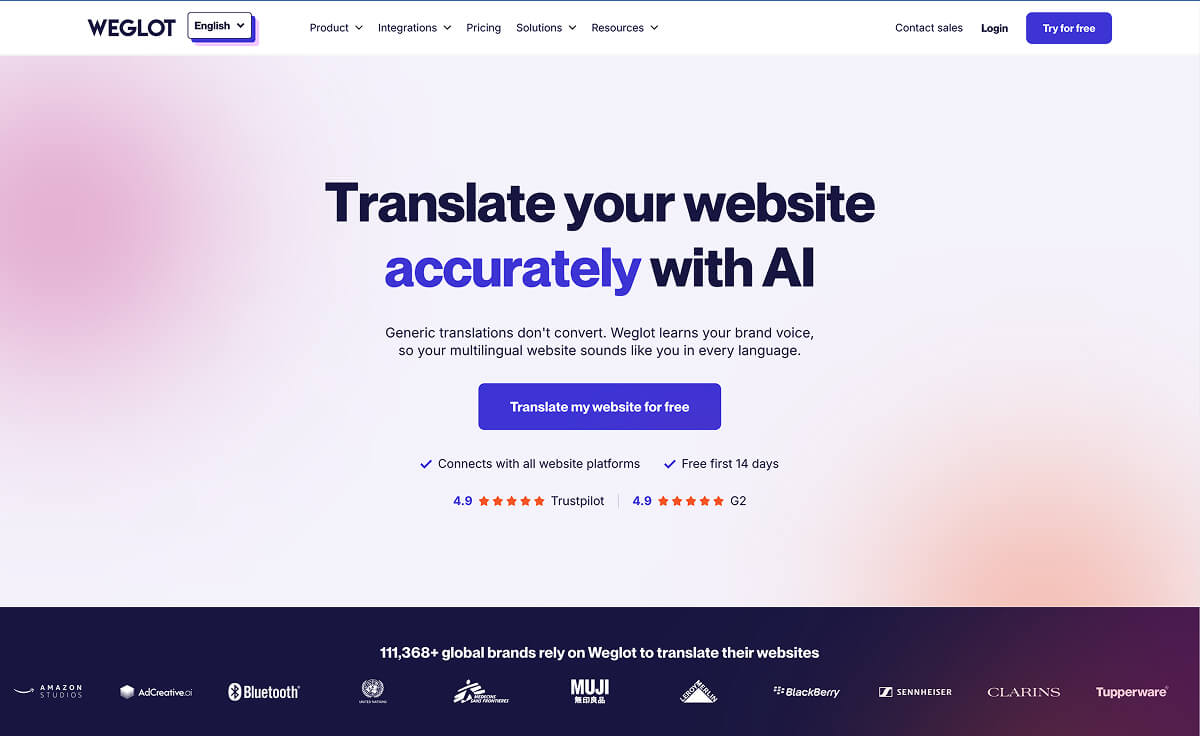
Weglot 2.0 addresses both those concerns with a new AI Translation Model that’s shaped by your brand, a redesigned dashboard for reviewing translations in context, and multilingual SEO and GEO handled for you.
On a side note, if you go looking for “2.0” on your plugins screen, you won’t find it. That’s the name of the product generation, so the plugin itself is on version 6.4 or later.
Weglot Translates WordPress Without Duplicating Pages
Multilingual WordPress has always split into two camps. Some more traditional plugins store translations in your database, but Weglot serves translations from its cloud instead, which keeps your database lean and means you never touch PO files or duplicate a page.
Since it detects content at the source code level, it works with Gutenberg, Elementor, Divi, Beaver Builder and all other builders. On WooCommerce stores, it picks up product descriptions, attributes, checkout pages and customer emails. Plus, it also sits alongside Yoast SEO, Rank Math, and All in One SEO, handling the multilingual side while your SEO plugin keeps doing its job.
How Weglot 2.0 Works: Brand-Aware AI Translation in Practice
Once you install the plugin, connect your Weglot account and pick your languages, Weglot translates the site and lines everything up for review before anything goes live. With version 2.0, there are three main elements that take this to new heights.
Brand Voice and Translation Guidelines
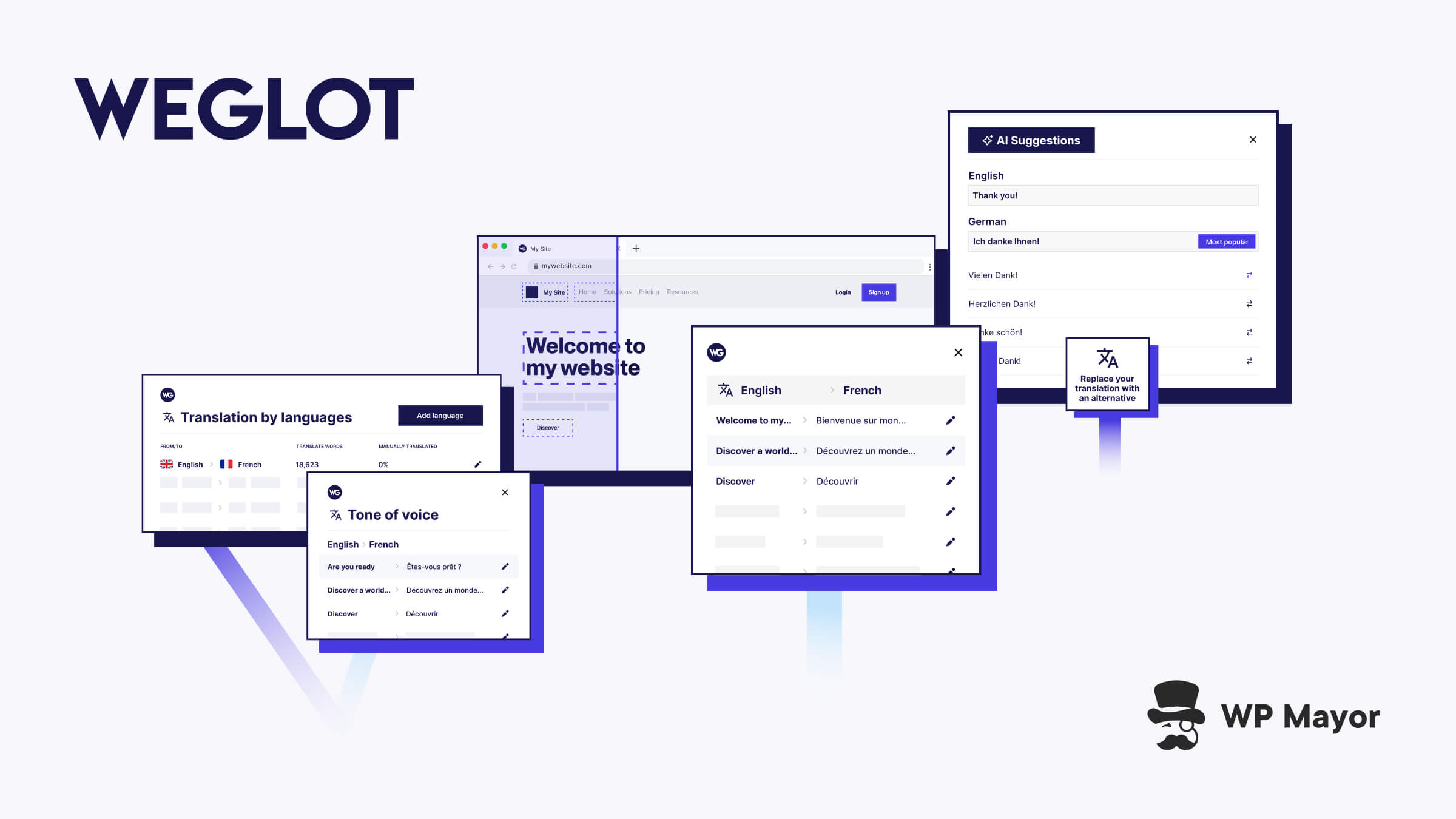
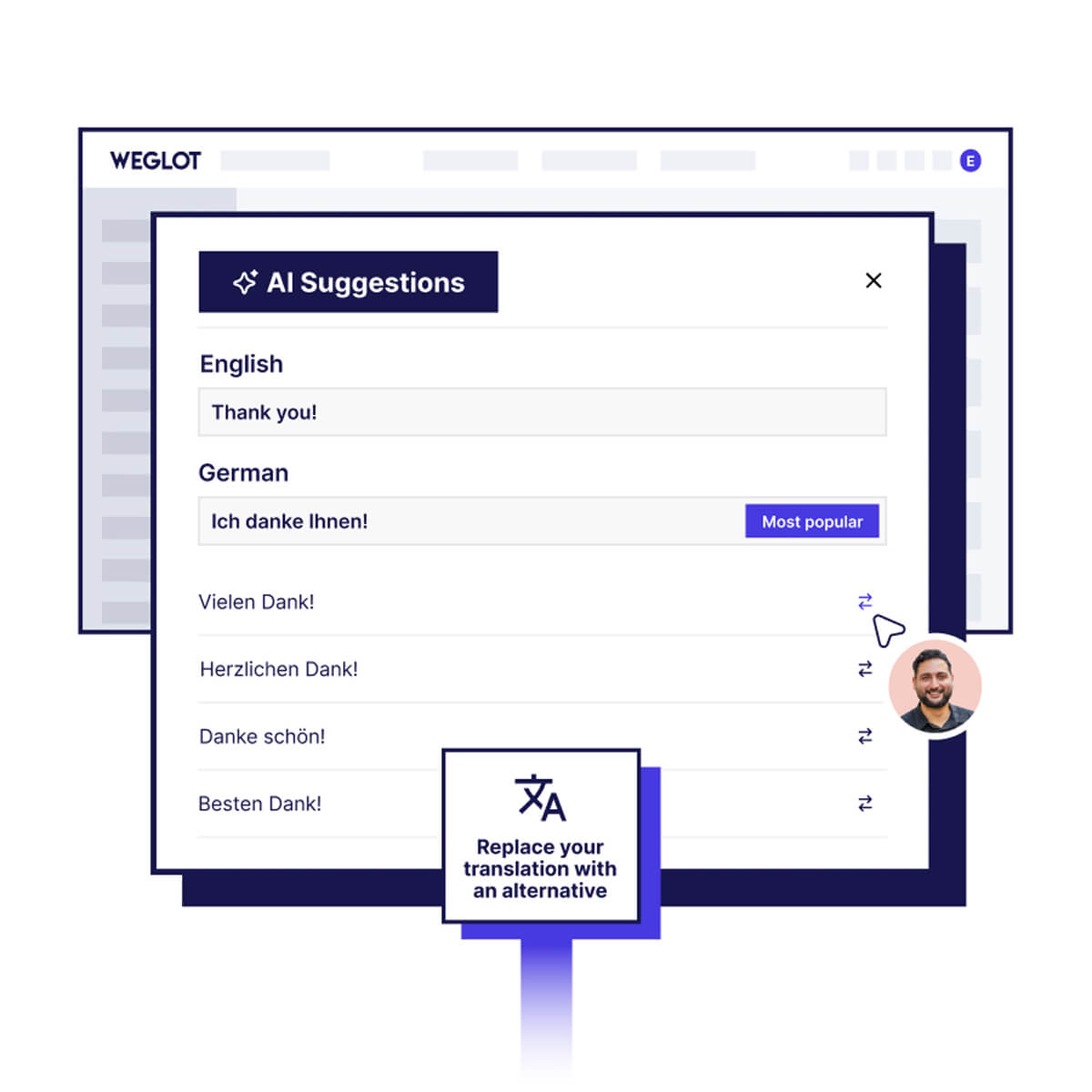
The new AI Translation Model combines leading AI models with your Brand Voice, your Translation Guidelines, and the context of each page. You set the rules once (keep the product name in English, use a particular tone, translate a key term a specific way, etc.) and every translation follows them without you re-prompting anything.

Reviewing Translations in the Visual Editor
The Visual Editor shows each translation on a live preview of your site, so you can see how a German headline wraps on the real layout before it goes out. You can publish or unpublish entire languages separately, and new content gets detected, translated and dropped into the list for review.
Image Translation and Weglot MCP
Image Translation handles the text baked into your graphics, which most translation setups ignore. From the Visual Editor you can translate an image while keeping the original design, either by generating the new version with AI or importing your own, and the same brand rules apply so a banner reads like the page around it.
Weglot MCP even connects Weglot to your AI assistant, so you can review and update translations in plain language without always opening your dashboard.
Weglot 2.0 for Agencies, WooCommerce Stores, and Marketing Teams
For agencies and freelancers, the Agency Workflow is where the biggest value lies, since you can keep client sites in one place and Word Count makes it easier to quote translation projects accurately.
If you’re running a WooCommerce store, you get the full buyer journey translated, from catalogue to post-purchase emails, with Translation Guidelines keeping product names consistent across markets.
Meanwhile, marketing teams growing internationally will probably get the most value from the visibility side. Language-specific URLs, hreflang tags, translated metadata and slugs are handled for you, so translated pages are ready to be indexed by search engines and picked up by AI answer engines.
Getting Started With Weglot 2.0
Weglot plans are sized by translated words, so the easiest first step is running your site through Weglot’s free word count tool. Each word is only counted once, however many times it appears, and you can also start with a handful of key pages and then add the rest later.
Once you install the plugin and start using it, I recommend spending a few minutes on your Brand Voice and Translation Guidelines. Every translation that follows will be shaped by them, and this is where one of the biggest value adds comes from in Weglot 2.0.
Over time, if your site grows faster than expected, you can even switch on auto-upgrade so translations never stop, and moving up a plan only charges the difference for the rest of your billing period.
Weglot Pricing + An Exclusive WP Mayor Discount
With Weglot’s premium plans, you can choose from more than 110 languages, and each plan sets how many of them you can make available to your visitors. Every plan comes with a 14-day free trial, and annual billing gives you two months free. Here’s the plan pricing in USD as at the time of writing:
- Free: 2,000 words, one translated language
- Starter: $17/month, 10,000 words, one language
- Business: $32/month, 50,000 words, three languages
- Pro: $87/month, 200,000 words, five languages, multisite support
- Advanced: $329/month, 1,000,000 words, ten languages
- Extended: $769/month, 5,000,000 words, 20 languages
Enterprise pricing is available upon request, while agencies get some added benefits with three months of extended free usage on each new client workspace too, plus a 15% lifetime discount for the client when they subscribe to any Weglot plan.
We’ve even gotten you an exclusive coupon code, WPMAYORXWEGLOT2, to get 3 months off any plan when you sign up for Weglot 2.0. This amazing offer is for new Weglot users and can be redeemed until 28th February 2027.
Should You Use Weglot 2.0 for Your WordPress Site?
I’ve been around WordPress long enough to remember when making a site multilingual meant duplicating every page and hoping nobody touched the English version afterwards. Weglot was one of the tools that made that a lot less painful, so it’s been interesting to see where they’ve taken it with version 2.0.
If you’re running a WordPress or WooCommerce site in more than one language and you’d like translation, review and multilingual SEO handled in one place, I think it’s well worth a look. Stores selling across borders will probably notice the difference first, since new products get picked up and translated without anyone having to remember to do it, and agencies looking after several multilingual client sites should get a lot out of the Agency Workflow.
The part I’m most curious about is MCP. A lot of us are already doing more of our site work through an AI assistant, and being able to check and update translations in that same conversation feels like the natural progression. Weglot has described 2.0 as the start of a bigger evolution, so I’ll be keeping an eye on how that side develops.
If you want to try it on your own site, the free plan and word count tool are a good place to start, and you can use our coupon to get three months off when you’re ready to move to a paid plan.