Your AI search visibility is measurable today, and you don’t have to pay anything to start.
AI engines surface your brand inside answers in two different forms, and the two are not equal. A mention is when the engine names your brand without linking to you, something like “companies like Acme, BrandX, and YourBrand offer this service.” That builds awareness. A citation is when it links your page with a URL. That drives traffic. If you only watch for links, you’ll miss half of how AI search visibility actually works, because a mention can put your name in front of a buyer long before anyone clicks through to your site.
Scale matters too. It tells you how crowded the answer you’re competing for really is. A Google AI Mode answer averages around 9 domains, compared with around 7.5 for AI Overviews and around 4 for the Gemini app. So earning a spot in AI Mode is harder than it sounds, and knowing that number helps you read your own results without panicking when you show up in one surface but not another.
A standard SEO audit can easily miss all of this. AI crawlers and the signals that earn an AI citation differ from the ones Google uses to rank pages, so the report you already trust may say nothing about whether AI systems can find or cite you. That gap is exactly why you need to check separately rather than assume your rankings cover it.
One practical caveat before you start. Free tools often default to a single locale, usually the US, and AI answers vary by region, language, and market. If you’re chasing customers in another country, switch the locale wherever the tool lets you, or you’ll be reading a picture of someone else’s search results.
Track AI Search Rankings in Google Search Console
Google Search Console is the free, official place to start, and as of June 3, 2026, it does more than it used to. Google launched dedicated generative AI performance reports there that isolate your site’s impressions inside AI Overviews, AI Mode, and generative AI features in Discover. Until then, there was no first-party way to see whether Google’s AI surfaces were showing your pages at all.
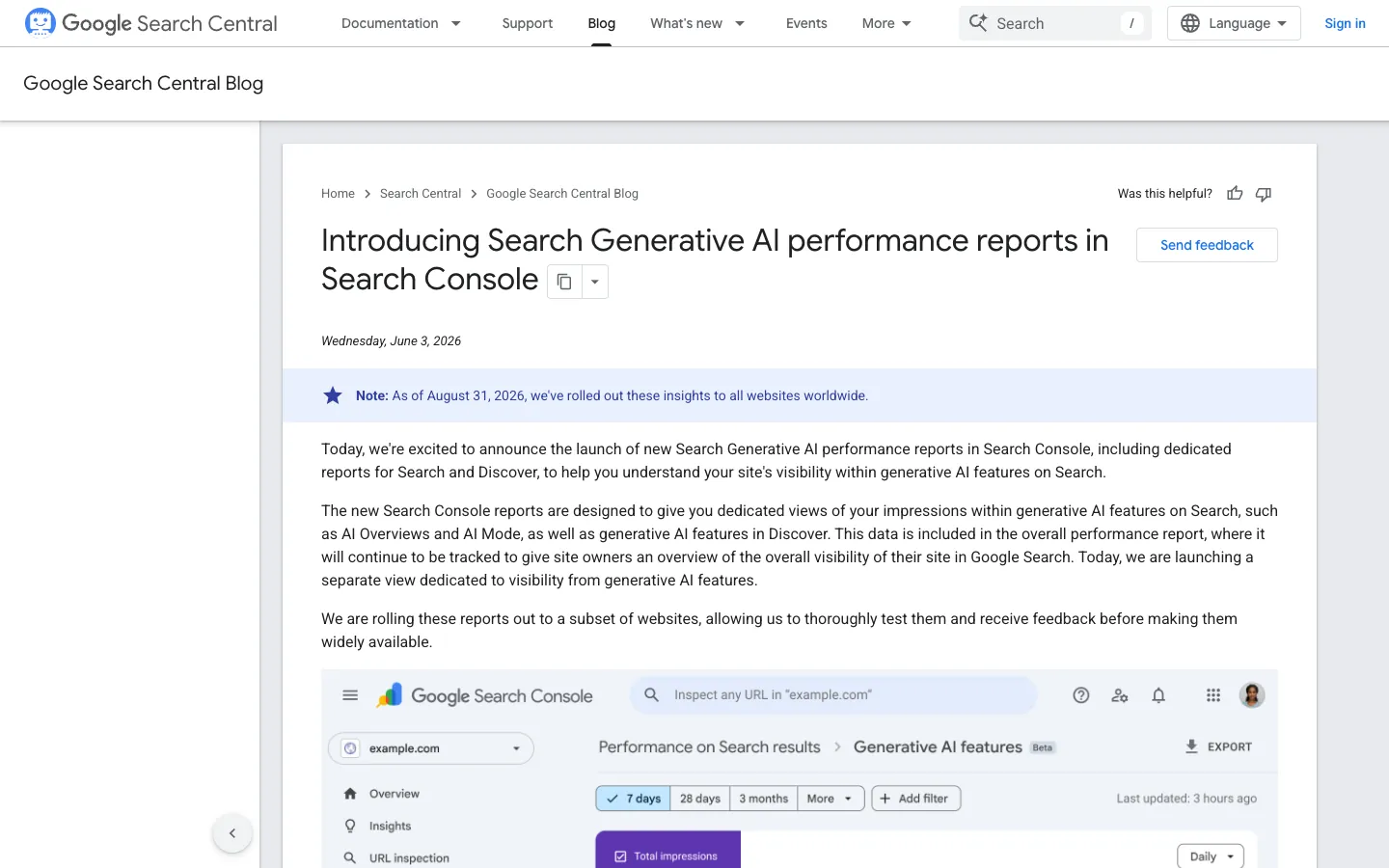
Version one, though, only shows impressions. There is no clicks data, no average position, no CTR, and no query-level detail telling you which searches triggered the appearance. AI Mode also can’t be separated from AI Overviews inside the report, so the numbers come blended rather than broken out by surface. That limitation doesn’t make the data useless. Impressions still answer the first question worth asking: is Google’s AI layer showing your pages, yes or no?
There’s a second catch that trips people up. The reports only populate when a property has sufficient data volume. A smaller site, or one that’s only recently started appearing in AI answers, may see little or nothing for a while. If your dashboard looks empty, that’s usually not a broken setup. It’s a signal that you don’t yet have enough AI impressions to report on, and the honest move is to wait and check again rather than assume the worst.
Once impressions are flowing, the useful work is cross-referencing. Pull your GSC AI impressions alongside GA4 referral traffic coming from ChatGPT, Perplexity, Claude, Copilot, and Gemini domains, because Search Console doesn’t measure those platforms at all. Impressions tell you how often Google’s AI surfaces showed you. The referral traffic tells you whether people actually arrived from the AI tools Google can’t see. When AI impressions rise and GA4 shows matching referrals at the same time, that’s the clearest early signal that your AI visibility is turning into real visits rather than just appearances.
Think of this as your baseline. It’s how you track AI search rankings in Google Search Console without spending anything, and it’s the number every other check you run should be measured against.
Free AI Rank Trackers That Need No Signup
Not every check needs an account. A handful of free AI rank trackers let you type in a brand or domain and see results right away, which makes them the right starting point when you want a quick read before committing to anything bigger. The four below are the ones worth knowing, and they differ mainly in how many engines they cover and how much they’ll let you run for nothing.
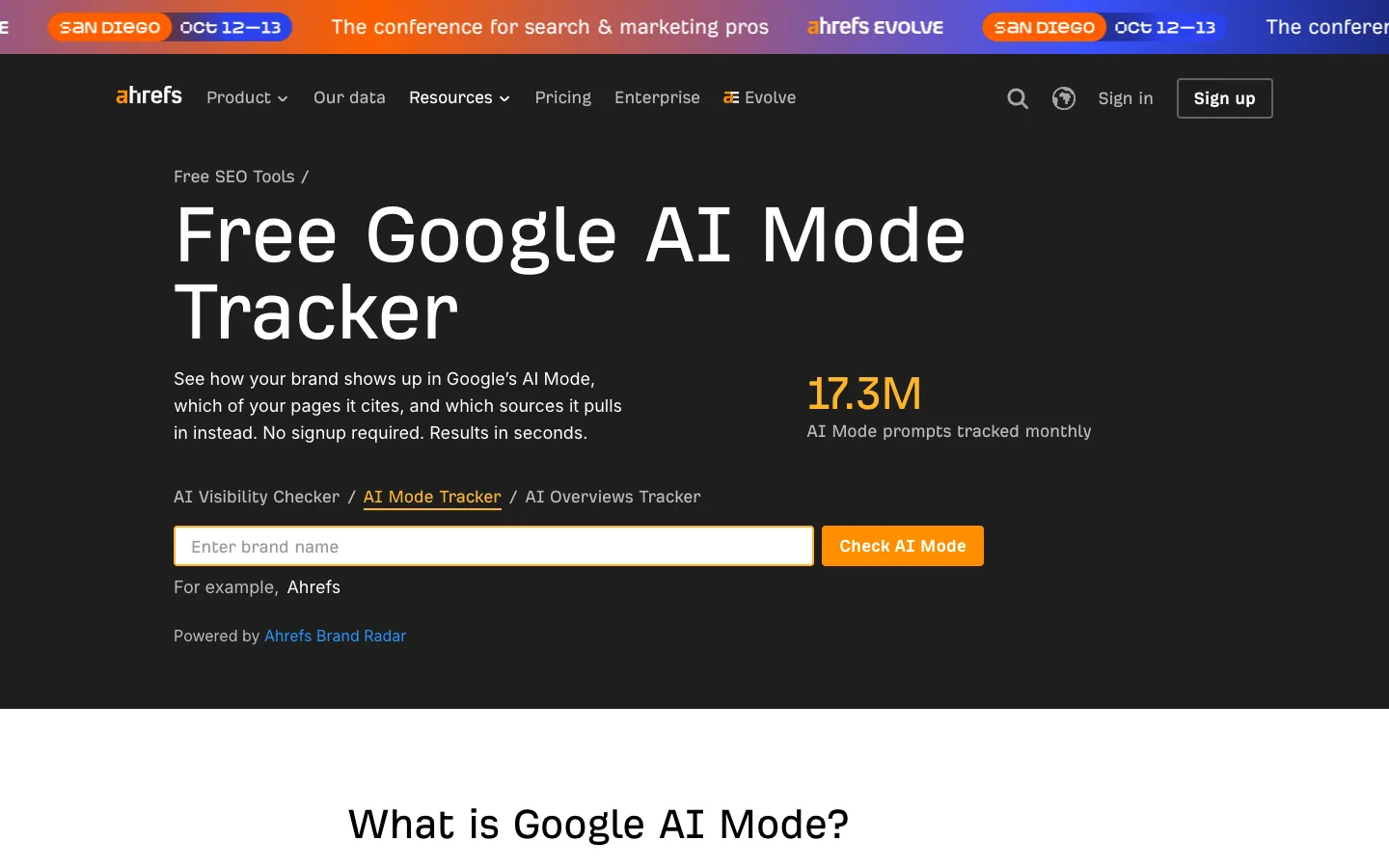
| Ahrefs | Orchly | Cloro | SE Ranking | |
|---|---|---|---|---|
| Sign-up required | No sign-up | No sign-up | No credit card required | Free AI visibility checker |
| Engines covered | Google AI Mode only | Google AI Mode, ChatGPT, Perplexity, Gemini, and Grok | AI Mode, AI Overviews, ChatGPT, Perplexity, Gemini, Copilot, and Grok | AI visibility snapshot across engines |
| Free allowance | Free | Free tier | 500 credits (each AI Mode request costs 4 credits, so roughly 125 AI Mode checks) | 5 free checks per day |
| Paid plan | Paid plans start at $49 per month |
Ahrefs keeps things narrow and useful: it shows how many AI Mode answers mention your brand, month-over-month mention counts, and the domains or pages cited alongside you. That last column is the valuable one, because it tells you who you’re sharing the answer with.
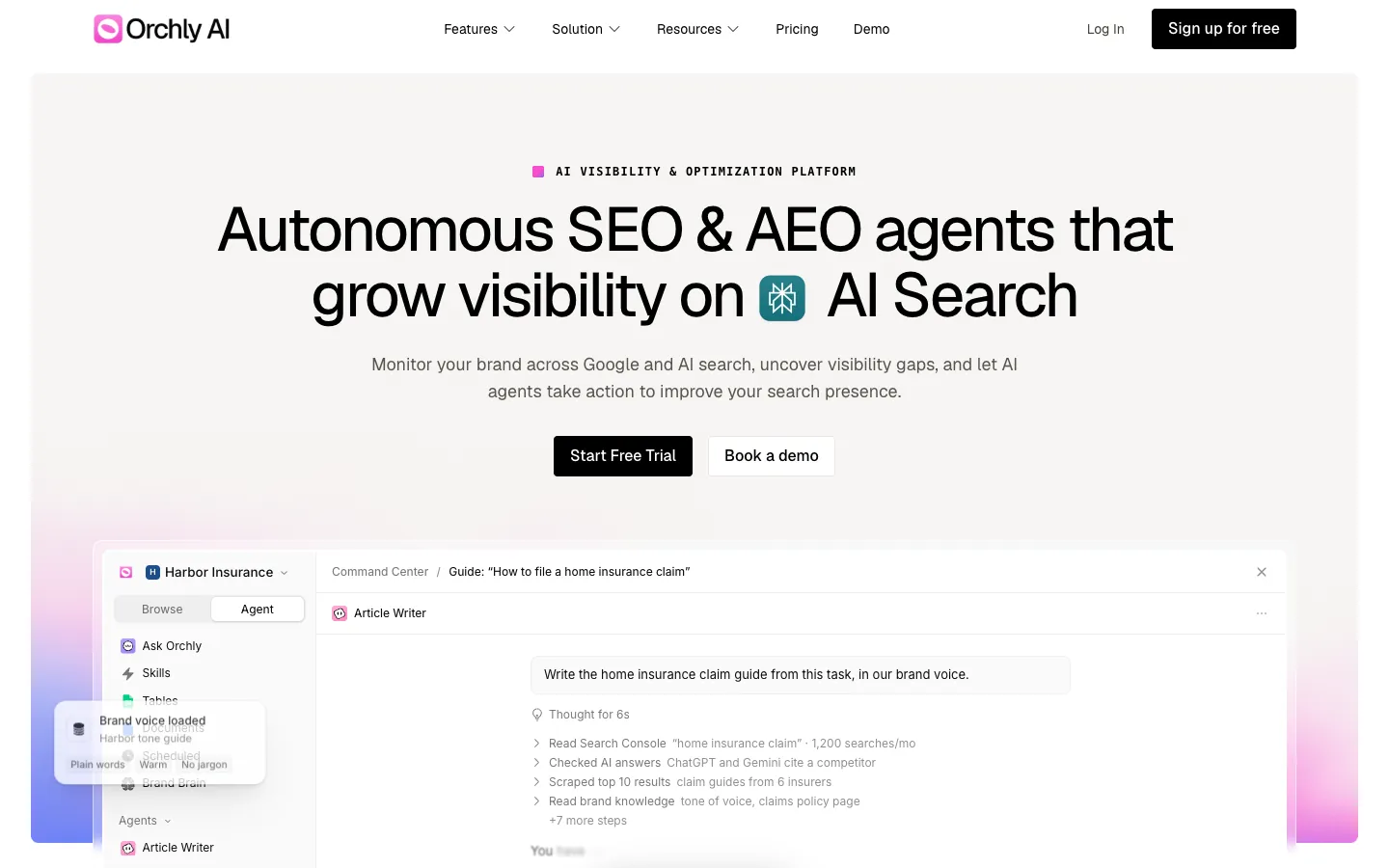
Orchly spreads wider for the same zero cost, with free trackers for Google AI Mode, ChatGPT, Perplexity, Gemini, and Grok. If you want ChatGPT search rankings and Perplexity rankings in the same place without paying, this is the simplest of the four to reach for.
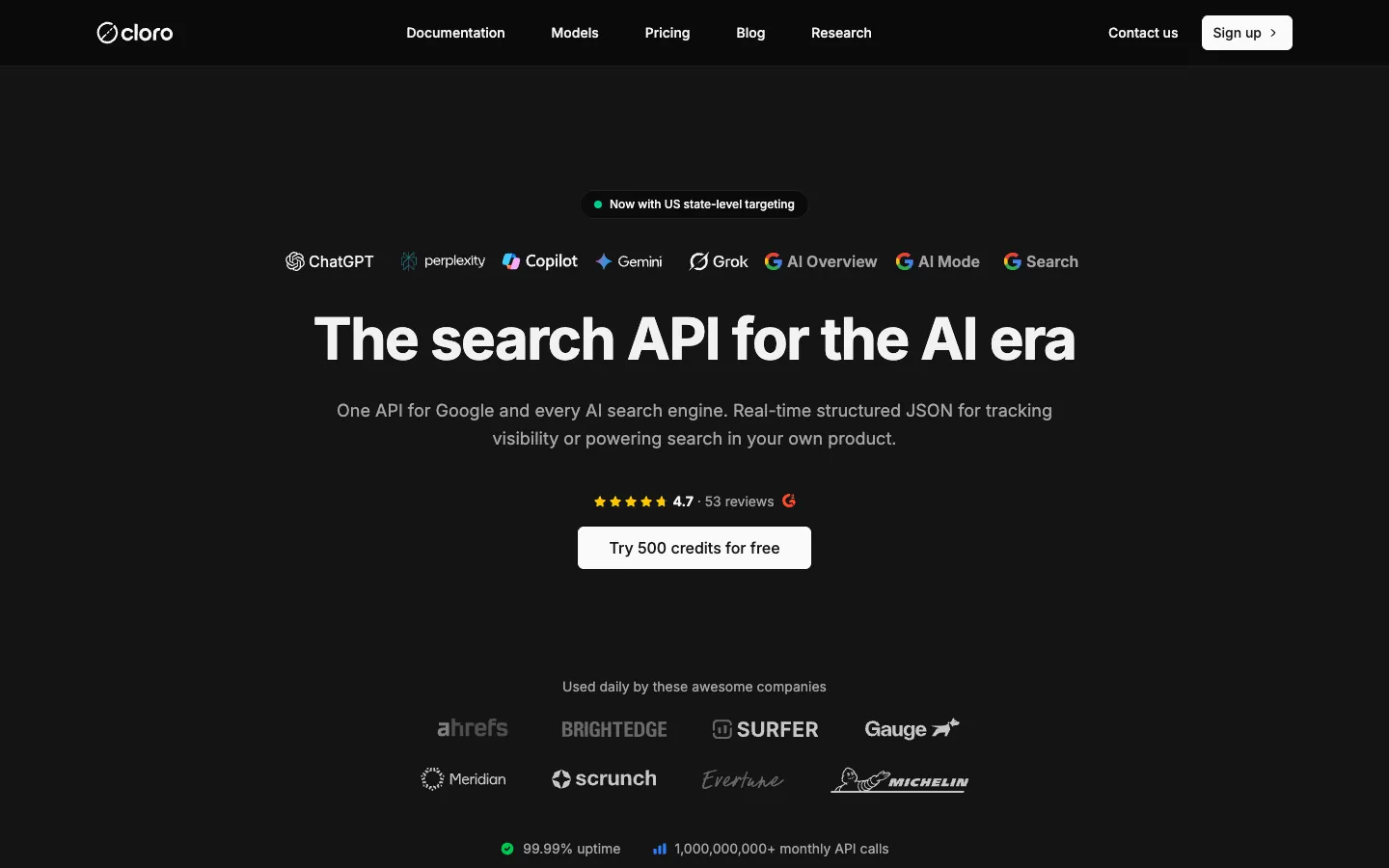
Cloro is the one to pick if you want AI Overviews tracking alongside everything else. Its free tier hands you 500 credits with no credit card, and since each AI Mode request costs 4 credits, that works out to roughly 125 AI Mode checks across AI Mode, AI Overviews, ChatGPT, Perplexity, Gemini, Copilot, and Grok.
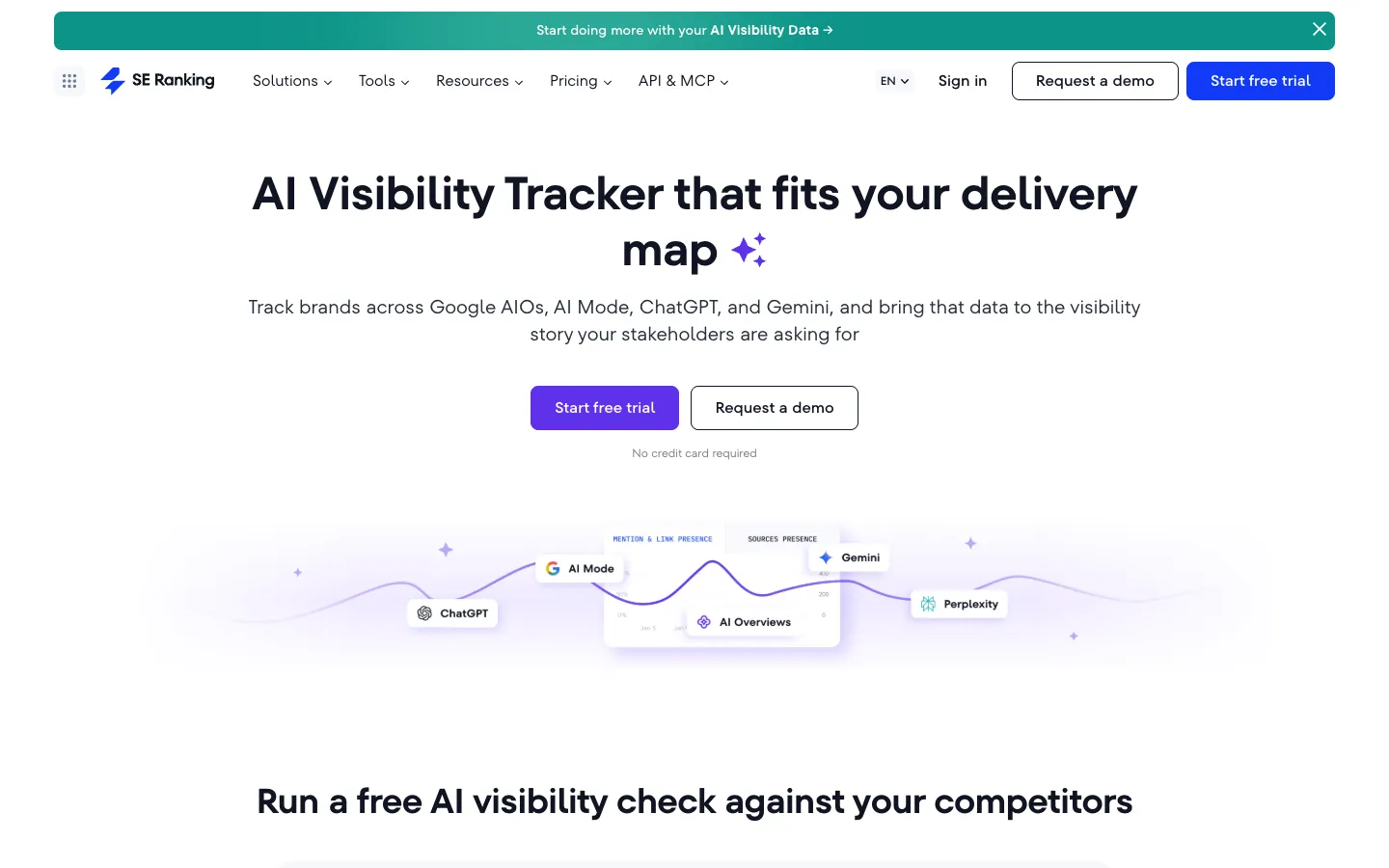
SE Ranking’s free checker is built for comparison rather than depth. You enter your domain and up to five competitors and get an instant snapshot, capped at 5 free checks per day. That’s handy for a fast side-by-side, less so for anything you want to revisit often.
Choosing between them comes down to how you plan to use the data. The no-signup options are the fastest way to start, while the credit- and check-limited tools suit occasional spot checks rather than daily monitoring. If you expect to be back week after week, treat these as the free entry point and plan for something that keeps a record over time.
Manually Track AI Search Rankings for Free
Before you reach for any tracker, remember that a browser, a spreadsheet, and a calendar reminder can give you a real read on your AI visibility. The method is slow, but it’s the most honest starting point because it forces you to look at the actual answers instead of a dashboard’s summary of them.
- Turn on Google Search Console so you can see your actual clicks, impressions, and queries.
- List 10 prompts in a spreadsheet.
- Run a monthly manual check against those prompts.
- Revisit and review the results in 90 days.
That’s the whole loop. Ten prompts is enough to spot a pattern without turning the check into a chore you’ll abandon by month three, and the 90-day mark gives you a real trend line rather than a single snapshot you can’t compare to anything.
The prompts themselves are where most people go wrong. Write them in your customers’ language, the way a buyer would phrase the question, and leave your brand name out entirely. If you ask “is YourBrand any good,” you’ll get yourself back every time, which tells you nothing. Ask “what’s the best lightweight WordPress theme for a fast blog” instead, and you find out whether you show up when nobody prompted for you.
Asking Perplexity or ChatGPT your category question and noting whether you get named at all is a quick way to test the waters. That works fine on a small scale, but manual checking has a ceiling. Once you want to track AI search rankings for free across more prompts, more engines, or more locations than you can reasonably sit through by hand, you need a tool.
When you do evaluate one, hold it to the same standard you’d hold your own spreadsheet to.
- Can you see the raw AI Mode response, or only a score?
- Are citations returned as URLs you can visit?
- Can you set the country and watch the answer change?
- Is there a timestamp and a model or version label attached to the result?
- Can you export the data?
- Does a repeat run of the same prompt sometimes return a different answer?
That last one matters more than it looks. AI answers aren’t stable, and a tool that pretends otherwise is hiding the thing you most need to see.
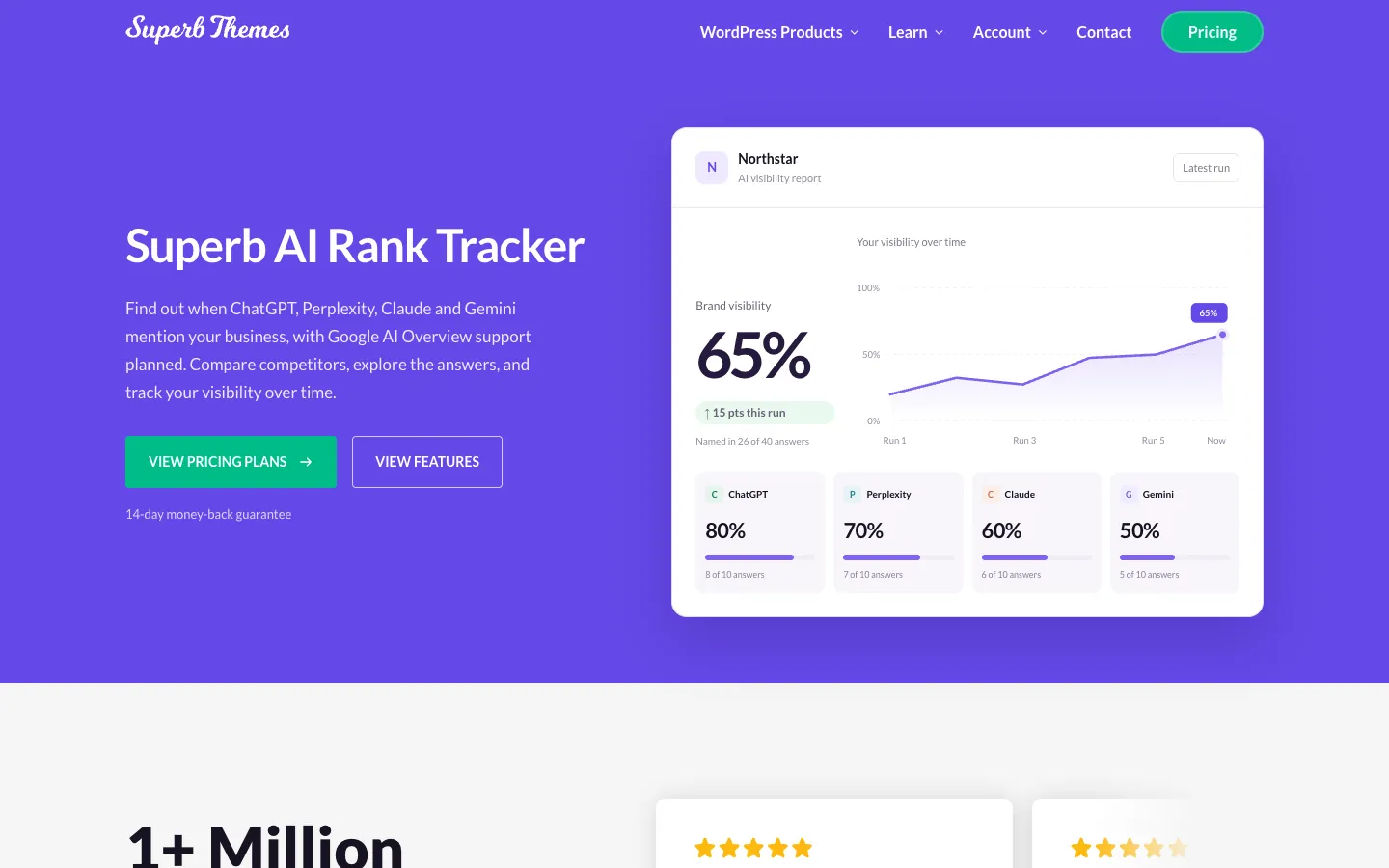
For WordPress sites, SuperbThemes AI Rank Tracker covers much of that checklist: you can open the full answers and cited sources, choose a country, export scores as CSV, and compare repeated runs. It currently tracks ChatGPT, Perplexity, Claude, and Gemini; Google AI Overview support is planned.
Why AI Engines Can or Can’t Cite Your Site
A tracker can show you that you’re missing from AI answers, but it can’t tell you why. Before you spend another minute on prompts and rankings, rule out the boring explanation: the engines may not be allowed to read your site.
Most of that permission comes down to robots.txt, and the rules for AI search bots are not the same as the ones you already have for Googlebot. To stay visible in ChatGPT search answers, your robots.txt must not disallow OAI-SearchBot. If you’ve added a blanket block on AI crawlers at some point, this is the bot to check first, because it’s the one that feeds ChatGPT’s search results. The explicit rule you want is these two lines exactly:
User-agent: OAI-SearchBot Allow: /
Anthropic works the same way. Blocking Claude-SearchBot may reduce your visibility in Anthropic-based search results, so a rule meant to keep training crawlers out can quietly cost you appearances in Claude’s answers too. There’s a distinction between bots that train models and bots that fetch pages for search, and treating them as one group is a common way to lose visibility without ever noticing.
AI search optimization starts with access, not keywords. Two free tools will tell you where you stand:
- AI Crawl Checker tests 17 bot user-agents across robots.txt, structured data, llms.txt, and content accessibility in a single scan.
- AEO Page Auditor checks speakable schema, answer-first structure, structured data quality, data extractability, content freshness, and entity authority.
Run both and you’ll know whether your site is technically able to be cited at all before you ever worry about rankings.
Two Focused Trackers That Bring It All Together
If you run a WordPress site, the SuperbThemes AI Rank Tracker is the one to look at first. It’s a plugin, so it lives inside the dashboard you already use, and it tracks ChatGPT, Perplexity, Claude, and Gemini, with Google AI Overview support planned. It needs WordPress 6.3+, PHP 7.4+, and your own API keys, and once they’re in, it starts logging where your brand shows up across those engines.
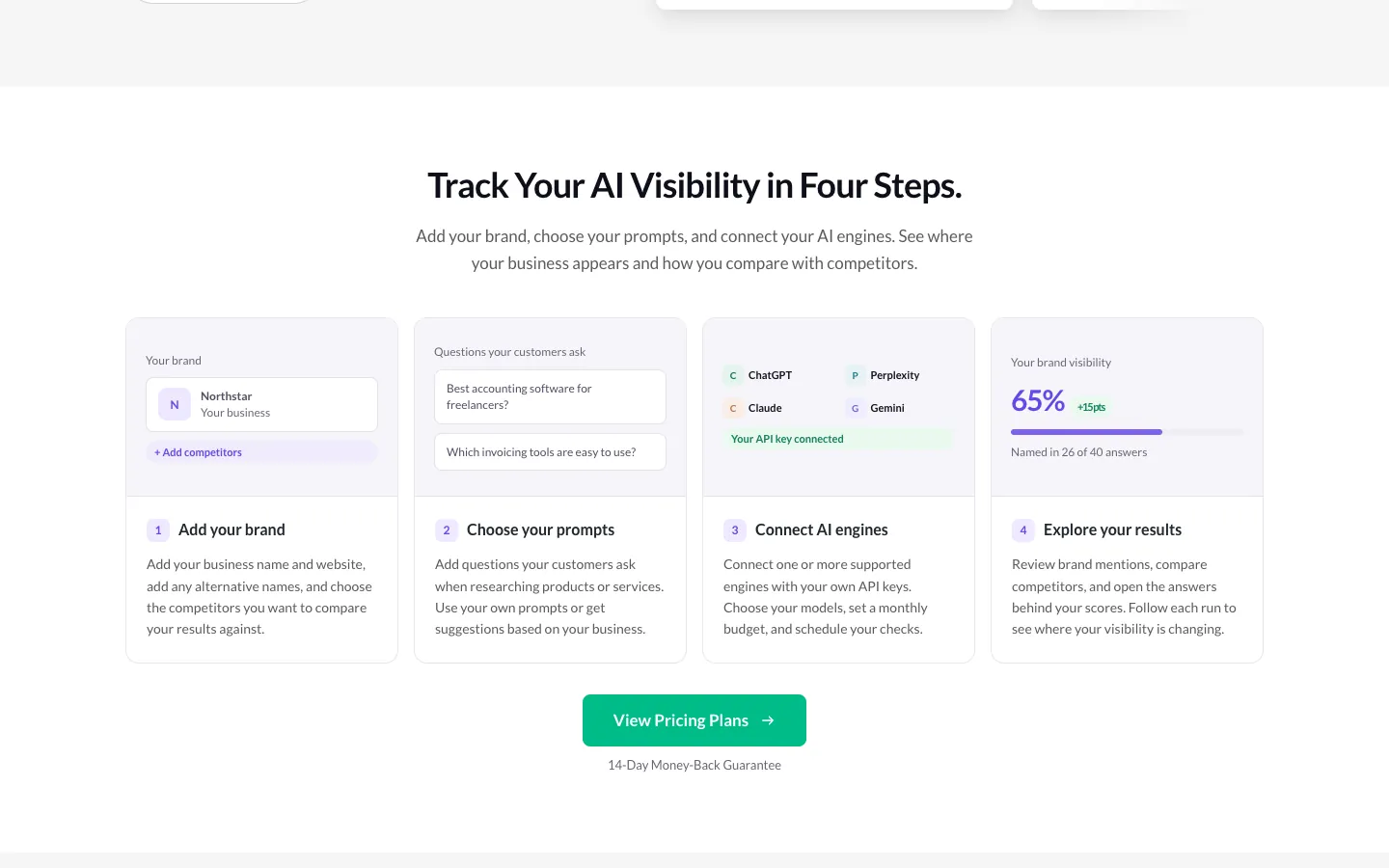
Your estimated monthly API spend sits right there in the plugin, so you can see something like $3.20 used against a $10.00 budget rather than discovering the bill later. Pricing works out to about $2.40 a month for 1 site, billed annually, and there’s a 14-day money-back guarantee if it turns out not to fit how you work. The plugin comes from a brand known for fast, lightweight, SEO-friendly tools, and keeping AI search rankings inside WordPress instead of another tab fits the way most site owners already operate.
StackMango’s AI Rank Tracker
StackMango’s AI Rank Tracker is the alternative worth knowing if you’d rather work in a browser. It’s a live, working tool, and it organizes your tracking around three ideas. “Questions that matter” lets you choose the prompts your audience actually asks. “Answers in context” shows your mention alongside the question, the model, the date, and the supporting sources. “A record over time” compares observations across runs.
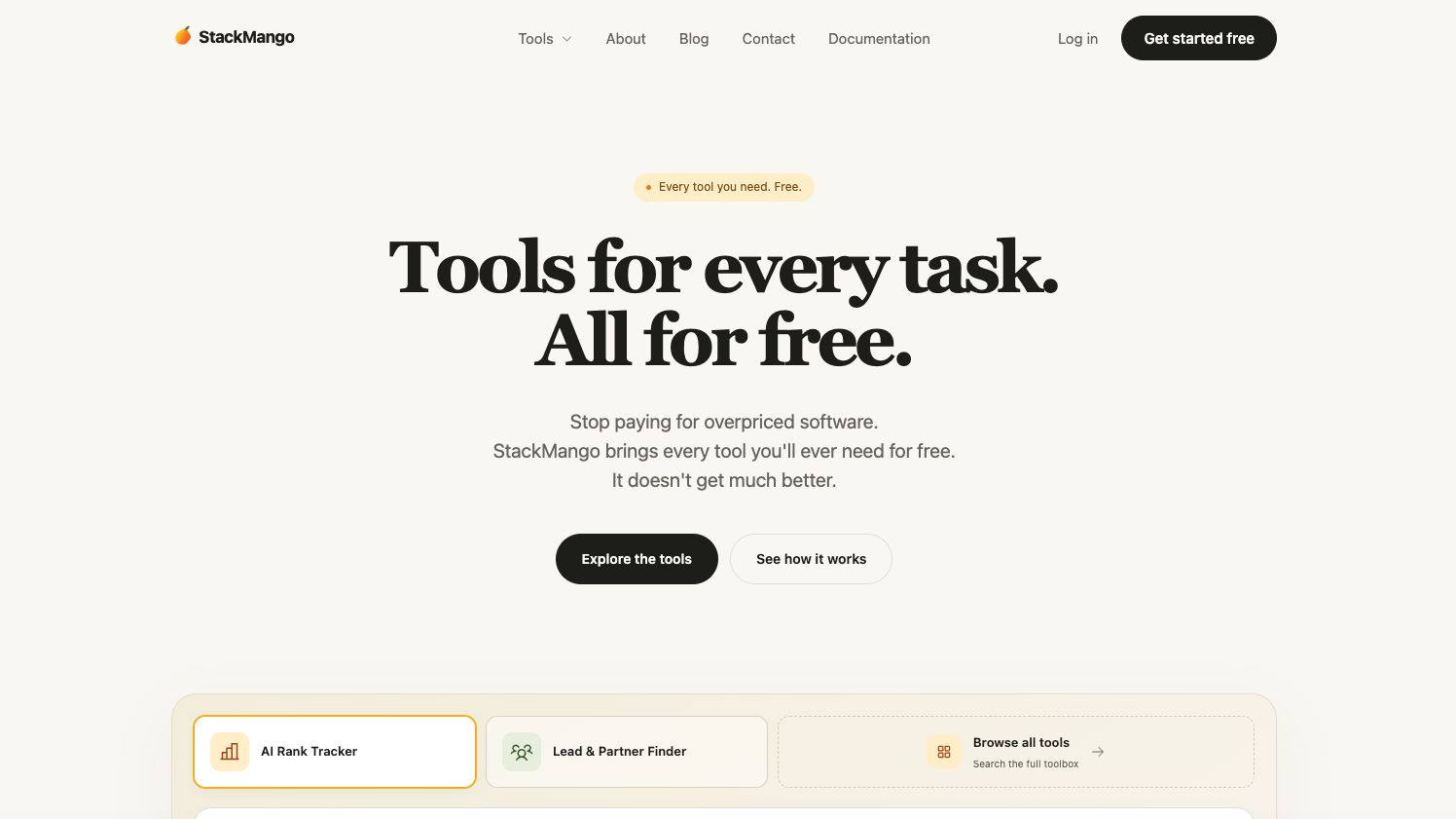
That last piece is what separates it from a one-off check. Because it focuses on audience-relevant prompts and keeps a running record of your visibility, it’s a solid alternative for spotting trends without sorting through raw API output. You get the trend line, not the log file.
The choice comes down to where you prefer to work. Pick SuperbThemes to track inside WordPress, or StackMango to work in a browser. Both use your own provider accounts.